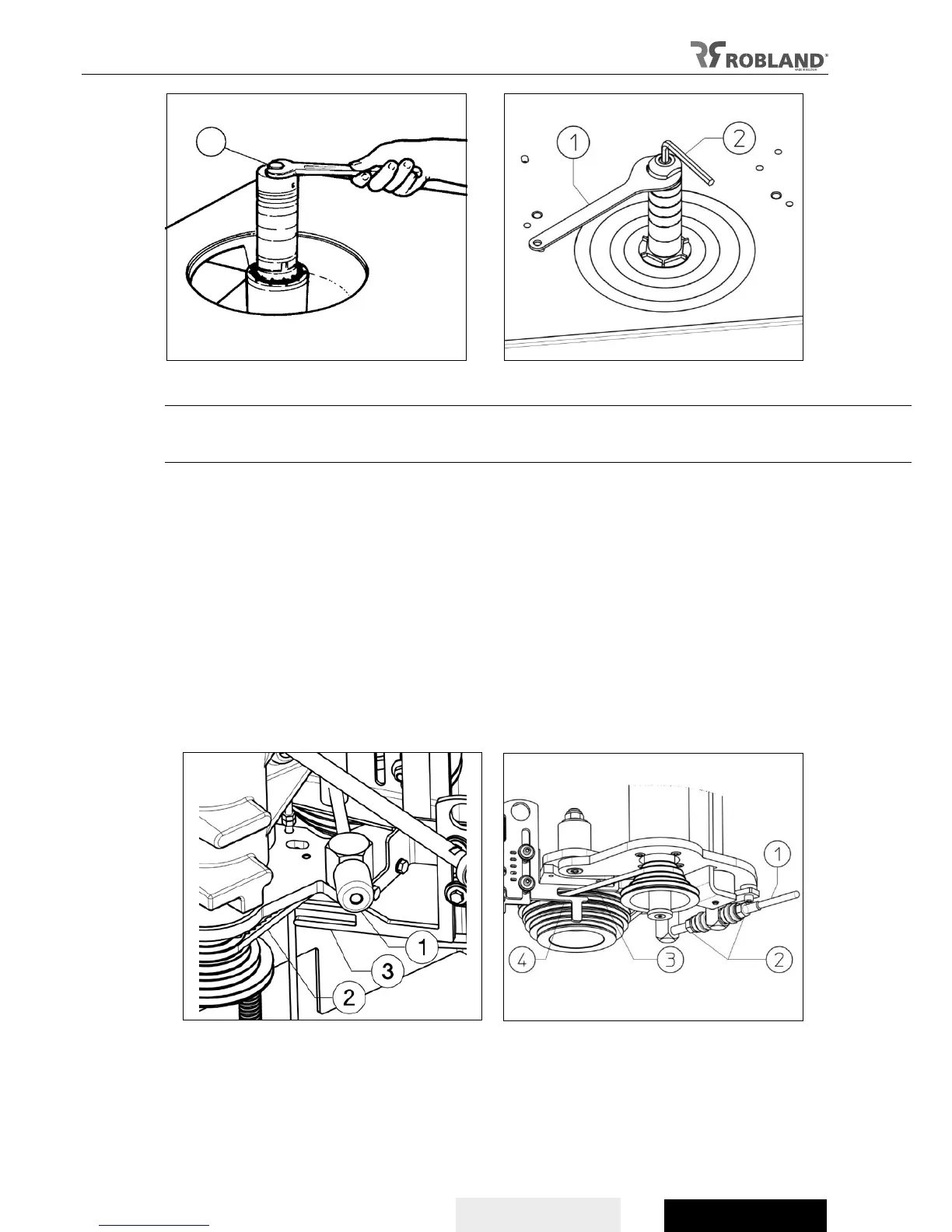
Fig.29 Fig.30
Changing and tensioning the belt
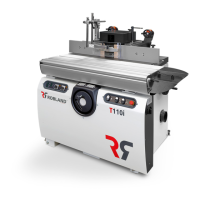
On T110i machines, the tension on the drive belt is loosened by pushing the lever (fig. 30.1) and thus
relaxing the belt. On T120 machines the drive belt is loosened by turning the knob (fig. 29.1).
The belt can be replaced and/or shifted when necessary. Choose the correct speed by placing the belt
(fig. 29.2 / fig. 30.3) in the respective grooves (see decal in machine). Then put the fork (fig. 29.3 / fig.
30.4) in the correct position and see that this position corresponds to the indication of the speed as
shown on the door. The belt must run through the fork without dragging.
On T110i machines, pull the lever (fig. 30.1) back into the starting position to obtain the correct
tension. On T120 machines turn the rotary knob (Fig. 29.1) to get the correct tension.
When after operating the machine for a while a reduction of the tension is observed, one must adjust
at the T110i milling machines the 2 nuts (Fig. 30.2), to obtain a normal tension of the belt. At the T120
milling machine, the belt is tightened by rotating the knob (Fig. 29.1).
To control the correct tension of the belt one must push in the middle between the 2 belt disks with an
average pressure of 3 kg. When if the belt bends 5 to 6 mm, it has the right tension. This can be
checked by pushing with a finger.
Fig.29 Fig.30


 To Next Page