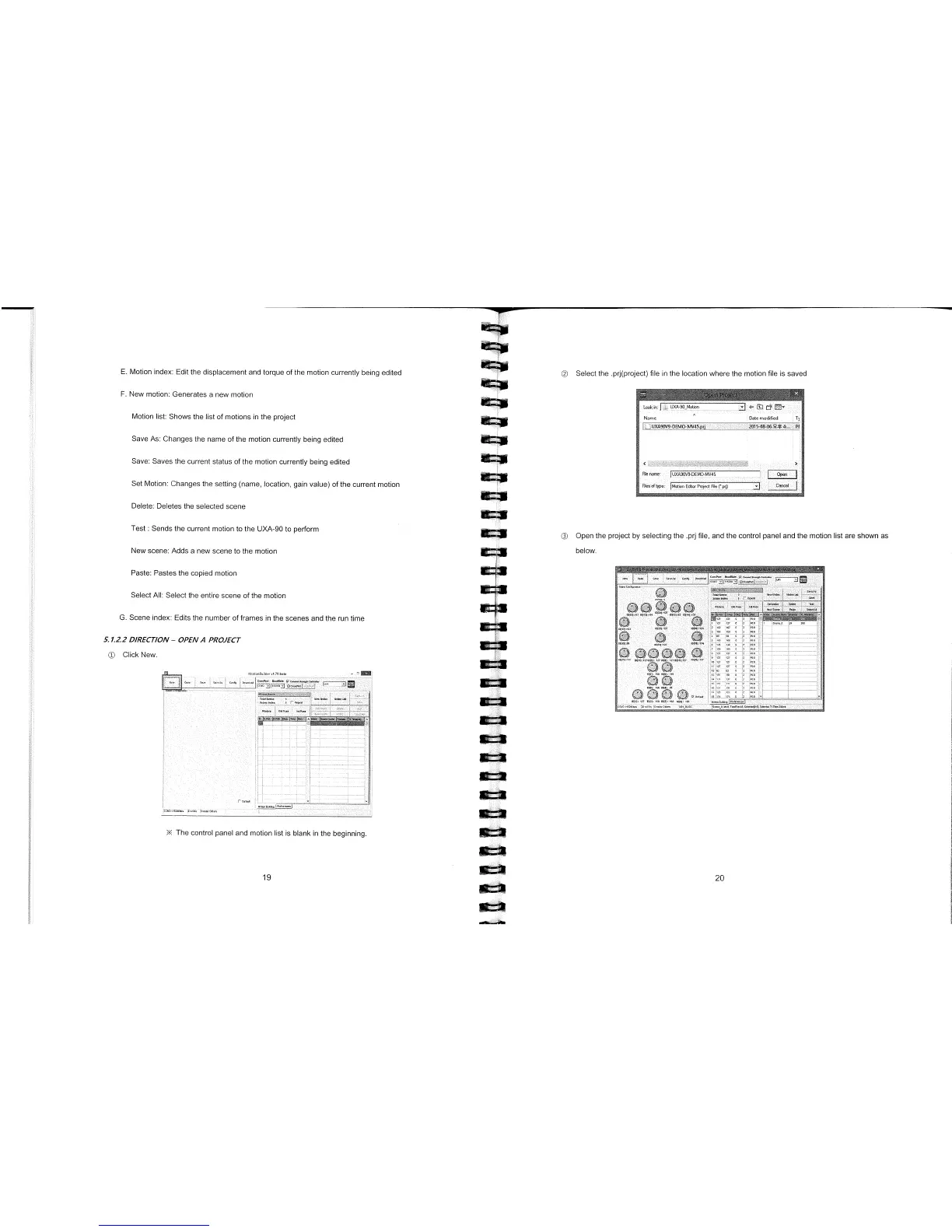
© Select the .prj(project) file in the location where the motion file is saved
E.
Motion index: Edit the displacement and torque of the motion currently being edited
F.
New motion: Generates a new motion
Motion list: Shows the list of motions in the project
Save As: Changes the name of the motion currently being edited
Save: Saves the current status of the motion currently being edited
Set Motion: Changes the setting (name, location, gain value) of the current motion
Delete: Deletes the selected scene
Test: Sends the current motion to the UXA-90 to perform
New scene: Adds a new scene to the motion
Paste: Pastes the copied motion
Select All: Select the entire scene of the motion
G.
Scene index: Edits the number of frames in the scenes and the run time
5.1.2.2 DIRECTION
-
OPEN A PROJECT
© Click New.
© Open the project by selecting the .prj file, and the control panel and the motion list are shown as
below.
OF
O
F
,
00
O
F
0
113
1
The control panel and motion list is blank in the beginning
19
20



 To Next Page