11111111011111
0
9
1 law
©
Complete editing the project by clicking [Apply Setting]..
21
*
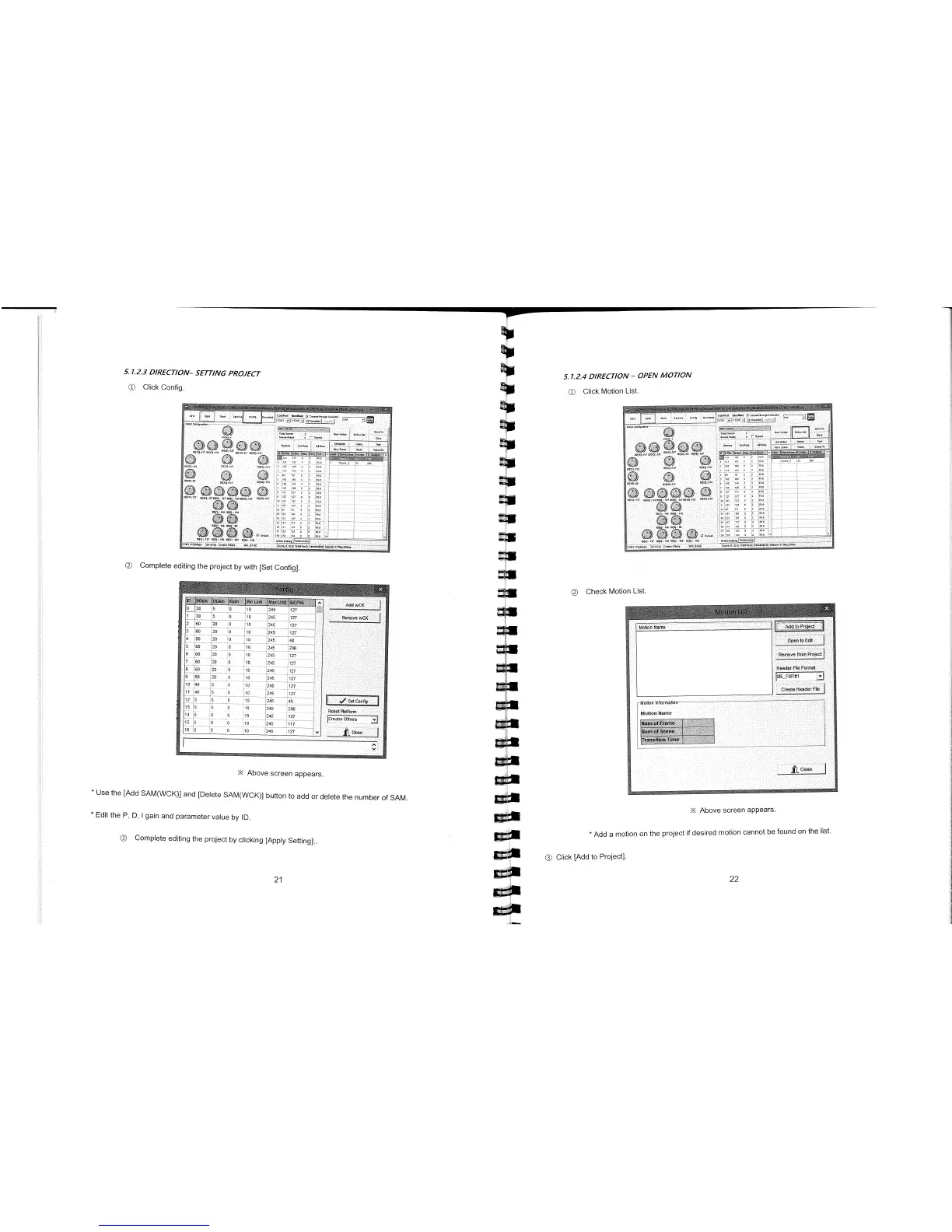
Add a motion on the project if desired motion cannot be found on the list.
©
Click [Add to Project].
22
5.1.23 DIRECTION
—
SETTING PROJECT
©
Click Config.
©
Complete editing the project by with [Set Config].
Above screen appears.
*
Use the [Add SAM(WCK)J and [Delete SAM(WCK)} button to add or delete the number of SAM.
*
Edit the P, D, I gain and parameter value by ID.
5.1.2.4 DIRECTION
-
OPEN MOTION
©
Click Motion List.
00 00
:1
52i
17,
21
11
000000
101001 121
mlftl1,TlDI1I
12
01001
10210001101
001 01
101
-
ao
:
;
202
Q000r
©
Check Motion List.
X Above screen appears.



 To Next Page