3-4
MODEL 54 C SECTION 3
PROGRAMING THE ANALYZER
This section describes how the three alarm setpoints can be changed.
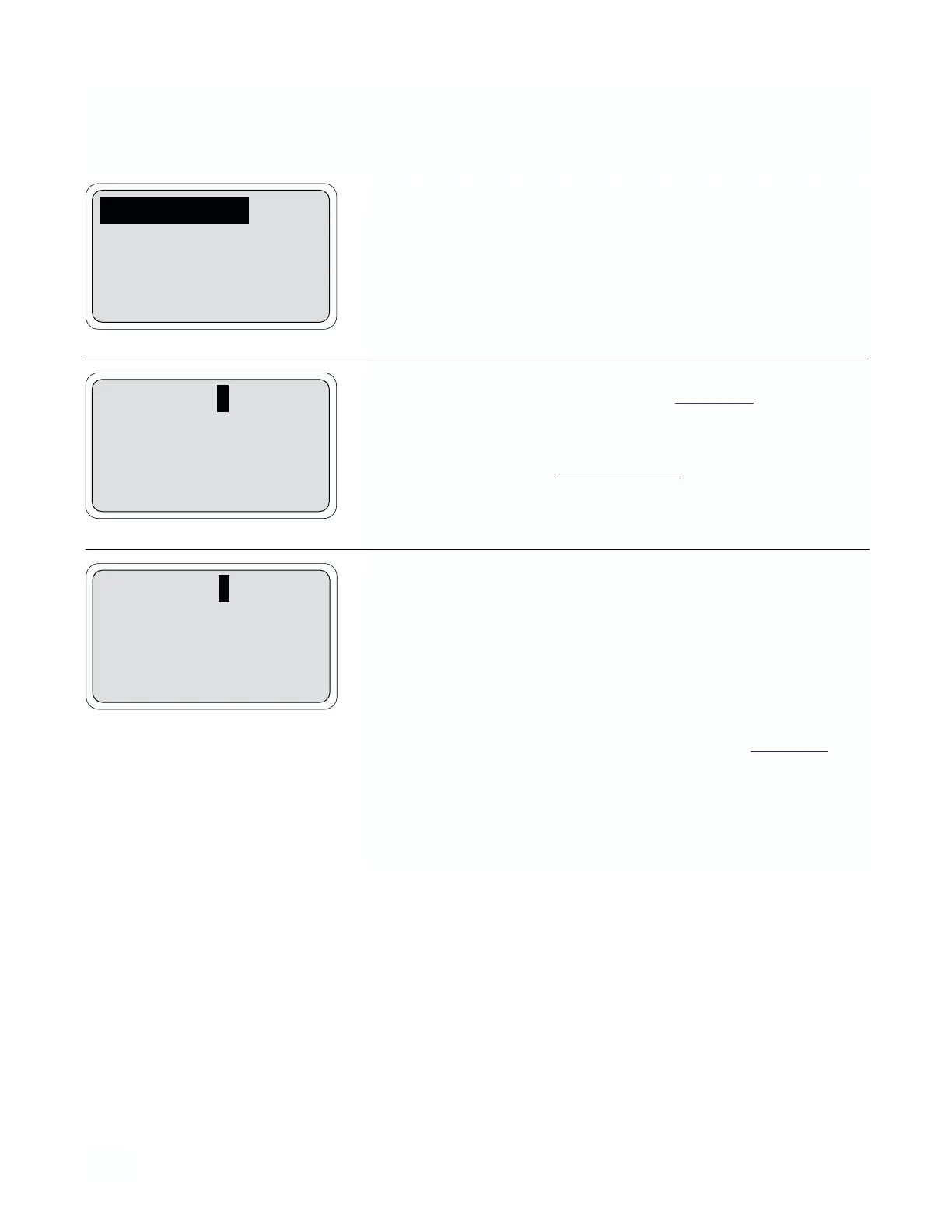
1. From the operating display, press any key to obtain the main menu.
With the down arrow key, move the cursor to “Program” and press
Enter (F4). With the cursor on “Alarm Setpoints”, press Enter (F4).
2. Alarms 1 and 2 will display the relay configuration as high, low or off
depending upon setting determined in Section 3.5
. After each set-
point is keyed in, press Enter (F4) and the cursor will immediately
move to the next line.
Conductivity Units
1 mho/cm = Siemen/cm = 1000 mS/cm = 1,000,000 µS/cm
1mS/cm = 1000 µS/cm
3. Alarm 3 will display the relay configuration as high, low or off if con-
figured as a process alarm. If configured as a timer, the selections
are on or off.
“On” - Initiates the timer sequence
“Off” - Deactivates the timer sequence
NOTE
Enter (F4) must be pressed after a cursor value is changed
for the analyzer to update. If “on”, is entered, see Section 3.5
for timer settings.
3.1 CHANGING ALARM SETPOINTS
Alarm setpoints
Rerange outputs
Configure
Exit Enter
Alarm 1 low: 0000 mS/cm
Alarm 2 high: 1000 mS/cm
Alarm 3 high: 1000 mS/cm
Exit Enter
Alarm 1 low: 0000 mS/cm
Alarm 2 high: 1000 mS/cm
Alarm 3 Timer: Off
Exit Enter


 To Next Page