3-12
MODEL 54 C SECTION 3
PROGRAMING THE ANALYZER
This section explains how to change the temperature sensor type.
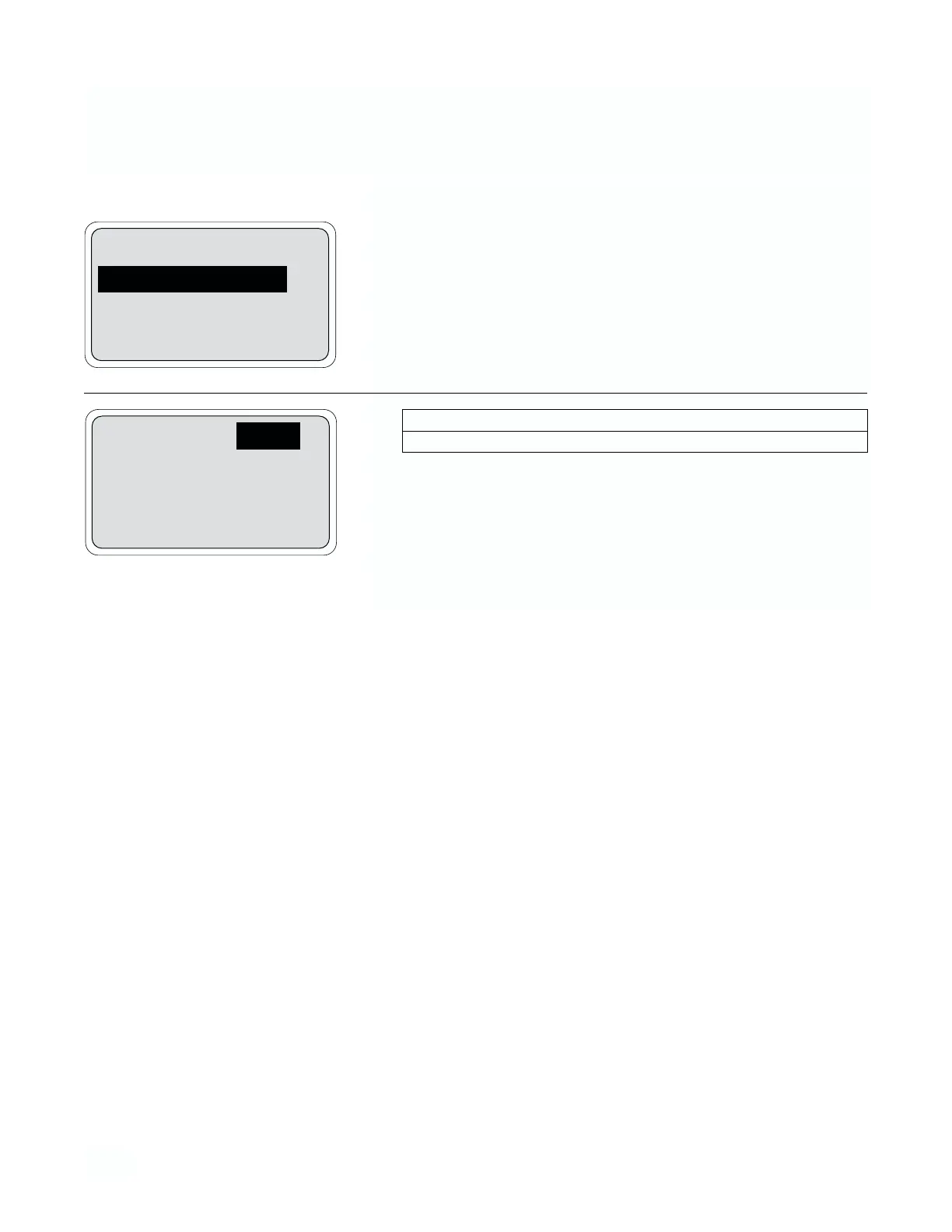
1. From the program menu, display configure menu, and press Enter
(F4) and More (F3). Move the cursor to “Temperature sensor” and
press Enter (F4).
2.
Pressing Exit (F1) several times will return the operating display.
3.7 CONFIGURATION OF TEMPERATURE SENSOR (RTD) TYPE
Temp sensor: Pt 100
Exit Enter
Security
Temperature sensor
Exit More Enter
Menu Item Options
Temperature sensor PT100/PT1000


 To Next Page