5-2
MODEL 54 C SECTION 5
DIAGNOSTICS AND TROUBLESHOOTING
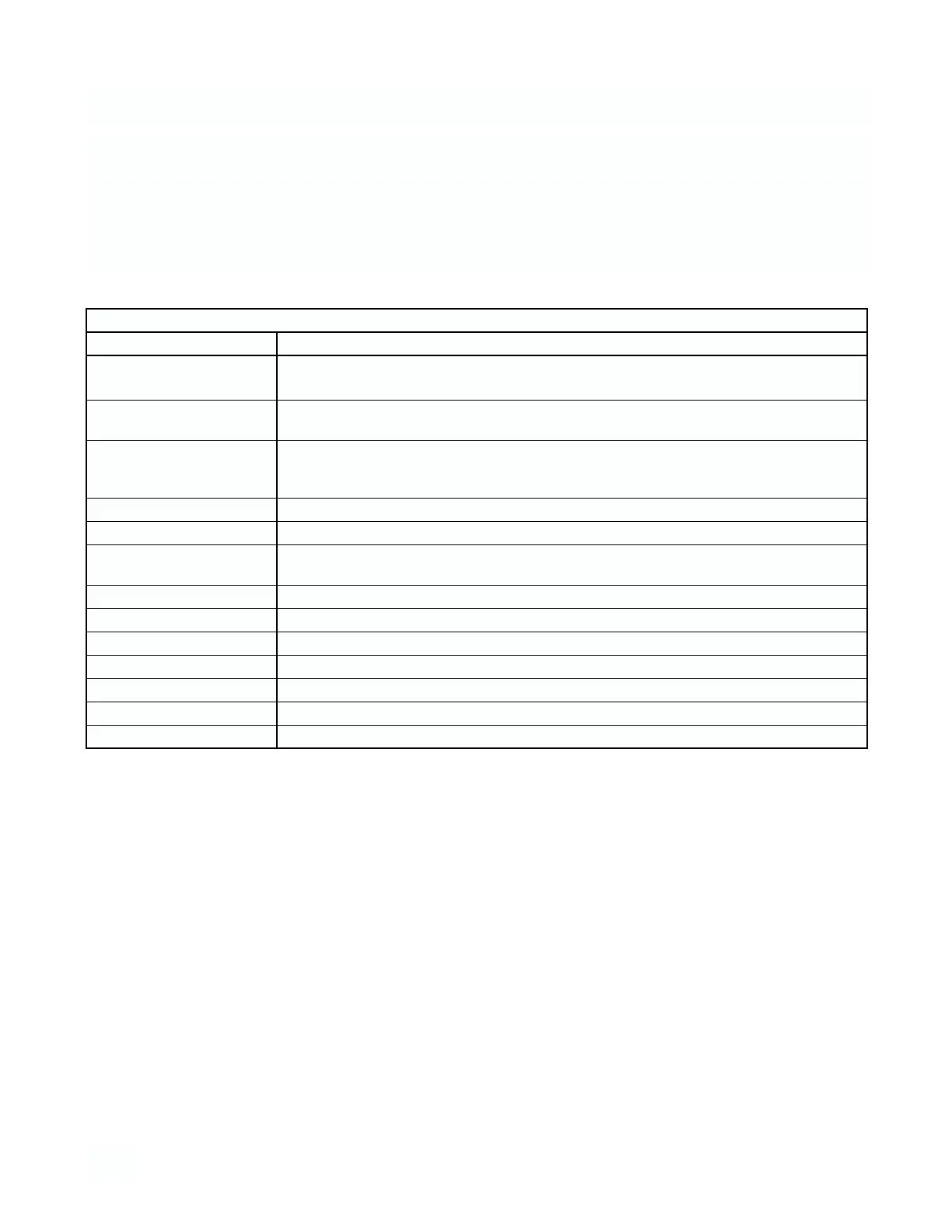
TABLE 5-1 Diagnostic Messages
Diagnostic Messages Description of problem
“Temp error high” 1. Open or shorted RTD.
“Temp error low” 2. Temperature out of range.
“Sensor line open” 1. Open wire between sensor and analyzer.
2. Distance between sensor and analyzer > 1000 ft.
“Failure - EEPROM” 1. Defective CPU board. Notify Rosemount Response Center.
“Failure - CPU” if cycling power does not clear the fault.
“Failure - Factory”
“Failure - ROM” Bad “ROM” chip on CPU board.
“Field cal needed” Outputs 1 and 2 need trimming.
“Hold mode activated” All relays are set open and outputs are set to default values.
(off line only)*
“Excess Input” High input from sensor.
“Reverse Input” Faulty calibration of sensor zero.
“Overange” Conductivity out of range.
“Hi reference drive” High electronics range error
“Lo reference drive” Low electronics range error
“Check Sensor Zero” Sensor zero needs adjustment
“Zero Offset Error” Sensor zero was unsuccessful
5.1 DIAGNOSTIC MESSAGES.
The Model 54 C software diagnostics constantly moni-
tor the loop for possible problems. If you encounter an
operational problem check the display for a fault or error
message (displayed in reverse video).
Note the message and refer to Table 5-1 for an expla-
nation of the message and a list of the possible prob-
lems that triggered it.
* Off line error messages. These displayed error messages will not initiate a fault condition, and will display on
one screen only. The message will clear from the screen when a key is pressed.


 To Next Page