3-11
MODEL 54 C SECTION 3
PROGRAMING THE ANALYZER
This section describes programming of three levels of security:
I. Lock out all access (read main screen only)
II. Lock out program features (only calibration is allowed)
III. Lock out configuration features (only calibration, alarm setpoint and
rerange output setpoints (4 and 20 mA values) are allowed)
For convenience, the level 3 security code will be accepted at levels
1 and 2 and the level 2 security code will be accepted at level 1.
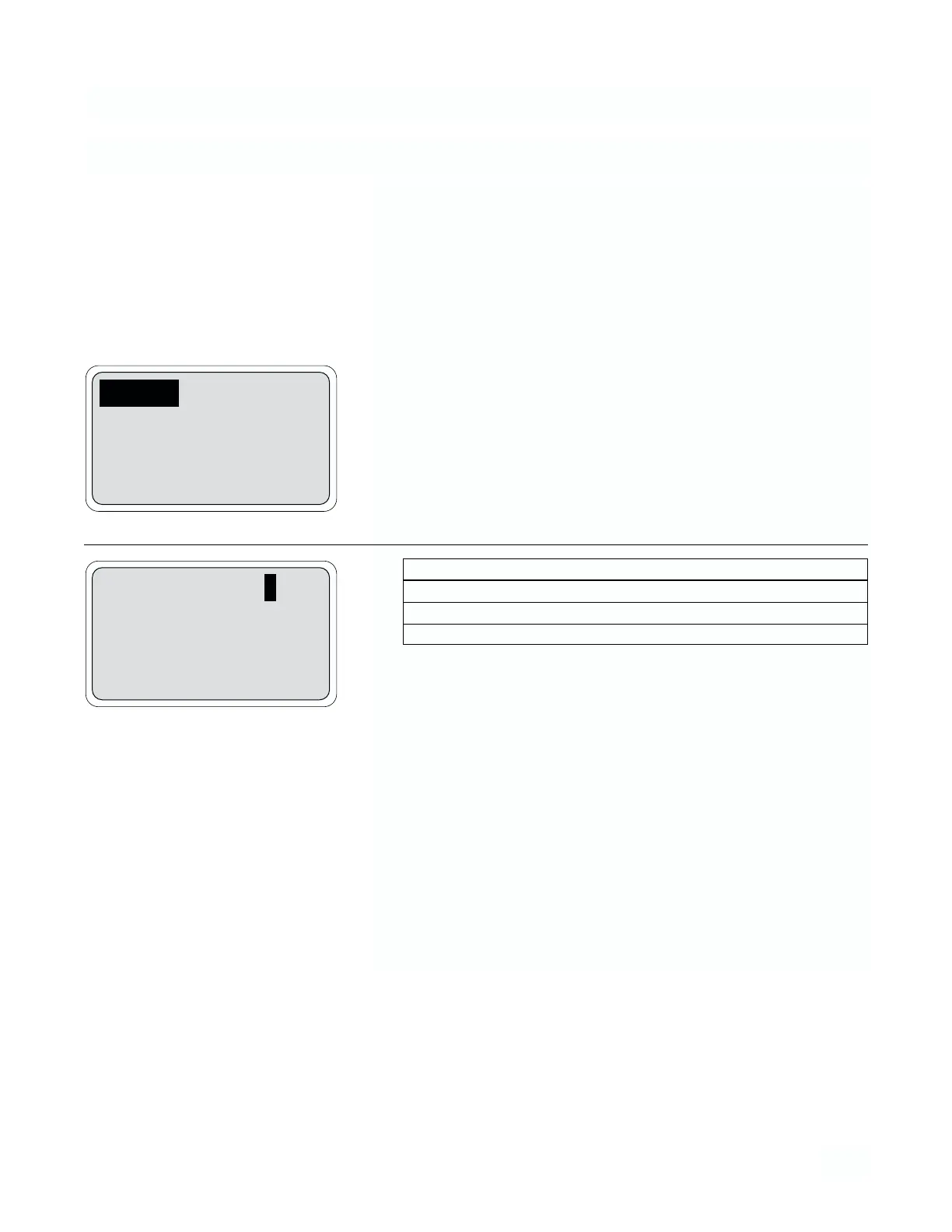
1. From the program menu display configure menu and press Enter (F4)
and More (F3). Move the cursor to “Security” and press Enter (F4).
2.
Pressing Exit (F1) from this display returns screen to previous func-
tions.
NOTE
A code of 000 disables security for that level.
NOTE
The security feature will not activate until two minutes* after
the last keyboard activity. It will activate immediately if
power is removed from the analyzer then restored.
NOTE
To access the code if it is forgotten, press and hold F4 Key
for 5 seconds, The security screen appears with the code in
the display.
* when simulating outputs, or during a hold condition, the
time out period is extended indefinitely.
3.6 CONFIGURATION OF SECURITY LEVELS
1 Lock all: 000
2 Lock program: 000
3 Lock config: 000
Exit Enter
Security
Temperature sensor
Exit More Enter
Menu Item Options
1 Lock all 000-999
2 Lock program 000-999
3 Lock configuration 000-999


 To Next Page