5-4
This section explains how the following diagnostic information can be dis-
played at a glance.
1. Absolute conductivity
2. Cell constant
3. Cell factor
4. Temperature slope
5. Software version
Use the following procedure to display the diagnostic variables:
1. From the operating display, press any key.
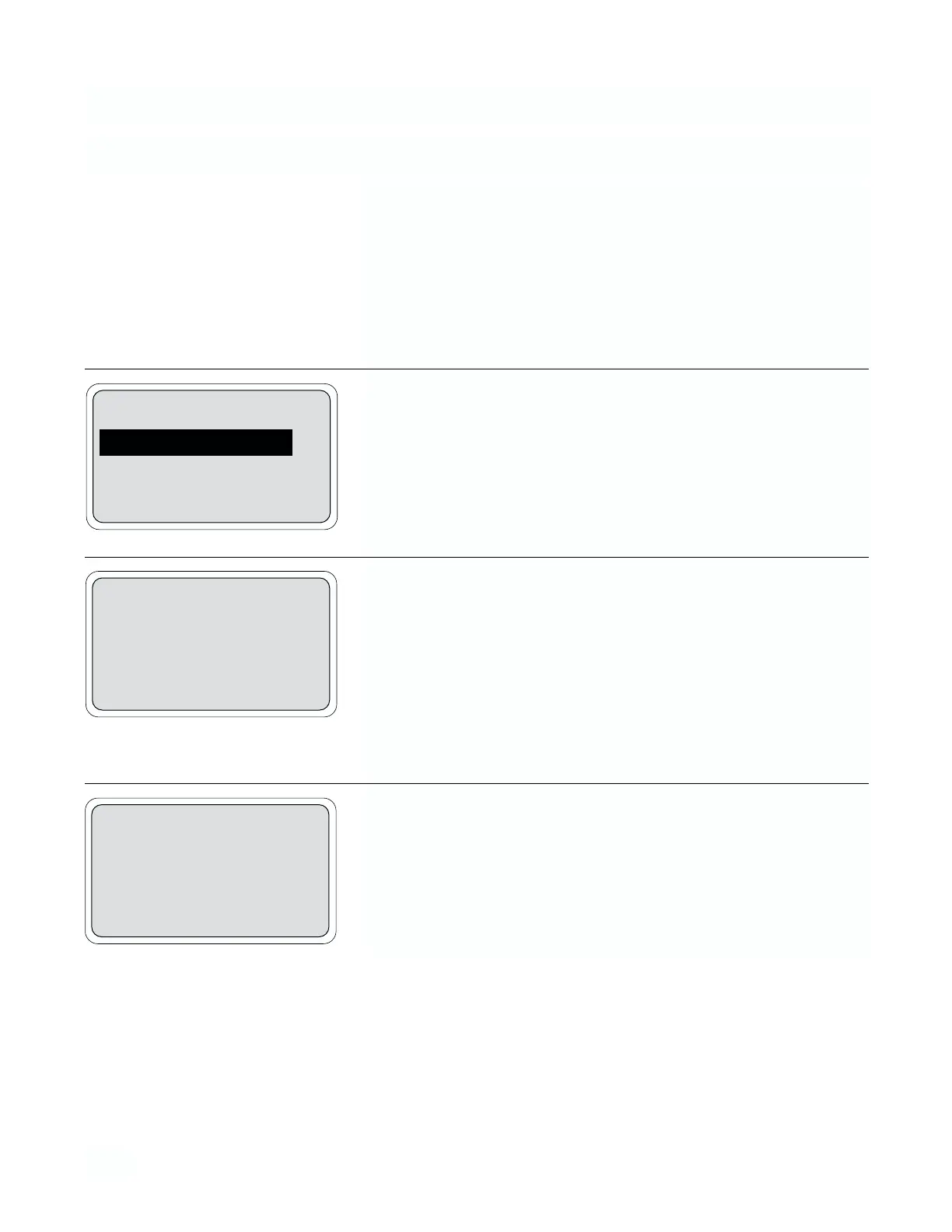
2. With the down arrow key move the cursor down to “Diagnostic
Variables” then press Enter (F4).
3. The first diagnostic variable screen displays absolute conductivity,
cell constant and cell factor. To display the second screen, press
More (F3).
The absolute conductivity is affected by the cell constant, the cell factor
and the conductance signal from the sensor but is not temperature com-
pensated.
The cell constant is a property of any specific sensor and does not
change. The cell factor indicates nonidealety due to various factors.
4. The second diagnostic variable screen displays temperature,
slope, and software version. To redisplay the first screen, press
More (F3). To return to the main screen, press Exit (F4) until the main
screen is reached.
NOTE
“X” in example will be a numerical value. Software versions will also
be printed on serial tag.
MODEL 54 C SECTION 5
DIAGNOSTICS AND TROUBLESHOOTING
5.2 DISPLAYING DIAGNOSTIC VARIABLES
Calibrate
Diagnostic Variables
Program
Exit Enter
Abs cond: 1000 mS/cm
Cell constant: 2.00
Cell factor: 1.00
Exit More
Temp slope: 2.00 %/°C
Version: 54C.X
Exit More


 To Next Page