14
MODEL 1054B pH/ORP SECTION 3.0
DESCRIPTION OF CONTROLS
SECTION 3.0
DESCRIPTION OF CONTROLS
3.1 KEYBOARD FUNCTIONS.
All functions of the 1054B are accessed through key-
board entry routines. The analyzer uses no switches or
potentiometers.
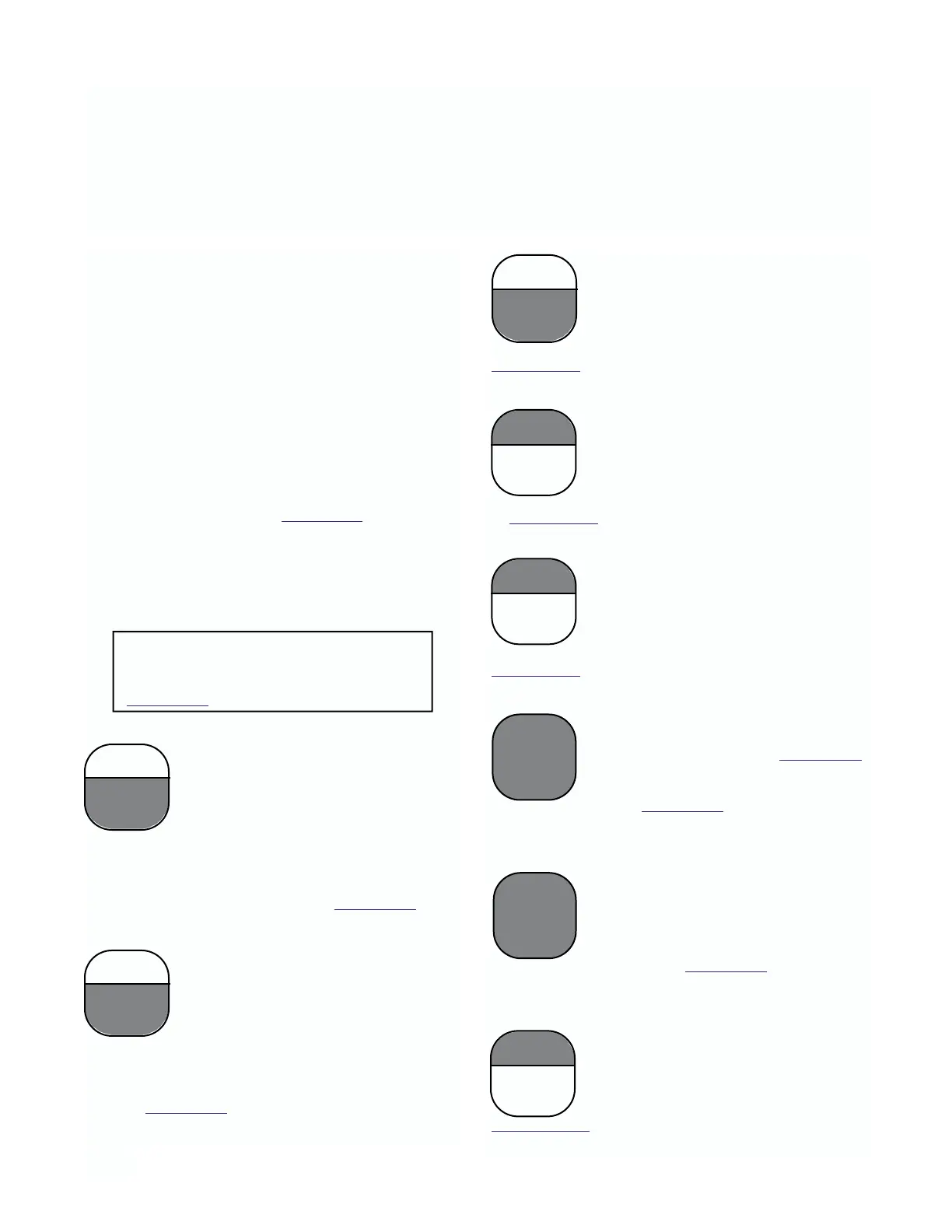
The four keys across the top row and the CAL (pH
only) and ENTER keys are dual function. One press of
the key will display the value of the function shown on
the lower portion of the key. A quick double press of
the key will display the value of the function shown on
the upper portion of the key. Each of these keys have
read functions that can be accessed without security
code entry. Each key also has a calibration or set func-
tion when used with the SELECT key. This function
requires entry of the security code when the security
feature is active. (Refer to Section 6.0 for keyboard
security.)
NOTE
When no key is pressed for a period of 60
seconds the analyzer will default to read-
ing pH.
CAUTION
The HOLD function and the CAL func-
tion are not read functions. Refer to
Section 5.3.
A. Standardize pH/ORP. Standardization
of the pH/ORP sensor is achieved by
pressing the PV key once, followed
immediately by pressing the SELECT
key. Std displays to acknowledge the
standardize function, followed by the
Numeric Display for user input. Entering the known
pH/ORP of the measured solution will cause the ana-
lyzer to restandardize the sensor. The pH glass slope
value will not be changed. Refer to Section 5.4
.
B. Standardize Temperature. Stand-
ardization of the temperature is achieved
by pressing the TEMP key once, followed
immediately by pressing the SELECT
key. AdJ displays to acknowledge the
standardization function, followed by the
Numeric Display for user input. Entering the known
temperature of the measured solution will cause the
analyzer to restandardize the temperature reading.
Refer to Section 5.2
.
C. Alarm 1 and Alarm 2 Setpoint. The
alarm setpoint may be adjusted by
pressing the ALARM 1 or ALARM 2 key
once, followed by pressing the SELECT
key. AdJ displays, followed by the
Numeric Display for user input. Refer to
Section 4.10.
D. Current Output – Zero Setpoint. The
zero point (0 or 4 mA) of the pH output
range is adjusted by pressing the ZERO
key twice, followed by pressing the
SELECT key. AdJ displays, followed by
the Numeric Display for user input. Refer
to Section 4.11.
E. Current Output – F.S. Setpoint. The
full scale point (20 mA) of the pH out-
put range is adjusted by pressing the
F.S. key twice, followed by pressing
the SELECT key. AdJ displays, followed
by the Numeric Display for user input. Refer to
Section 4.11.
F. Two Buffer Calibration (pH). A two
buffer calibration is initiated by pressing
the CAL key once. Refer to Section 5.3.
Calibration (ORP). A calibration is
initiated by pressing the CAL key once.
Refer to Section 5.3.
G. pH Glass Slope. The millivolt output
per pH unit is adjusted by pressing the
CAL key twice, followed by pressing the
SELECT key once. AdJ displays, fol-
lowed by the Numeric Display for user
input. Refer to Section 5.5.
H. Simulate Current Output. The pH
output can be simulated by pressing
the PV key twice, followed by pressing
the SELECT key. The Numeric Display
appears for user input. Refer to
Section
4.12.
ZERO
ALARM 1
OUTPUT
PV
HOLD
TEMP
CAL
ZERO
ALARM 1
F.S.
ALARM 1
OUTPUT
PV
CAL



 To Next Page