32
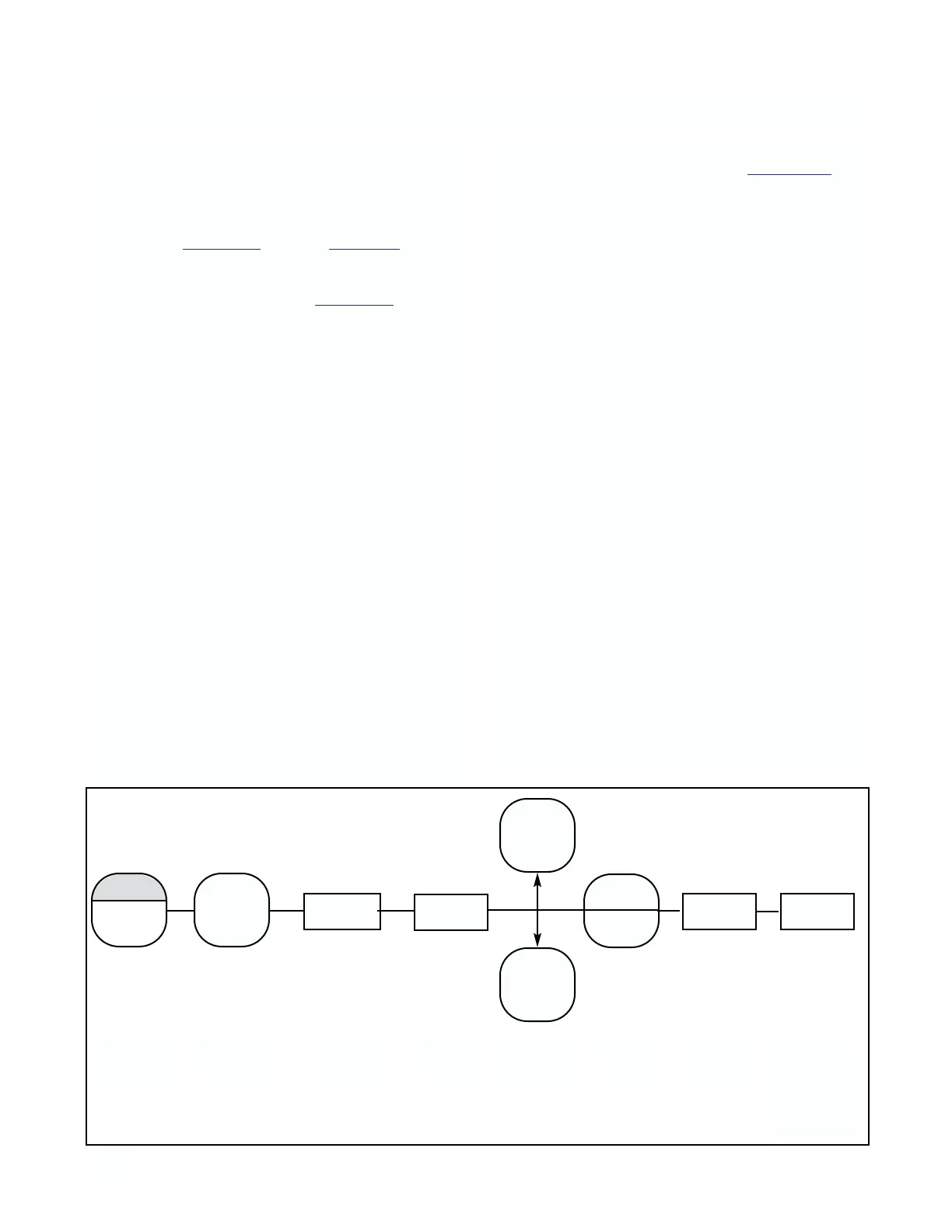
4.12 SIMULATE CURRENT OUTPUT. The output can
be simulated to check the operation of devices such
as valves, pumps, or recorders. The output can be
simulated in either current (mA) or percent of full
scale, depending on how the output display, d-O, was
configured in Section 4.5 (Refer to Figure 4-6).
A. Simulate Output in Percent SiP. The output can
be simulated in percent if d-O in Section 4.5 was con-
figured to display percent Pct.
1. Press the PV key once to insure that the analyzer is
not in the Set Mode.
2. Press OUTPUT key twice. The display will show
Pct briefly, then display the output value in per-
cent of full scale.
3. Press the SELECT to simulate the output. The
display will briefly acknowledge with SiP fol-
lowed by the Numeric Display with digit flashing.
4. SCROLL (
é
) and SHIFT (
ç
) to display the
desired value.
5. ENTER value into memory. The display will show
Pct and display the entered value. Also, the dis-
play will flash to acknowledge that the analyzer is
placed on hold HLd.
6. To remove the analyzer from hold, press the
HOLD key twice. The hold flag on the display will
be removed and the display will stop flashing.
B. Simulate Output in Current SiC. The output can
be simulated in mA units if d-O in Section 4.5 was
configured to display current doc.
1. Press the PV key once to ensure that the analyzer
is not in the Set Mode.
2. Press the OUTPUT key twice. The display will
show doc briefly, then display the output value in
mA.
3. Press SELECT to simulate the output. The
display will briefly acknowledge with SiC fol-
lowed by the Numeric Display with digit flashing.
4. SCROLL (
é
) and SHIFT (
ç
) to display the
desired value.
5. ENTER value into memory. The display will show
doc and display the entered value. Also, the dis-
play will flash to acknowledge that the analyzer is
placed on hold HLd.
6. To remove the analyzer from hold, press the
HOLD key twice. The hold flag on the display will
be removed and the display will stop flashing.
OUTPUT
PV
ACCESS
ç
SELECT
é
SiC/SiP Pct/doc
ç
SELECT
ENTER
Press
Twice
Press
Once
Displays
Briefly
Displays
Briefly
Numeric
Display
Change to
desired
value
Press
Once
Numeric
Display
of Output
(Analyzer
in hold)
FIGURE 4-6. Simulate Current Output
MODEL 1054B pH/ORP SECTION 4.0
CONFIGURATION



 To Next Page