Wireless N Adapter RNX-N150PCx User Manual
3.2 Software
Installation
Note: The following driver installation guide uses Windows® XP as
the presumed operation system. The procedures and screens in
Windows® 2000 and Vista are familiar with Windows® XP.
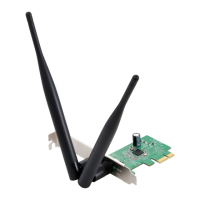
1. After Inserted PCI adapter into your computer. The system should
find the newly installed device automatically like Figure 3-2. Click
cancel to close this w
indow.
Figure 3-2
2. Insert the CD-Rom that came with this product to your CD-Rom drive.
The menu window pops up automatically as Figure 3-3. Please click
the “Driver” button of this product. Note: If the CD-Rom fails to
auto-run, please click on “My Computer”> your CD-Rom Drive>
(folder of this product)> Driver then double-click the “Setup” icon
to start this menu.
Figure 3-3
- 14 -




 To Next Page