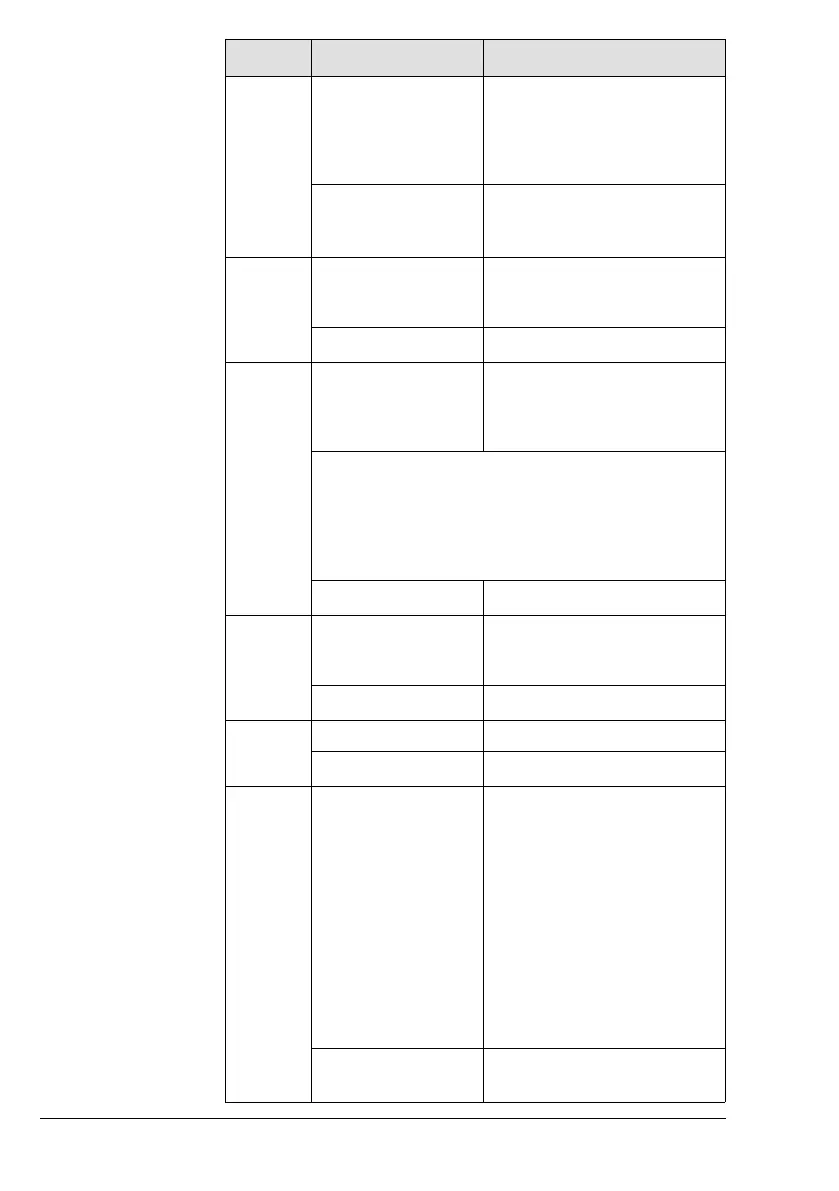
Step Step Description Procedure
engine and perform
troubleshooting.
Display CAN A/B: Check and
ensure compliance with opera-
tional limits.
Example (Symbolic) Warning Lamp A: Check
Warning Lamp B: Check
Pilot Display: Check
6 Activate ECU Lane A HIC A: Connect Terminal 1 and
Terminal 7 to power ECU Lane
A
Example (Symbolic) Lane Select Switch A: ON
7 Await Warning Indi-
cator A to extinguish
and consider slack
time.
HIC A: If a 12 V voltage drop
between Terminal 2 and Termi-
nal 8 for 3 second.
NOTE
After the voltage drop between Terminal 2 and
Terminal 8 changes back to 0 V wait approx 3
seconds until continuing with the next step.
Example (Symbolic) Warning Lamp A: Check
8 Deactivate ECU
Lane B
HIC B: Disconnect Terminal 1
and Terminal 9 to turn OFF
ECU Lane B
Example (Symbolic) Lane Select Switch B: OFF
9 Wait > 15 seconds
–
Example (Symbolic) Wait
10 Check engine instru-
ments (Warning Indi-
cators and
Operational Limits)
and ensure compli-
ance with the operat-
ing limits.
HIC A: If a 12 V voltage drop
between Terminal 2 and Termi-
nal 8 (permanent or oscillating)
is detected, shut off engine and
perform troubleshooting.
HIC B: If a 12 V voltage drop
between Terminal 2 and Termi-
nal 10 (permanent or oscillat-
ing) is detected, shut off engine
and perform troubleshooting.
Display CAN A/B: Check and
ensure compliance with opera-
tional limits.
Example (Symbolic) Warning Lamp A: Check
Warning Lamp B: Check
Page 3-16
December 01 2017
BRP-Rotax Effectivity: 915 i A Series
Edition 0 / Rev. 0



 To Next Page
 Loading...