5
THE SOFT KEYBOARD
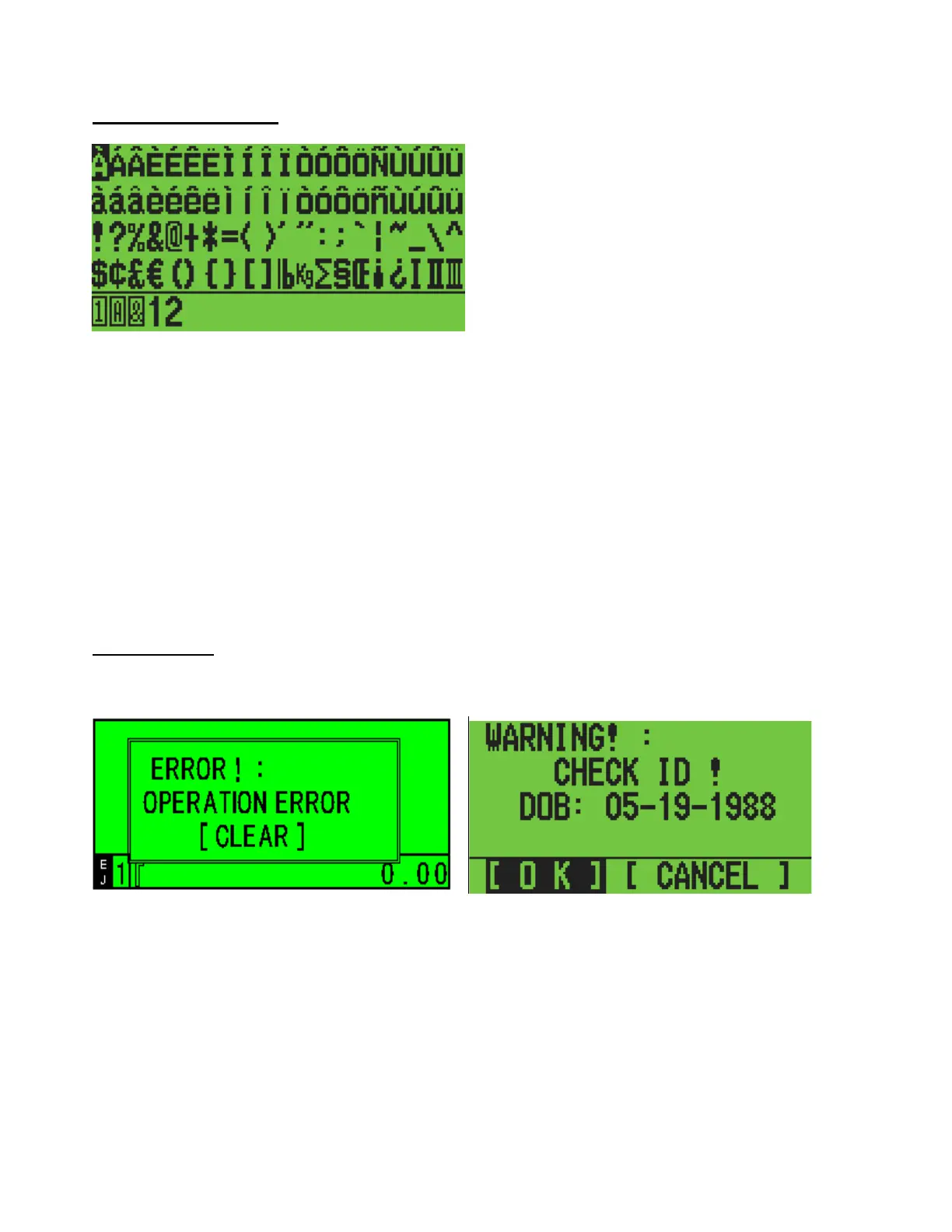
A reversed character shows the position of the cursor.
Use the ←↑↓→ keys to move. (When you keep moving to the right or left, the line you’re on will
scroll to display the following character or symbol.)
To enter the character at the cursor, press ENTER key.
Characters on the TEN key and the DEPT key are also available to use.
When you press the ‘charge’ key, the next characters will be double wide characters.
Press the
#
/NS key again and the soft keyboard mode will close and the display returns to the
Entry Mode.
POP UP MENU
The examples illustrated below will appear when an error occurs or a warning appears.
Check the message and select the option you need. Then close the theme by pressing the ENTER
or CLEAR key.
For the illustration above on the right, select the option you want by using the [←] [→] key
and then press [ENTER] to close.



 To Next Page