ADVANCED PROGRAMMING
USE
"PRG"
MODE
FOR
ALL
PROGRAMMING
GENERAL INFORMATION
The programmlngoprJons on your electronic cash register iIIe
deslgne<1
to
let you customize your machine
operatJans
printouts. and reports
to
nt
your
Individual business
nee<1s:
and
to
change as your needs may d1ange. '
The examples
for
each preset
option
show
quite clearly the keys
that
must
be
punched
and the order in
which
they
are used. When a preset
aption-is
entered in a way that is
acceptable
to the m'achine, the
"PAG"
display indicator
appears.
You
may
run
a tape to
check
your
presets at any
time
you
are
in the
"PRG"
mode.
Please note that your Individualized preset programming may
be
as simple or complex as your needs dictate. It
Is
nOI
necessary
to
set and utilize all of the many
optJons
avallable. A non-utilized preset op!lon will show up
as
one or more
zeroes
on your
Check
tape.
PRESET PROGRAMS AND FUNCTION
F1..AGS
Pr
...
ts
allow you
to
enter numeric Information that will be constant throughout your transactlons. These entries will
save
you a great deal ot
Ume
dUring the register
opera~on
because they iIIe pre-entered and do no! need
to
be
keyed-In repeatedly
each
tJme
they iIIe used. They may also
be
chaJ'lge<1
when your individualized data changes.
Flags iIIe
use<1
to
change functJon formats trom
the
way they are programmed Into
tJie
cash register at
the
factory.
EaCh
flag chart has a column headed by
"0"
(zero) which Indicates the way that nag Is factory-set. The balance at each chartshowl
the o!her
choices available
for
one or more functions associated with thaI nag. The machine will
u~llze
the factory-set
format
unless you program-In ather optJons.
On
the
charts, an
"0"
means
yas
and
an
"X"
maans
no. When necessary,
sldf!.
notea
IdenrJty
other lettel'keys on !he charts. PreseUi begin on page
12
and functJon tlags begin on page 17.
OEPARTMEHTUNITPRICE
-Allows.you
to
assign
a
set
price
into
a
Department
key
for
qUick
ring-ups.
s.J1
department unit prices usIng numbers up
to
seven dlglUilong.
~ote:
it.
is
not
necessary
to
press
the
decimal
point
when
programming
In
a
price.
Type
[nnnnnnn]
(7-dlglt unit
prl!:'..e),
press rDP] (DP refers
to
numbered Department key.)
Examples:
Settlng a unit price
01
100 for depilltment code
1:
Type [1]. [0]. (0]. press [DEPARTMENT
1],
to
p
rog
ram
a
price
of
one
dollar
in
department
one.
Settlng a unit price of 150 for department code
2:
Type [1]. [5]. [0]. press [DEPARTMENT 2].
to
p
rog
ram
i;l
price
of
one
dollar
and
.50
cents
in
department
two.
J
Setllng a unit price
011240
for department code
,8:
Type
[1
j, [2).
[41.
[0]. press [DEPT. SHIFT] then [DEPT. 18].,
to
program
a
price
of
$12.40
in
department
18.
OEPARTMENT LINKS
You may link a department
to
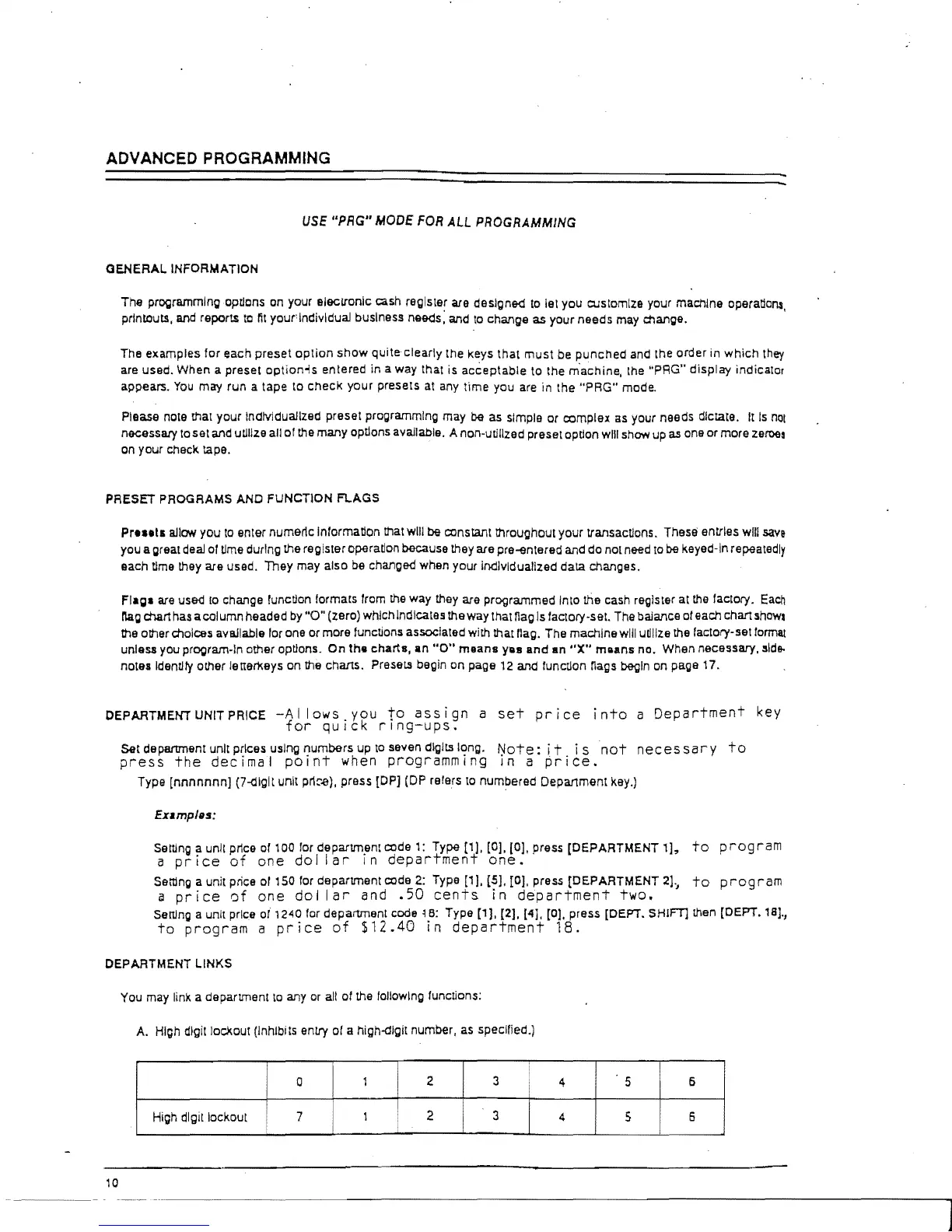
any or all of the following functions:
A.
High dlgitlocXout (Inhibits entry of a high-dlgit number. as specified.)
•
0
1
2
3
4
5
6
High digit lockout
7
1
2 3
I
4
5
6
10



 To Next Page