RTI INTELLIGENT MEETINGS
Technical Support: support@rticontrol.com - Customer Service: custserv@rticontrol.com 20
1. Overview
This page displays the current rmware version, current HDMI
®
output video timing in use, and the
current HDCP settings for the UC-IVB-50.
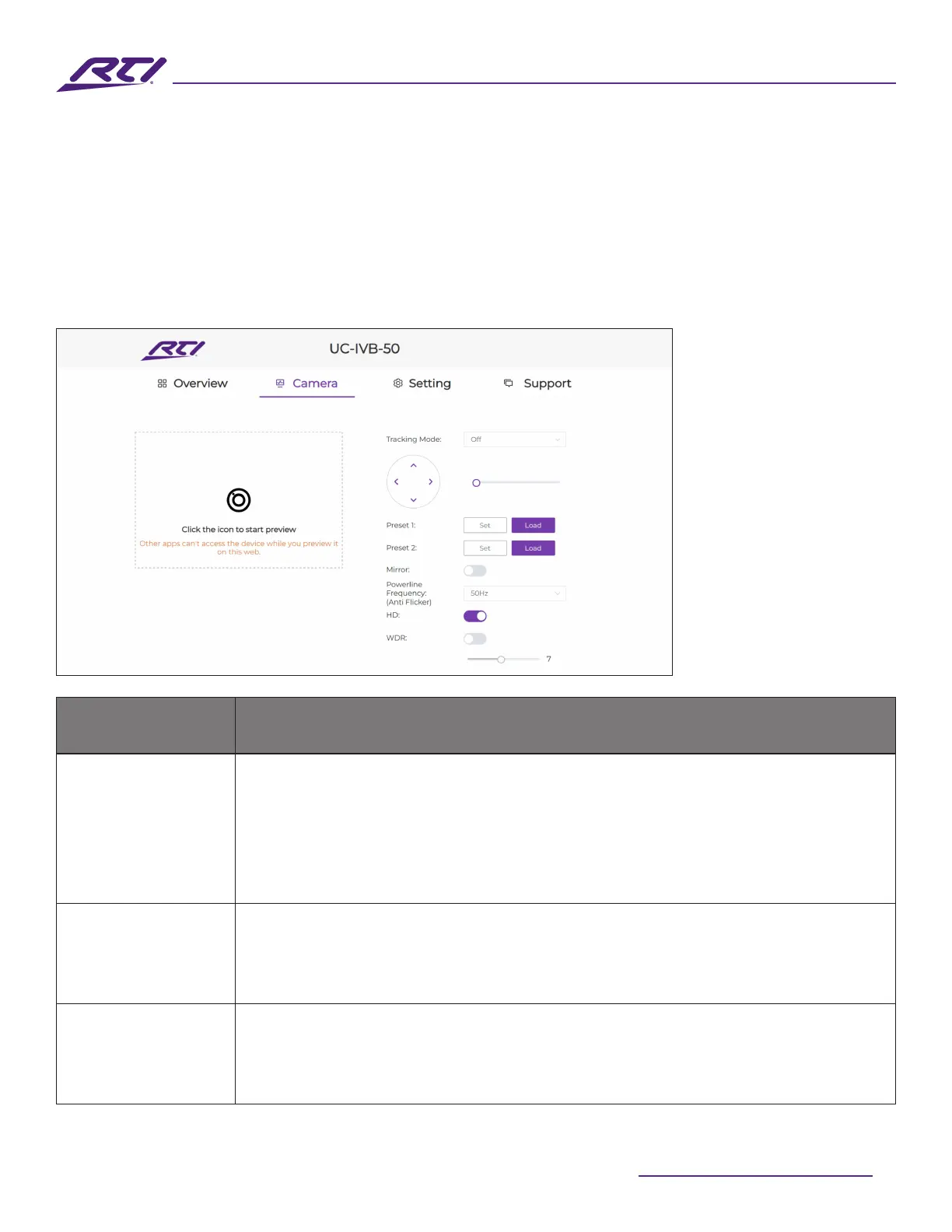
2. Camera
GUI Elements Description / Options
Tracking Mode
• Auto Framing (default setting): Camera tracks group participants
automatically.
• Speaker Tracking: Camera tracks speakers automatically.
• Presenter Tracking: Camera tracks the rst recognized presenter
automatically.
• O (manual ePTZ control)
Position and Zoom
The position and zoom controls (ePTZ) are only available when the Tracking
Mode is set to O.
• Use the directional buttons to pan the camera, up, down, left, and right.
• Use the slider bar to zoom in and out of the image (up to 5x zoom maximum)
Tracking Eect
Tracking eect is only available when Auto Framing is selected.
• Smooth (default setting): The camera pans smoothly while tracking participants.
• Immediate: The camera quickly switches from one participant to another in
the frame.



 To Next Page