RTI INTELLIGENT MEETINGS
Technical Support: support@rticontrol.com - Customer Service: custserv@rticontrol.com 30
GUI Elements Description / Options
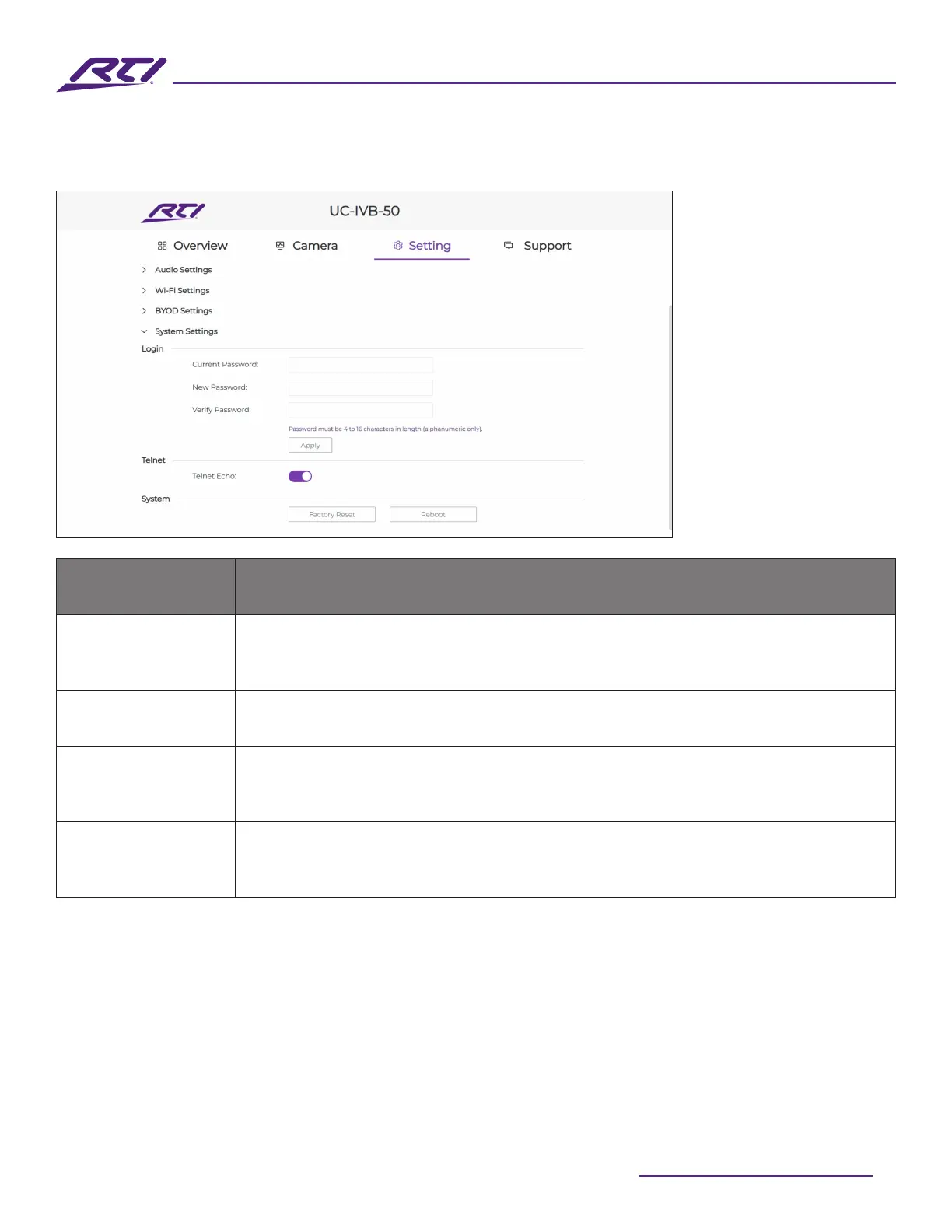
Login
Use these elds to change the current admin account password. The password
must be between 4 and 16 alphanumeric characters without spaces or special
characters. The default password is “RTI123”.
Apply Click to save and apply any setting changes.
Telnet Echo
• On: Enable unsolicited feedback of all changes that occur on the UC-IVB-50
via telnet
• O: Disable all unsolicited feedback.
System
• Factory Reset: Click this option to return the UV-IVB-50 to its factory default
settings for all options.
• Reboot: Click this option to perform a reboot of the UC-IVB-50.
8. System Settings



 To Next Page