RTI INTELLIGENT MEETINGS
Technical Support: support@rticontrol.com - Customer Service: custserv@rticontrol.com 26
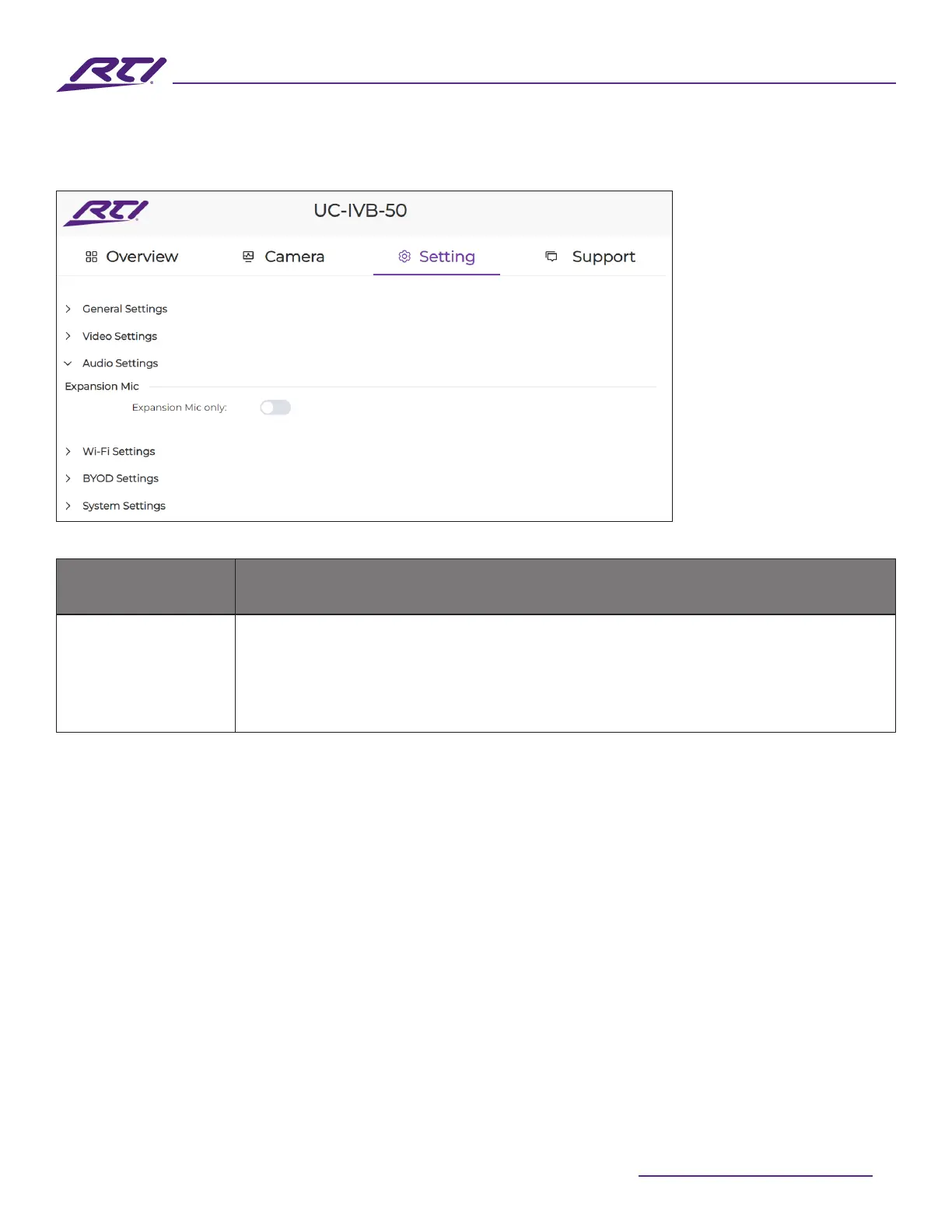
5. Audio Settings
GUI Elements Description / Options
Expansion Mic
• On: When this feature is enabled, the internal MEMs microphones on the
UC-IVB-50 will be disabled and audio will only be sourced from connected UC-
IVB-EXM expansion microphones.
• O (Default): All available microphones will be used to source audio.



 To Next Page