RTI INTELLIGENT MEETINGS
31
www.rticontrol.com
GUI Elements Description / Options
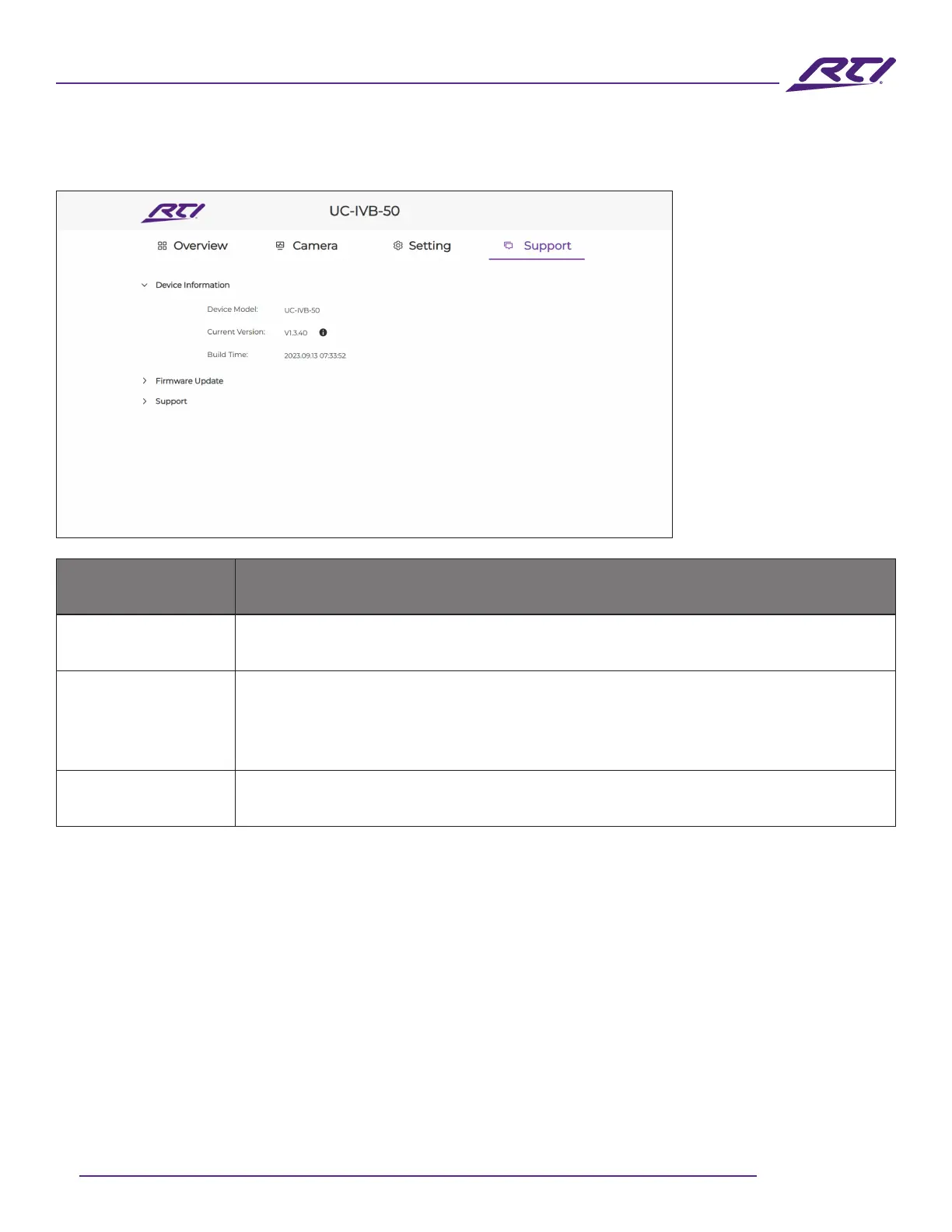
Device Information
This sections displays the model number, current rmware version, and build
date for the current rmware.
Firmware Update
Click on the open eld “Select the rmware les” to open a window where the
rmware update le can be selected (tar.gz compressed le format). Once the
rmware has been selected, click on the “Upgrade & Reboot” button to start the
update process. A progress bar will be shown displaying the current progress.
Support
Access useful support assets that are external links to the user manual and the
RTI Dealer portal.
9. Support



 To Next Page