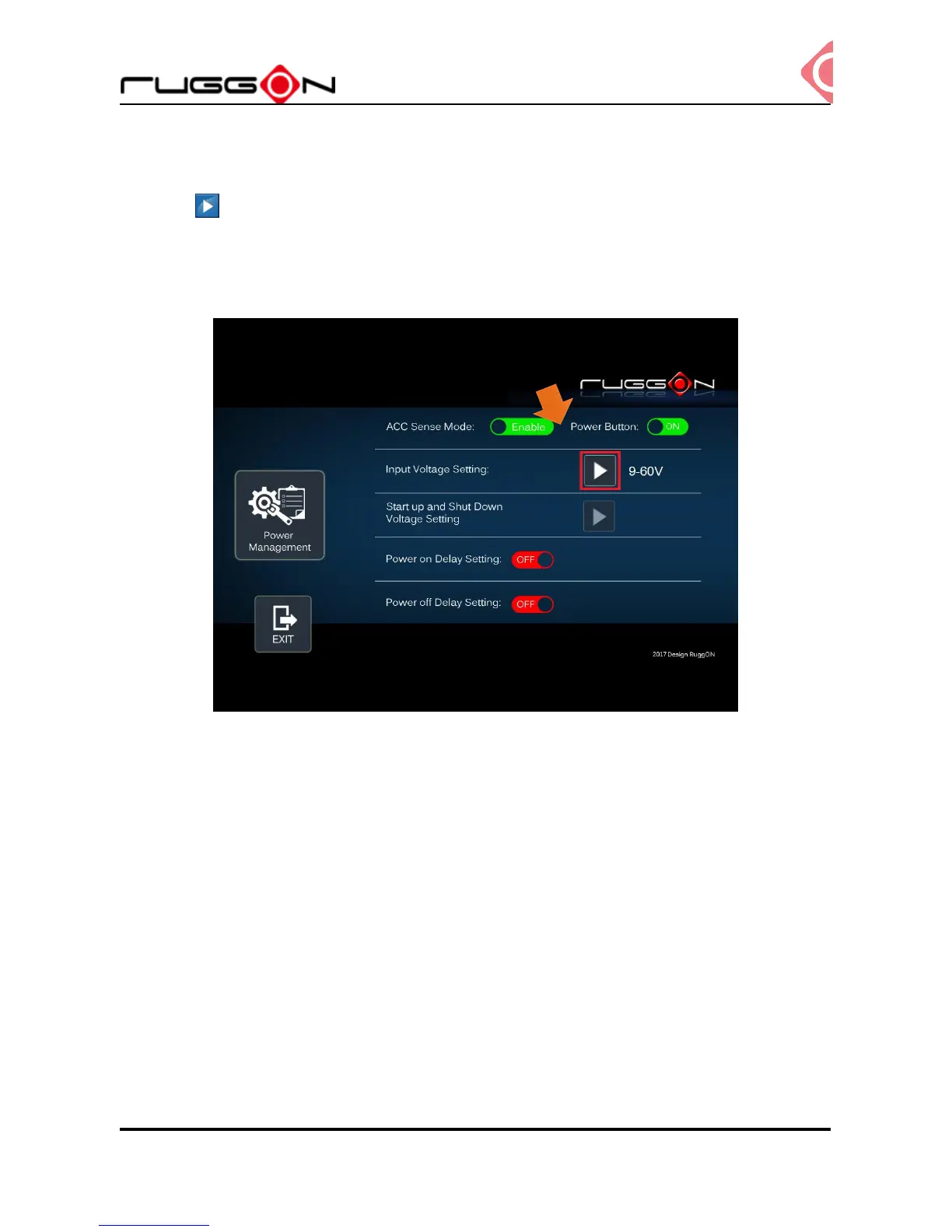
Input Voltage Setting
Click the to the input voltage selection.
You can select the power input voltage either 9~36V or 12V or 24V. If 9~36V is selected, it
means the system can be powered on while the voltage is range from 9~36V.
Please note if you use 19V power adapter, the input voltage must be selected to 9~36V.
If 12V or 24V is selected, you also can select the startup and shut down voltage from next
option.



 To Next Page