If you don’t need the power output, just select 0V output to avoid the equipment damage.
Please note if system power source is from backup battery (no DC input available), COM1
will stop supply the power output.
COM2 Setting
The COM2 includes RS-232(TX, RX), RS-422 and RS-485 signals. Please select your
required item and connect the Y-cable converter to the system. Please refer the pin out
description to make the correct connection.
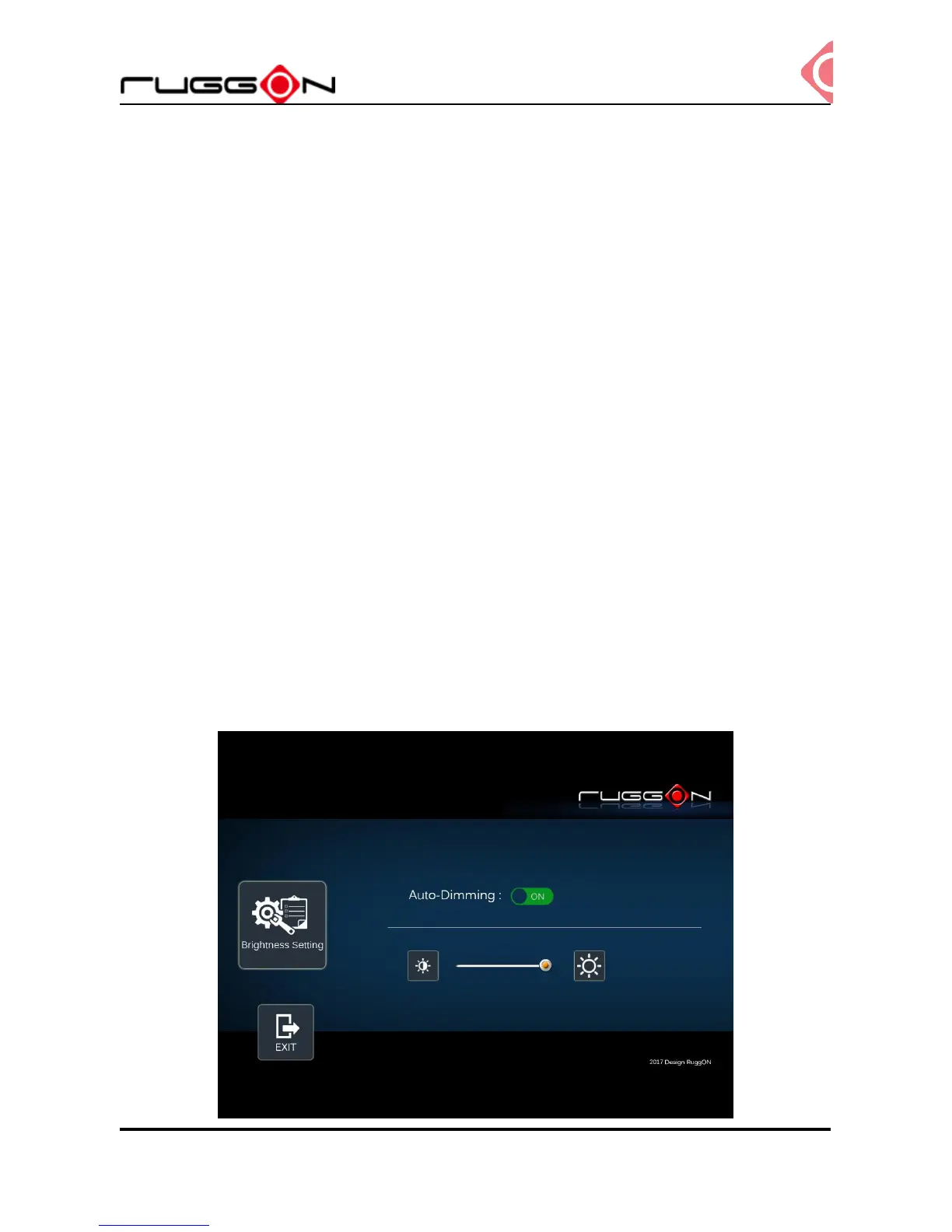
Brightness Setting
Brightness adjustment is to optimize the operation of the backlight LEDs under a variety of
daylight. VX-601 supports auto-dimming and manually adjust the brightness. If
auto-dimming enabled, the brightness is auto adjusted along with the environmental light
change. You can also manually change the display brightness via programmable button or
the bar adjustment in DashON. For programmable button setting, please see
“Programmable Button “section. VX-601 display brightness is set to automatically
adjustment. You can also turn off “Auto-Dimming” and drag the scroll bar to adjust display
brightness.



 To Next Page