Watchdog Timer
This section is about the timer setting of watchdog and the simulation to simulate the
watchdog function. When the system is hanging due to some reasons, it is able to reboot the
system automatically after the set time frame.
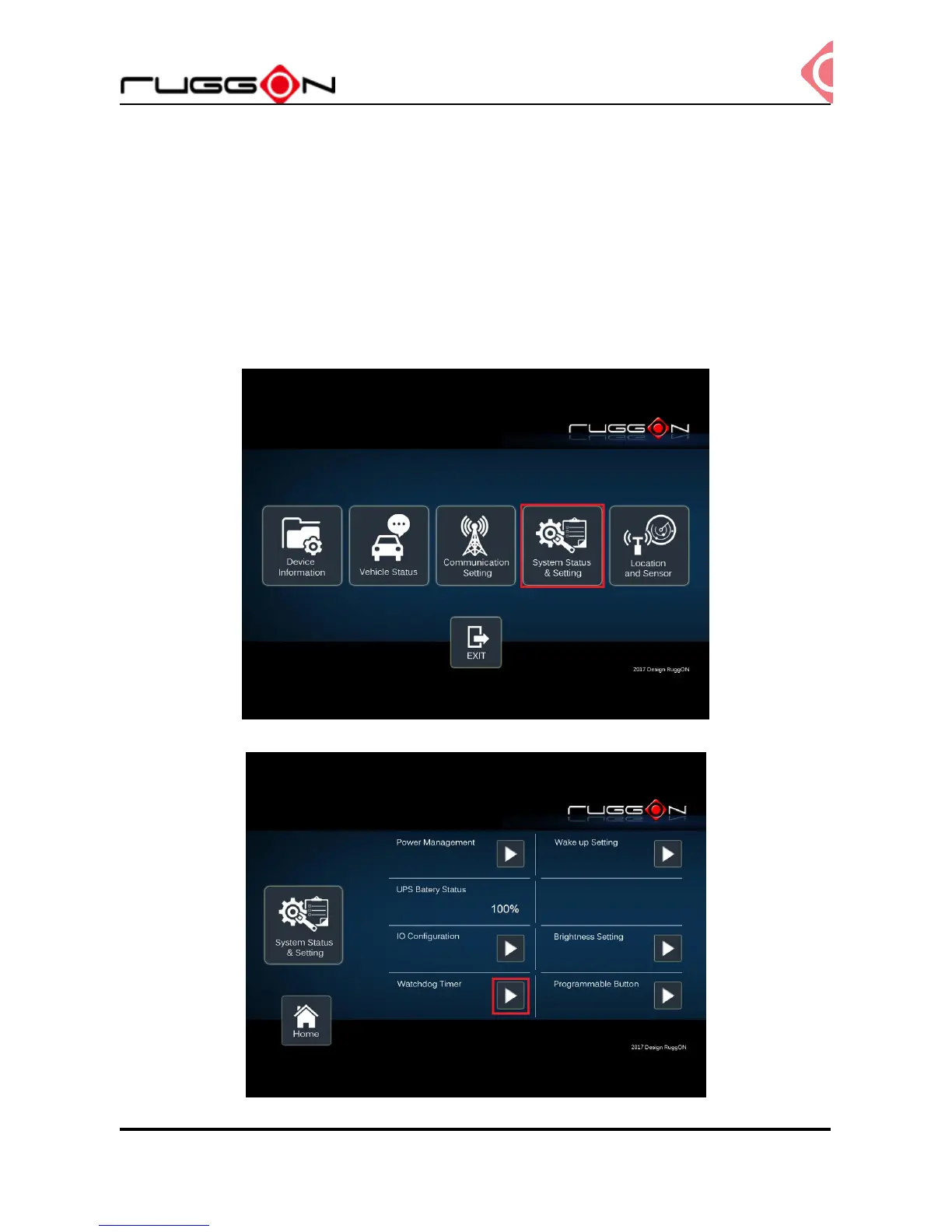
Double click the DashON icon into the utility, and then click 4
th
icon “System Status &
Setting”.
Click the “Watchdog Timer”



 To Next Page