Chapter 7. Setup Wi-Fi Hotspot
VX-601 can be a gateway role for other devices to connect to the Internet, Windows has
ways to create Wi-Fi hotspot, and the feature is integrated into “Network and Sharing
Center”. Here is how to turn your Windows 7 into Wi-Fi hotspot. (The process should be
similar for Windows 8)
1. WWAN or LAN connection is properly connected to the Internet.
2. Make sure the Wi-Fi function is enable (set WLAN to disable by DashON), that isn't
currently connected.
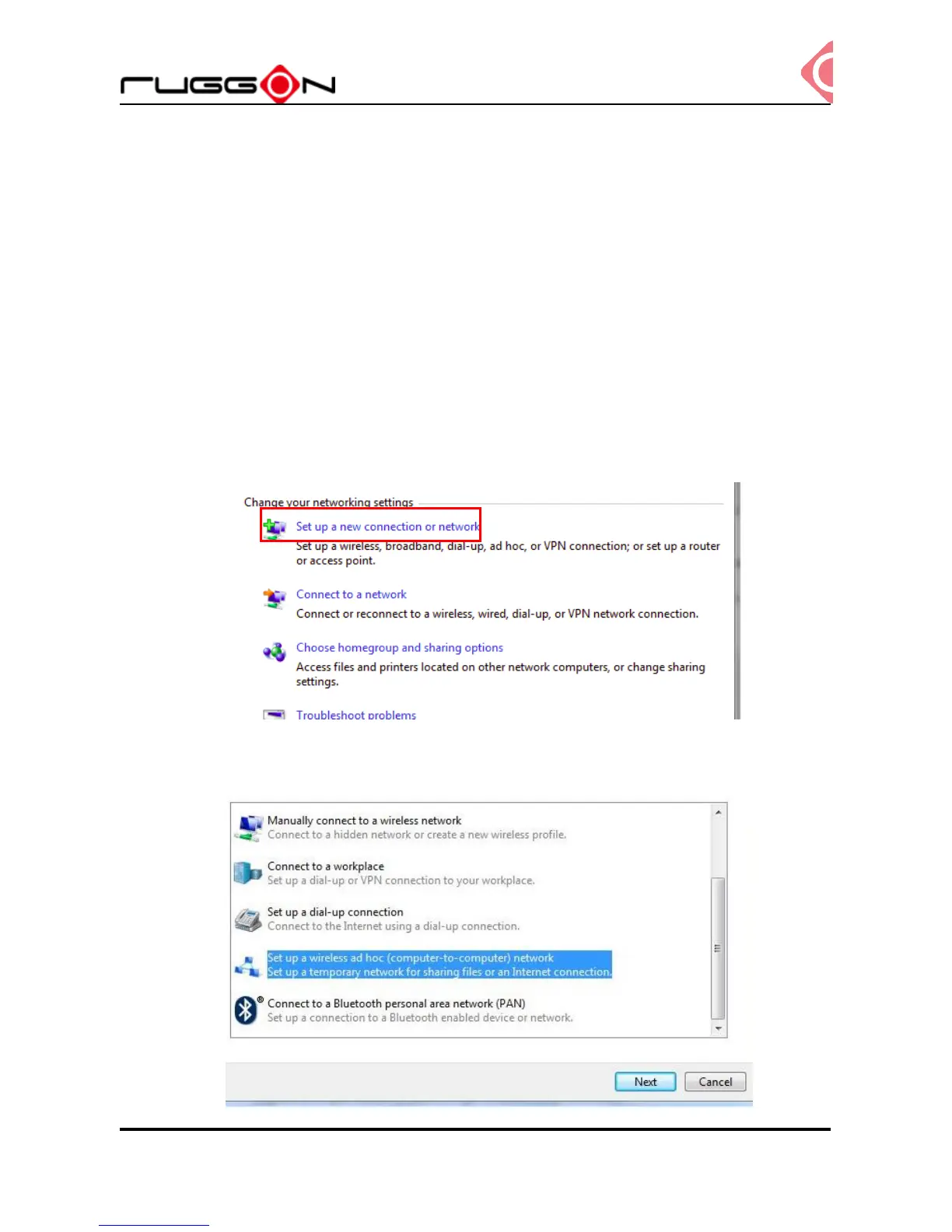
3. Go to the “Control Panel” and look for “Network and Sharing Center” and then go to “set
up a new connection or network”
4. Select “Set up a wireless ad hoc (computer-to-computer) network and click “Next”



 To Next Page