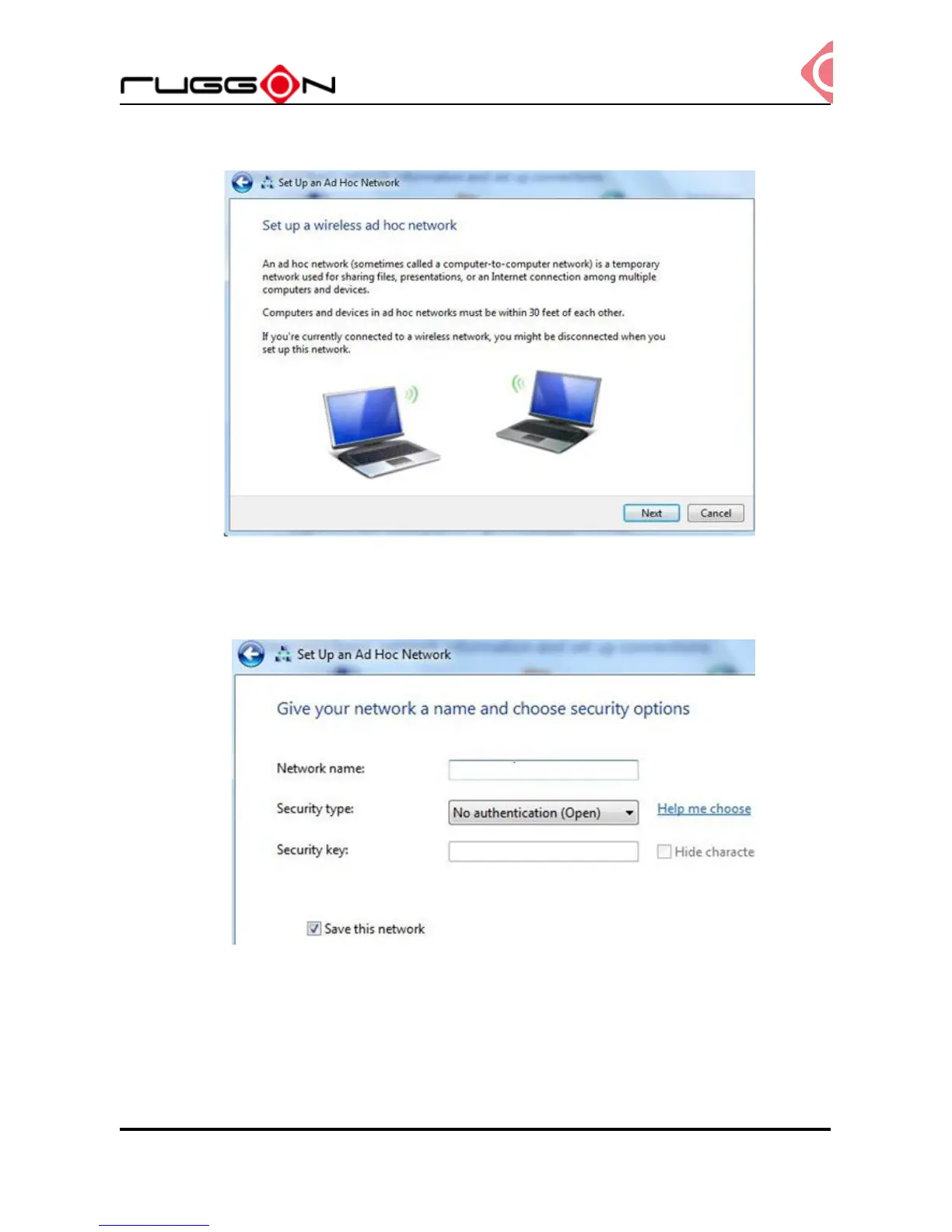
5. Click “Next”
6. Enter the Network Name, choose a security type and enter the security key. Check the
“Save this network” checkbox, it will save your network name on the Wireless network
connection, and then click “Next”.
7. At this point your ad hoc network should be running and ready to start connecting your
device, clicking the “Next”.



 To Next Page