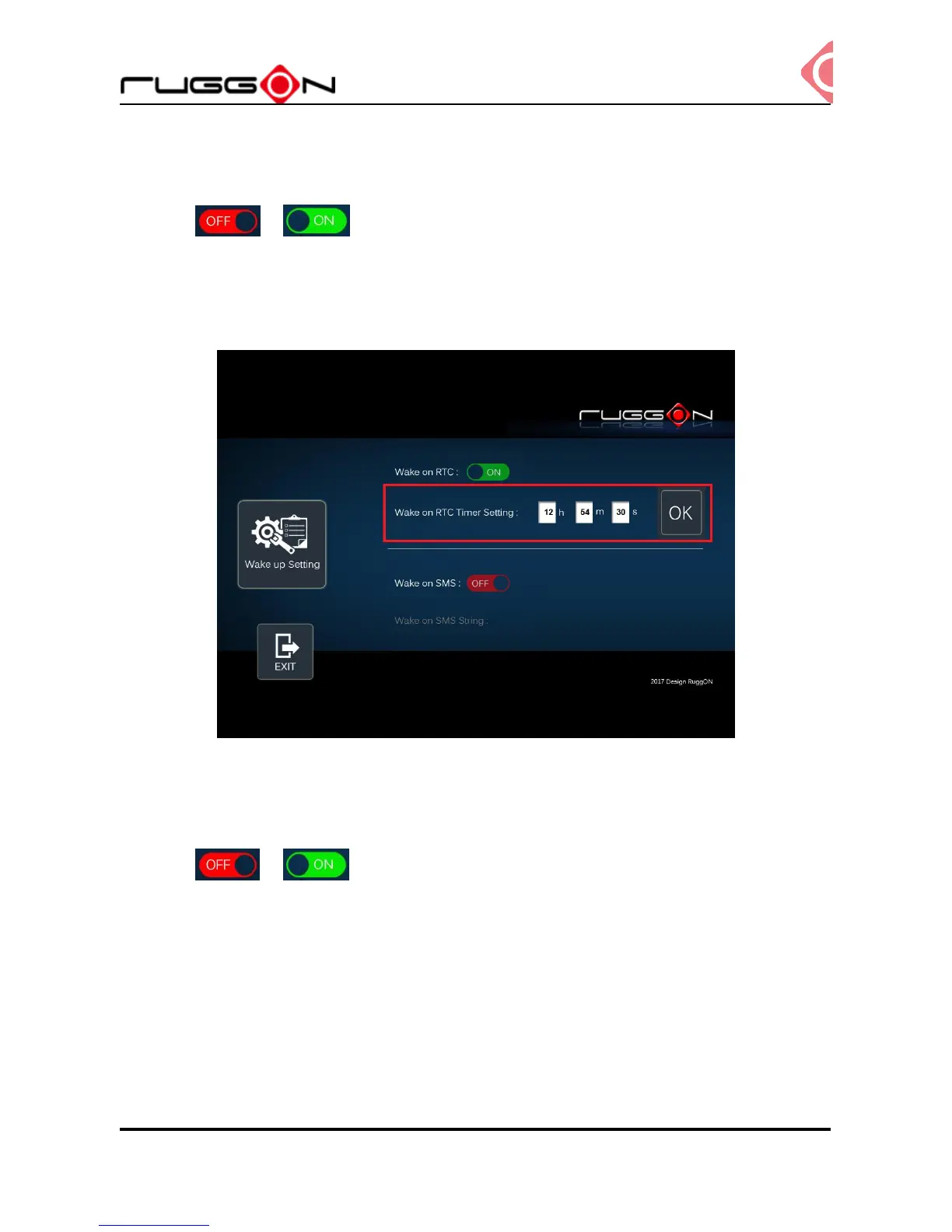
RTC wake up setting
Click the to , you can find RTC timer setting to set the desired time to
power up the system.
After you have finished with the setup, click the “OK” to save the value. For example, if you
set 06:00:00, it means the system will be power up at 6 o’clock in the morning.
SMS wake up setting
Click the to , this let you can remote power the system via message. You
can input the “string” in the field of wake on SMS string. The string is the message you
send to the device to power the system. After you have finished with the setup, click the ok
to save the value.
This wake on SMS feature is only working when the WWAN module is MC7354 or MC7304.



 To Next Page