EasyManua.ls Logo

RUKO F11PRO 2 - Page 53

RUKO F11PRO 2
72 pages
Print Icon
To Next Page IconTo Next Page
To Previous Page IconTo Previous Page
Loading...
F11PRO
2
User
Manual
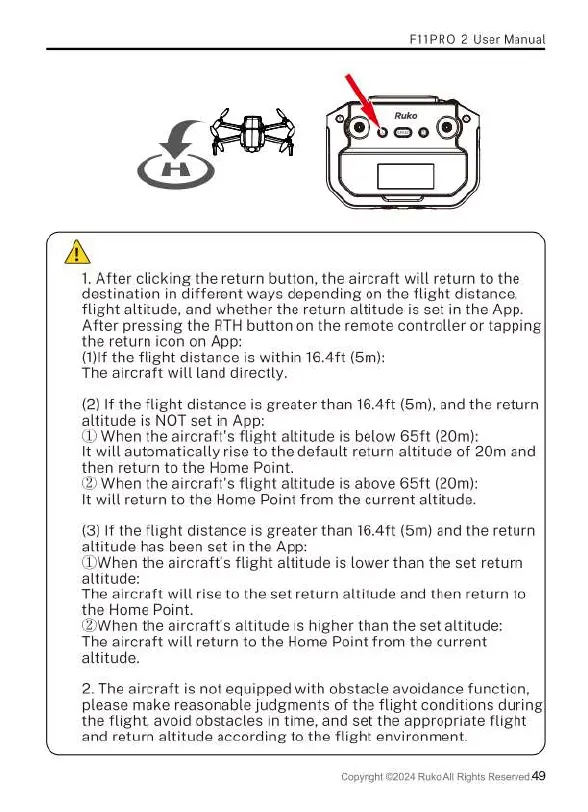
1.
After
clicking
the
return
button,
the
aircraft
will
return
to
the
destination
in
different
ways
depending
on
the
flight
distance,
flight
altitude,
and
whether
the
return
altitude
is
set
in
the
App.
After
pressing
the
RTH
button
on
the
remote
controller
or
tapping
the
return
icon
on
App:
(1)If
the
flight
distance
is
within
16.4ft
(5m):
The
aircraft
will
land
directly.
(2)
If
the
flight
distance
is
greater
than
16.4ft
(5m),
and
the
return
altitude
is
NOT
set
in
App:
D
When
the
aircraft's
flight
altitude
is
below
65ft
(20m):
It
will
automatically
rise
to
the
default
return
altitude
of
20m
and
then
return
to
the
Home
Point.
2
When
the
aircraft's
flight
altitude
is
above
65ft
(20m):
It
will
return
to
the
Home
Point
from
the
current
altitude.
(3)
If
the
flight
distance
is
greater
than
16.4ft
(5m)
and
the
return
altitude
has
been
set
in
the
App:
(DWhen
the
aircraft's
flight
altitude
is
lower
than
the
set
return
altitude:
The
aircraft
will rise
to
the
set
return
altitude
and
then
return
to
the
Home
Point.
(2When
the
aircraft's
altitude
is
higher
than
the
set
altitude:
T{'\e
a\drcrafl
will
return
to
the
Home
Point
from
the
current
altitude.
2.
The
aircraft
is
not
equipped
with
obstacle
avoidance
function,
please
make
reasonable
judgments
of
the
flight
conditions
during
the
flight,
avoid
obstacles
in
time,
and
set
the
appropriate
flight
and
return
altitude
according
to
the
flight
environment.
Copyright
2024
Ruko
AllRights
Ressrved
49

Related product manuals