EasyManua.ls Logo

RUKO F11PRO 2 - Return to Home (RTH)

RUKO F11PRO 2
72 pages
Print Icon
To Next Page IconTo Next Page
To Previous Page IconTo Previous Page
Loading...
F11PRO
2
User
Manual
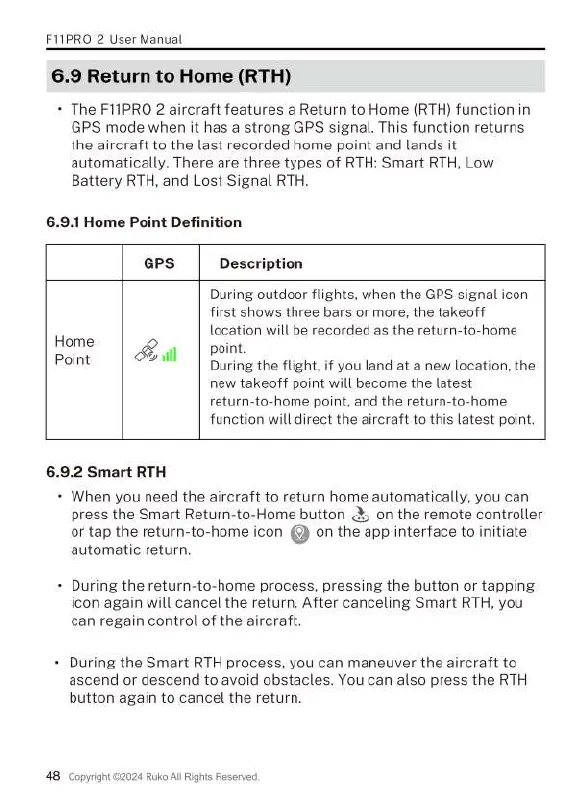
6.9
Return
to
Home
(RTH)
+
The
F11PRO
2
aircraft
features
a
Return
to
Home
(RTH)
function
in
GPS
mode when
it
has
a
strong
GPS
signal.
This
function
returns
the
aircraft
to
the
last
recorded
home
point
and
lands
it
automatically.
There
are
three
types
of
RTH:
Smart
RTH,
Low
Battery
RTH,
and
Lost
Signal
RTH.
6.9.1
Home
Point
Definition
GPS
Description
During
outdoor
flights,
when
the
GPS
signal
icon
first
shows
three
bars
or
more,
the
takeoff
location
will
be
recorded
as
the
return-to-home
Home
&Q
il
|
point.
Point
2l
During
the
flight,
if
you
land
at
a
new
location,
the
new
takeoff
point
will
become
the
latest
return-to-home
point,
and
the
return-to-home
function
will
direct
the
aircraft
to
this
latest
point.
6.9.2
Smart
RTH
+
When
you
need
the
aircraft
to
return
home
automatically,
you can
press
the
Smart
Return-to-Home
button
&,
on
the
remote
controller
or
tap
the
return-to-home
icon
()
on
the
app
interface
to
initiate
automatic
return.
During
the
return-to-home
process,
pressing
the
button
or
tapping
icon
again
will
cancel
the
return.
After
canceling
Smart
RTH,
you
can
regain
control
of
the
aircraft.
-
During
the
Smart
RTH
process,
you
can
maneuver
the
aircraft
to
ascend
or
descend
to
avoid
obstacles.
You
can
also
press
the
RTH
button
again
to
cancel
the
return.
48
Copyrignt
©2024
Ruko
Al
Righis
Reserved,

Related product manuals