EasyManua.ls Logo

RUKO F11PRO 2 - Low Battery

RUKO F11PRO 2
72 pages
Print Icon
To Next Page IconTo Next Page
To Previous Page IconTo Previous Page
Loading...
F11PRO
2
User
Manual
6.9.3
Low
Battery
RTH
+
When
the
smart
flight
battery
is
too
low
or
there
is
not
enough
power
to
return
home,
the
user
should
land
the
aircraft
as
soon
as
possible
to
avoid
damage
to
the
aircraft
or
other
dangers.
«
To
prevent
unnecessary
dangers
due
to
insufficient
battery
power,
the
Low
Battery
RTH
function
will
be
automatically
triggered
when
the
aircraft
battery
power
is
low.
+
According
to
the
remaining
power
after
starting
returning,
there
are
situations:
irst-level
low
battery:
After
the
aircraft
triggers
the
Low
Battery
RTH,
it
will
automatically
return
to
the
Home
Point
and
hover.
After
hovering,
it
can
continue
to
fly
within
a
98ft
(30m)
radius
at
a
height
of
98ft
(30m).
@
Second-level
low
battery:
The
aircraft
will
land directly
to
the
ground.
+
When
the
aircraft's
battery
is
low,
the
remote
controller
will
emit
a
sound.
At
First-level
Low
Battery,
the
remote
controller
will
beep
slowly.
At
Second-level
Low
Battery,
the
remote
controller
will
beep
rapidly.
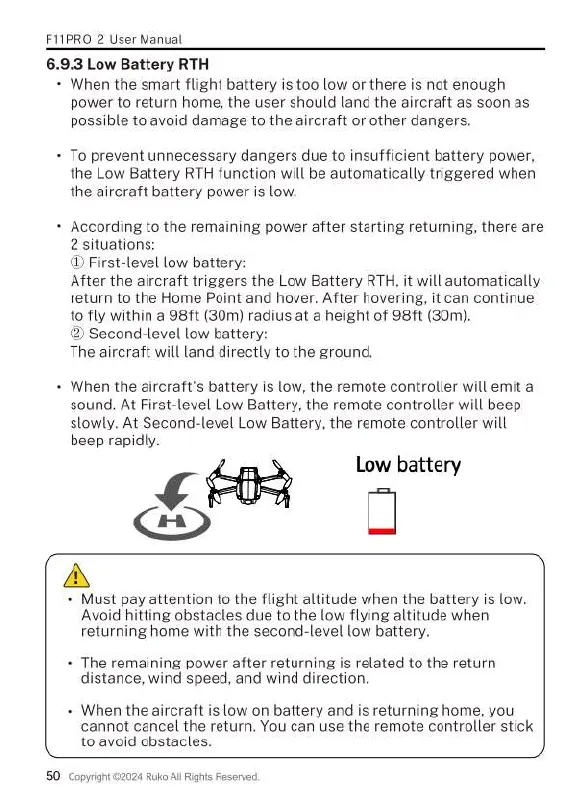
Low
battery
B
7
A
+
Must
pay
attention
to
the
flight
altitude
when
the
battery
is
low.
Avoid
hitting
obstacles
due
to
the
low
flying
altitude
when
returning
home
with
the
second-level
low
battery.
The
remaining
power
after
returning
is
related
to
the
return
distance,
wind
speed,
and
wind
direction.
=
When
the
aircraft
is
low
on
battery
and
is
returning
home,
you
cannot
cancel
the
return.
You
can use
the
remote
controller
stick
to
avoid
obstacles.
50
Copyight
£2024
Ruko
All
Rights
Reserved.

Related product manuals