SnapView
Revision C, August 2013
8-2
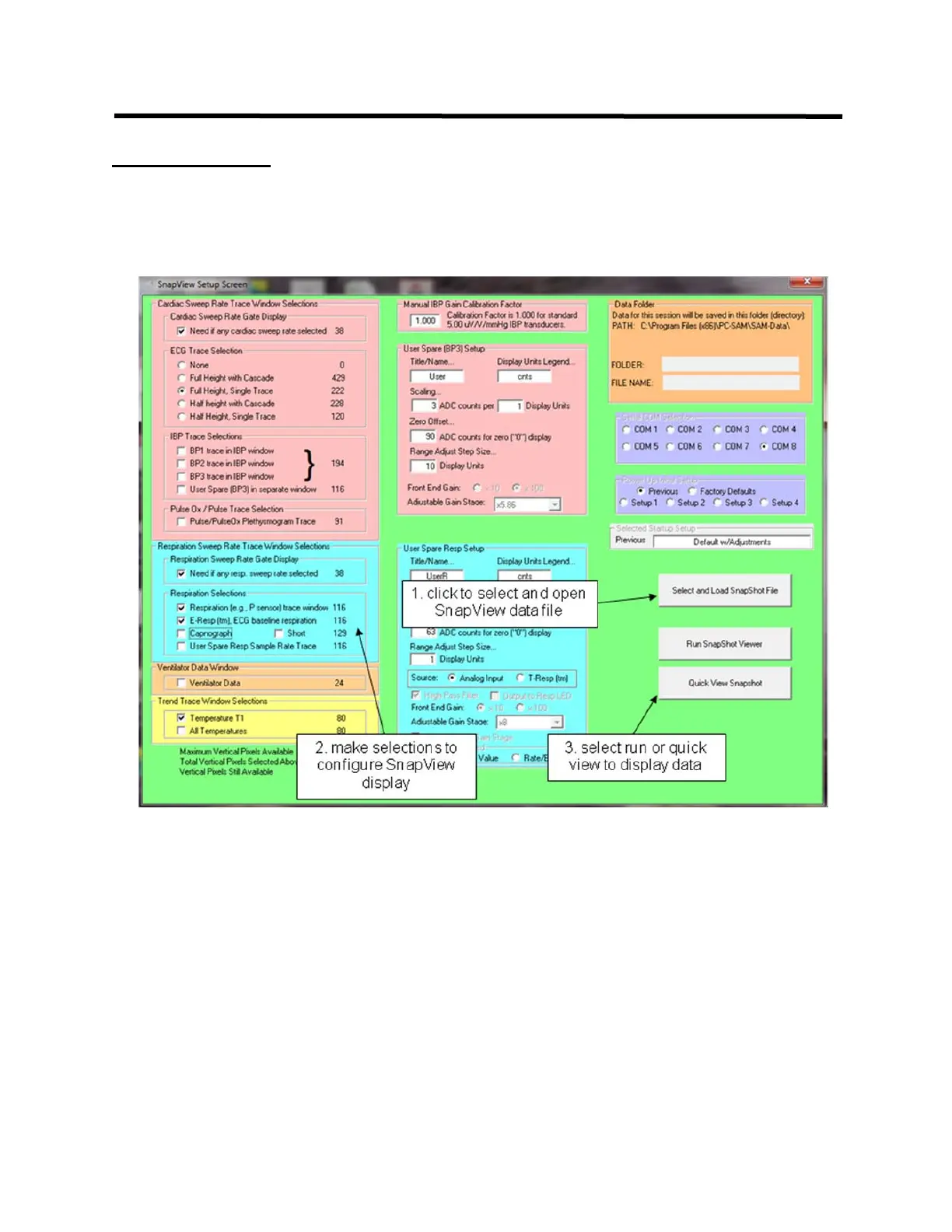
SETUP window
The SETUP window is displayed when SnapView is executed or when the Set-Up key is
clicked. First select and open a SnapView data file, then make any desired changes to
the display configuration before displaying SnapView data.
Two keys for data display are available: Run SnapShot Viewer and Quick View
SnapShot. The Run key plays back the entire 36 second data set before freezing the
display waveforms with the most recent data. The Quick View key plays back 1 second
of data before freezing the display waveforms with the most recent data.



 To Next Page