Additional Features
Revision C, August 2013
9-5
FREEZE THAW key
The key freezes the waveform display. Pressing the key a second time restarts the
waveform display.
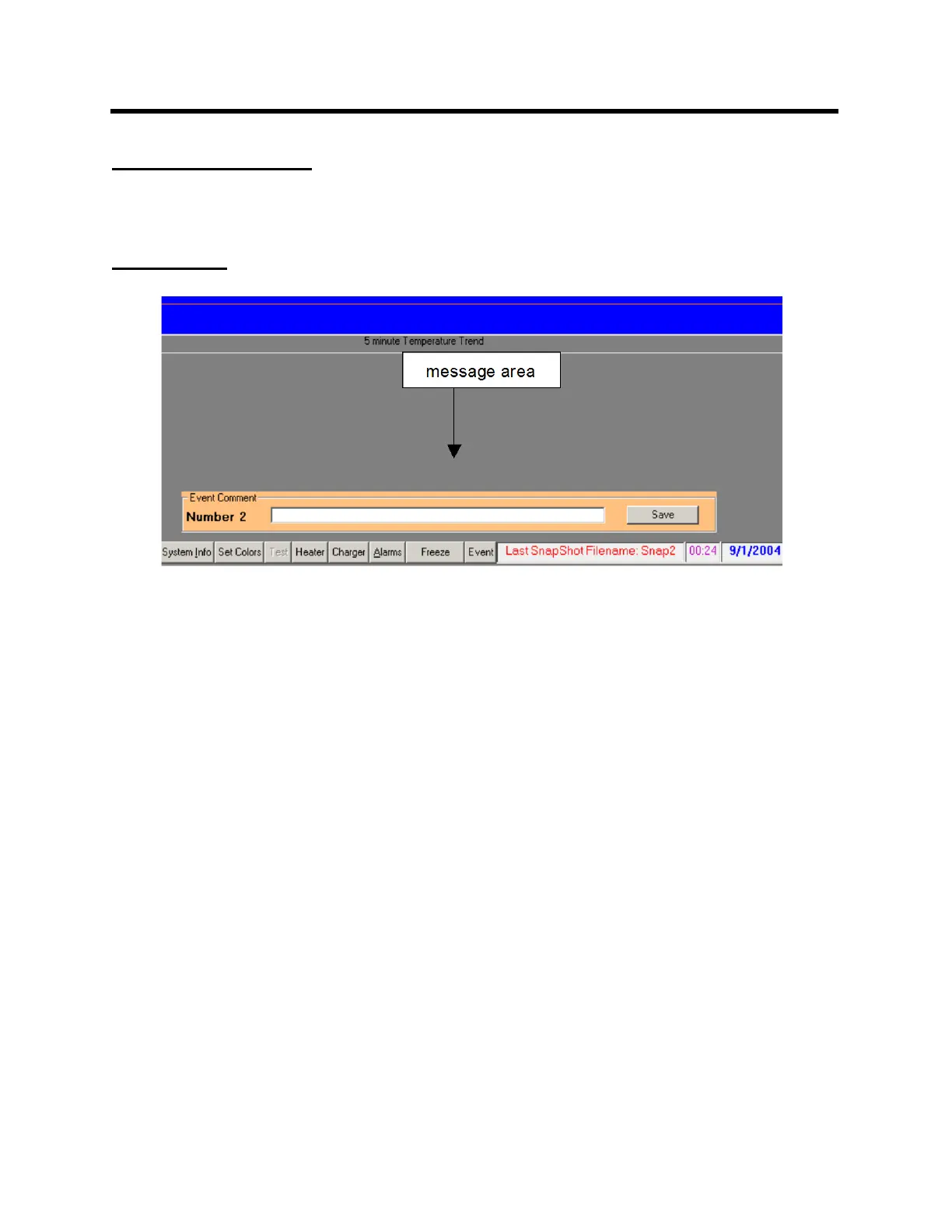
EVENT key
Pressing (left clicking) the event key causes an event to be logged in the trend file at the
time the event key is pressed.
Each event is given a number in sequence beginning with one for each monitoring
session. Upon pressing the Event key, a window opens and a comment can be entered
and saved. The event number, time and comment are logged in the trend data and can
be viewed with TrendMap.



 To Next Page