Additional Features
Revision C, August 2013
9-2
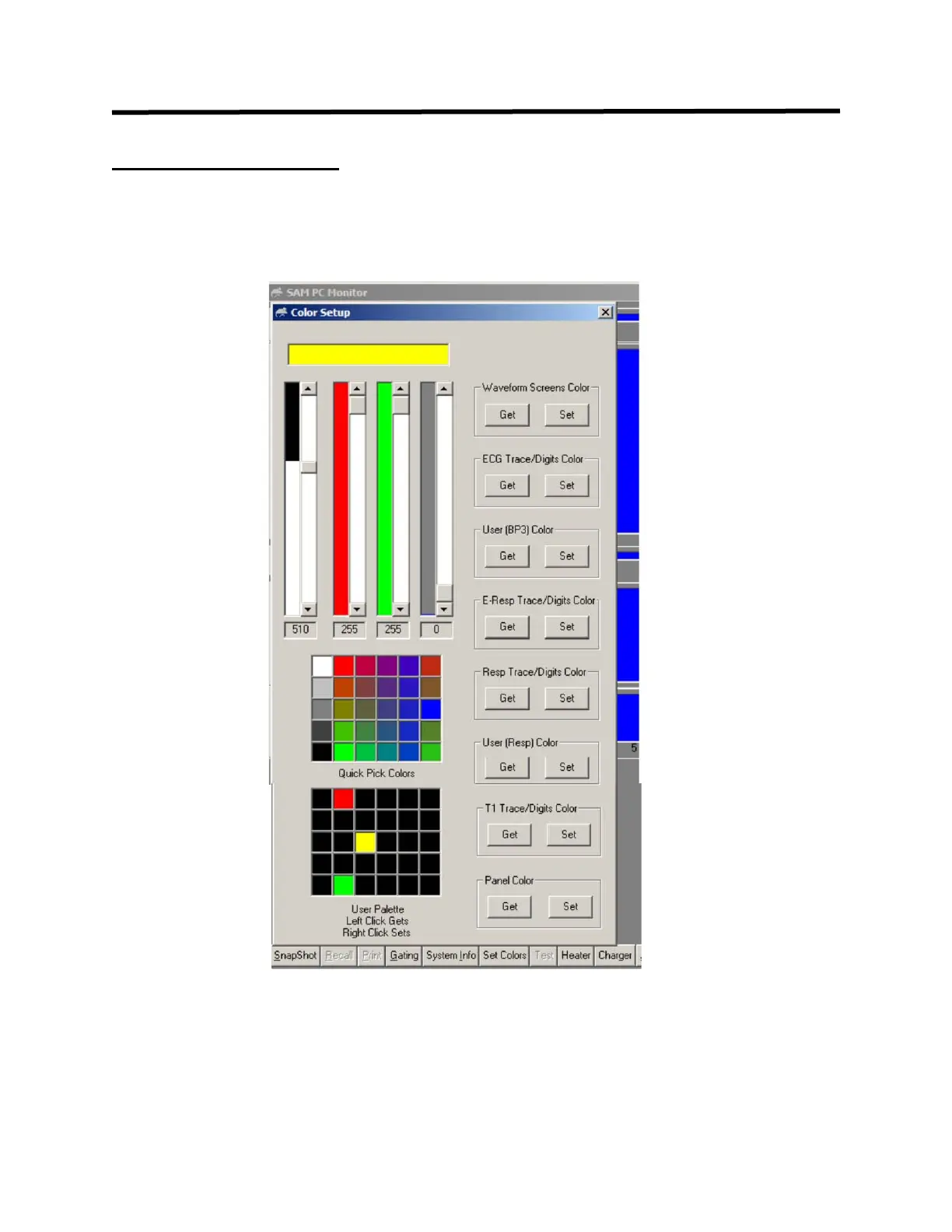
SET COLORS window
The SET COLORS window allows selection of colors for regions of the display and for
waveforms and digits.
The set button sets the current color for the region or waveform selected. Colors can be
selected from Quick Pick or made from combinations of red, green and blue in the
upper left of the window. Once colors have been constructed, they can be stored in the
User Palette. Right click sets and left click gets.



 To Next Page