Mounting Page 18
Document id: 7000 108-011 A2
2.8 System configuration and settings
The installer is required to set the following parameters at the
initial installation of the R4-AIS Shipborne Class A Transponder
System:
• MMSI number (Maritime Mobile Service Identity)
• IMO vessel number
• Call Sign (Radio Call Sign)
• Ship Name
• Height Over Keel
• Type of ship
• GPS antenna position(s)
• Radio settings
All parameters are set via the R4 Display. To be able to set all
parameters when configuring the system, Engineering Mode should
be activated, see 2.8.3. To set the parameters, follow the steps as
described in the following sections. Note that setting IMO, MMSI
number and Radio Parameters requires the User to enter the User
Password (default =user).
2.8.1 R4 Display Keys
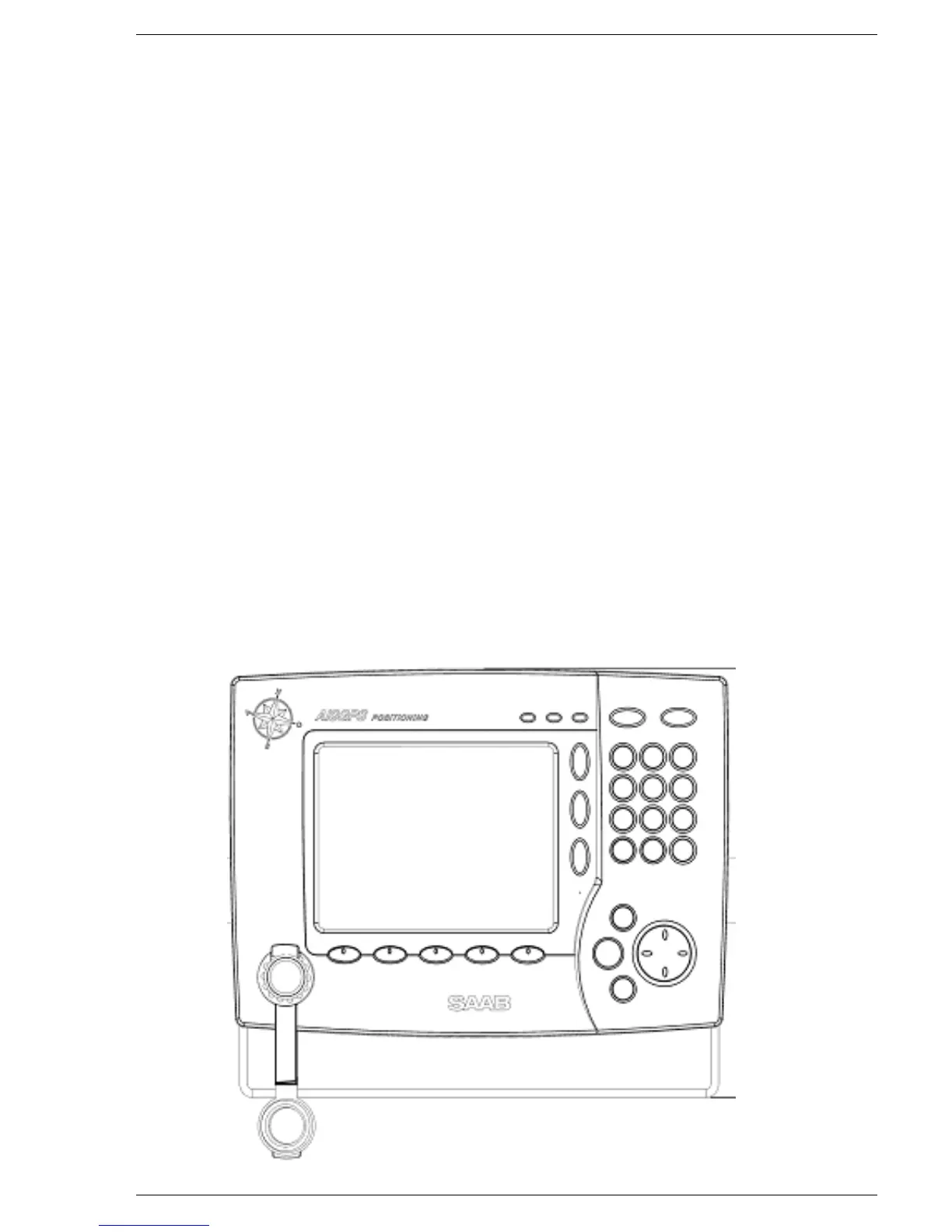
The R4 Display has a number of keys that are used to navigate in
the menus and enter values. Each key is described below.
[ Function Keys ]
[ Power ]
[ MOB ]
[ Display ]
[ Status ]
[ Mode ]
[ Page ]
[ Enter ]
[ Esc ]



 To Next Page