Mounting Page 26
Document id: 7000 108-011 A2
To set the default Long Range settings, press function key “Restore”.
Auto or manual acknowledge
1. Use the function key “Set Auto/Man” to toggle between auto and
manual acknowledge.
Press ESC to return to previous view.
2.8.8 Alarm Relay
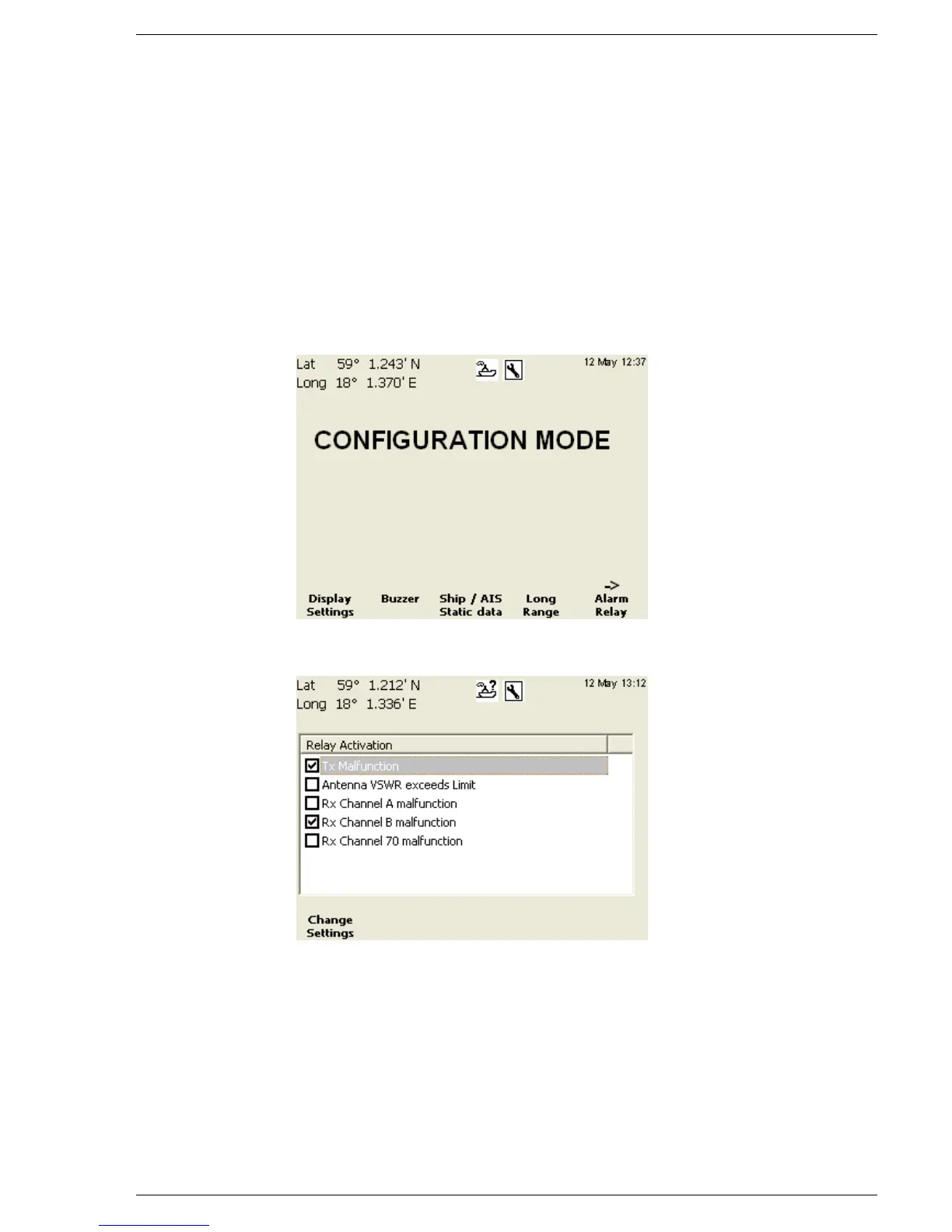
The “Alarm Relay” view allows the user to turn alarms ON or OFF.
To do this, start from the following view and follow the steps
described:
Press the function key “Alarm Relay”. The following view should be
displayed:
Turn an alarm ON/OFF
1. Enter edit mode by pressing function key “Change Settings”
2. Use (∧ ∨ ) to select an alarm
3. Turn the alarm on or off by pressing the function key
“Enable/Disable”
4. Exit edit mode by pressing function key “Apply and Exit”
Press ESC to return to previous view.



 To Next Page