Mounting Page 22
Document id: 7000 108-011 A2
2.8.5 GPS antenna position
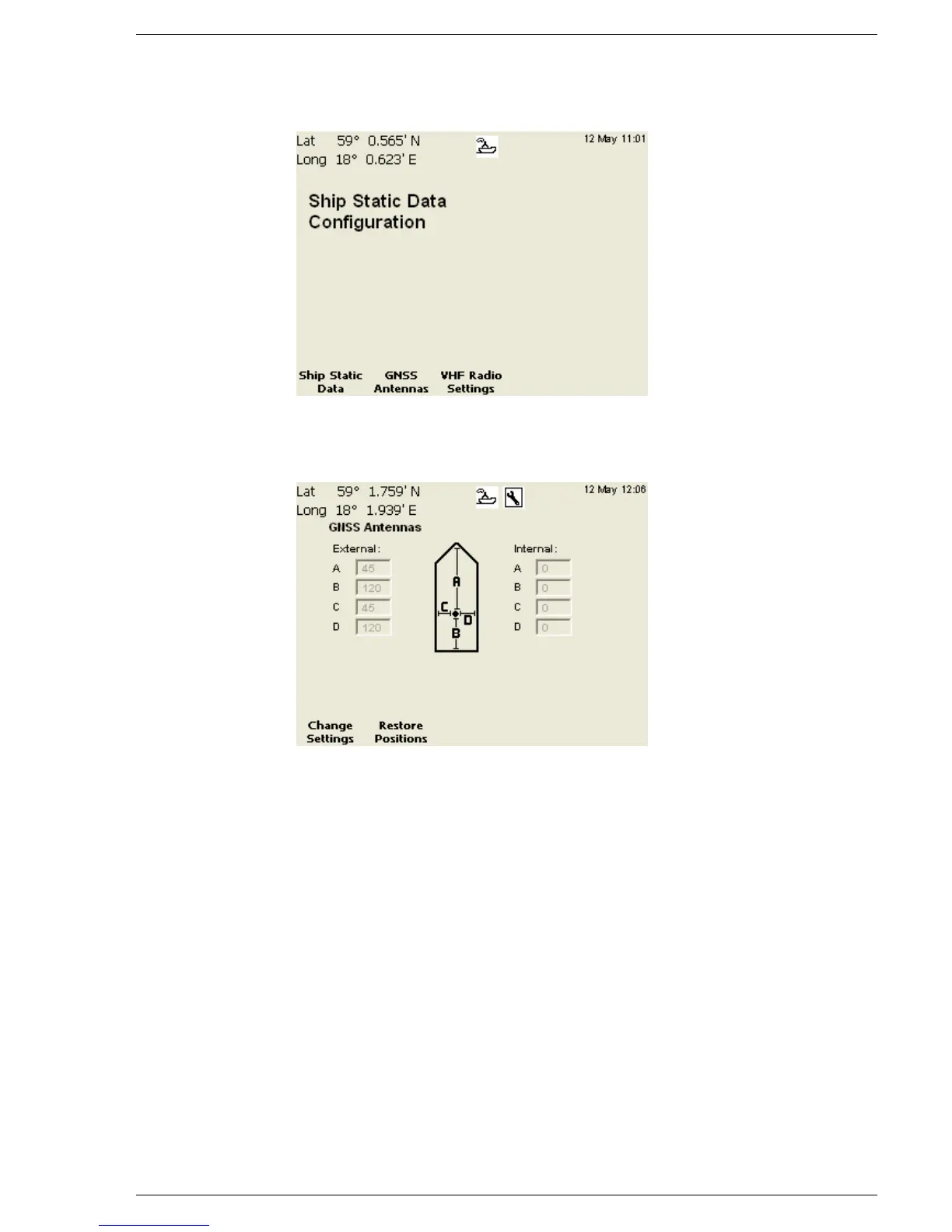
The following view should be displayed:
Press the function key “GNSS Antennas”. The following view
should be displayed:
Change ships Antenna Positions
Normally the R4 internal GPS is used. However, it is possible to
connect an external GPS antenna to the system. To change
external/internal GPS values follow the procedure below.
1. Enter edit mode by pressing function key “Change Settings”
2. Use (∧ ∨ < >) to select the field to change and press (Enter)
3. Enter the desired value using the number keys. To delete a
character, use the function key “Backspace”. Press (Enter) when
done.
Note: for details on what values to enter for A, B, C and D see next
page .
4. Repeat procedures 2-3 for every field.
5. Exit edit mode by pressing function key “Apply and Exit”
Press ESC to return to previous view.



 To Next Page