Mounting Page 21
Document id: 7000 108-011 A2
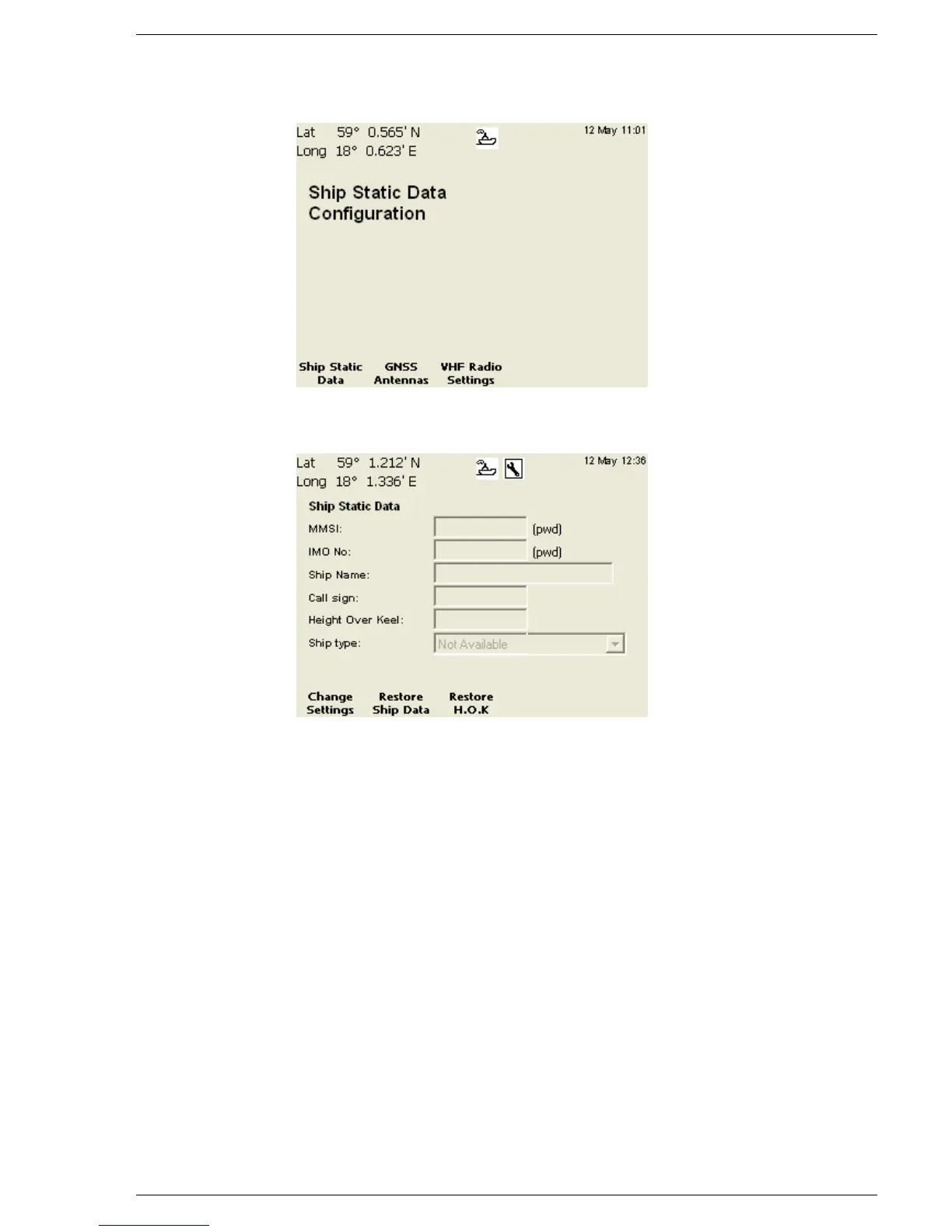
Press the function key “Ship / AIS Static”. The following view
should be displayed:
Press the function key “Ship Static”. The following view should be displayed:
Change Ship Static Data or Height Over Keel:
1. Enter edit mode by pressing function key “Change Settings”
2. Use (∧ ∨) to select the field to change and press (Enter)
3. Enter the desired value using the number keys. To delete a
character, use the function key “Backspace”. Press (Enter) when
done.
4. Repeat procedures 2-3 for every field.
5. Exit edit mode by pressing function key “Apply and Exit”
Note: Changing MMSI or/and IMO number requires a User
Password (default = user). Enter it in the pop up window that
appears on the screen. Use the function key “Capslock” to choose
between upper and lower case letters.
Press ESC to return to previous view.



 To Next Page