Mounting Page 27
Document id: 7000 108-011 A2
2.8.9 I/O port settings
The I/O ports must be configured to the settings used by the actual
equipment (sensors, LR, ECDIS etc) connected to the R4 unit. The
default settings for the I/O ports are as follows:
Table 2-1: Port settings
Port Name Baudrate
1 PILOT 38400
2 ECDIS 38400
3 LR 9600
4 R4 Display 57600
5 Sensor 1 4800
6 Sensor 2 4800
7 Sensor 3 4800
8 Aux 9600
For the equipment that uses settings other than the ones stated in
Table 2-1 the corresponding port on the R4 must be configured at
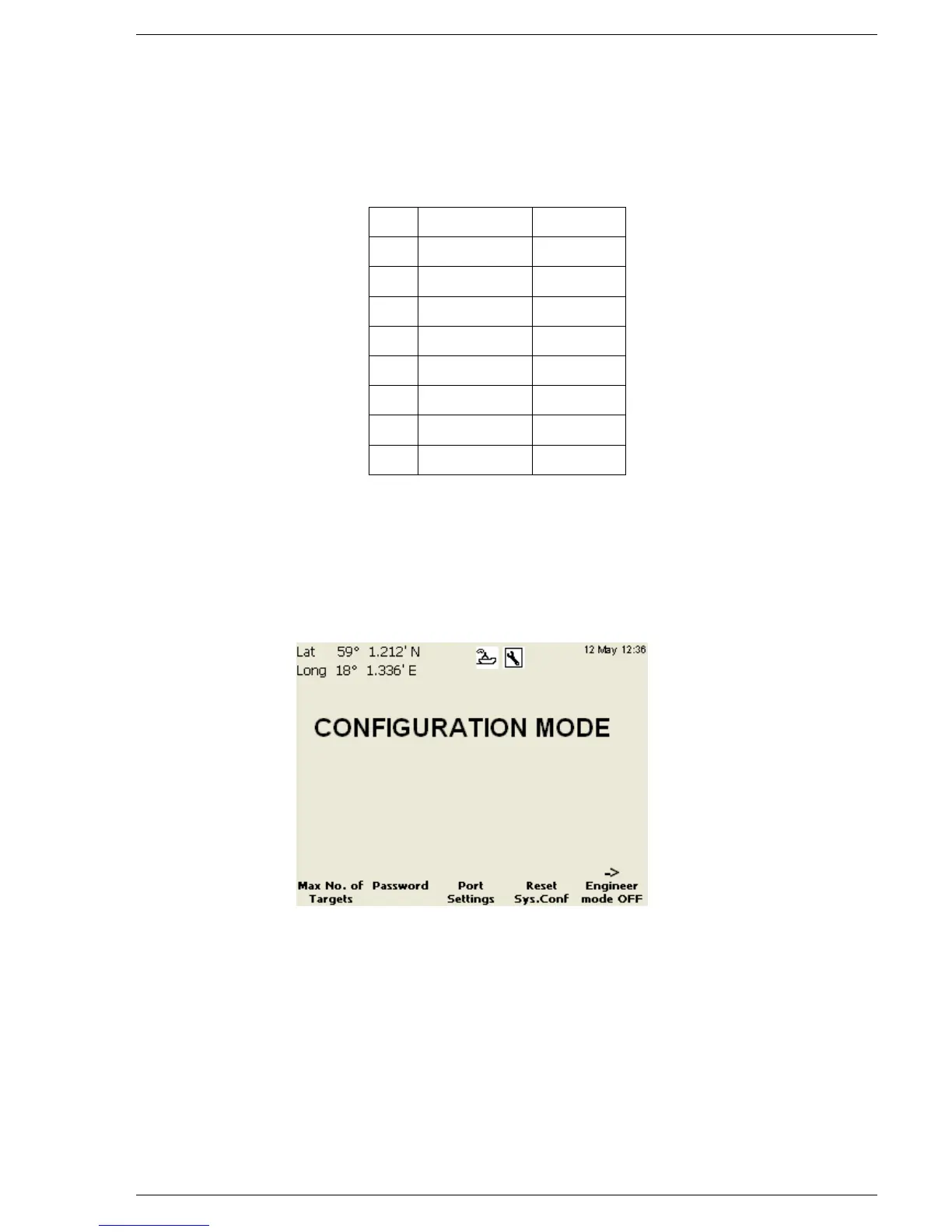
installation. If a change is needed, enter the “Configuration Mode”
and press the function key “Page”. The “following view should be
displayed:



 To Next Page