Mounting Page 29
Document id: 7000 108-011 A2
2.8.10 System functional check
When the R4 AIS System has been installed according to procedures
described in previous sections, it is recommended to make a first
functional check of the system. This can be done following the
procedure as described below. Before doing this check, the system
must be in “Engineering Mode”, see section 2.8.3.
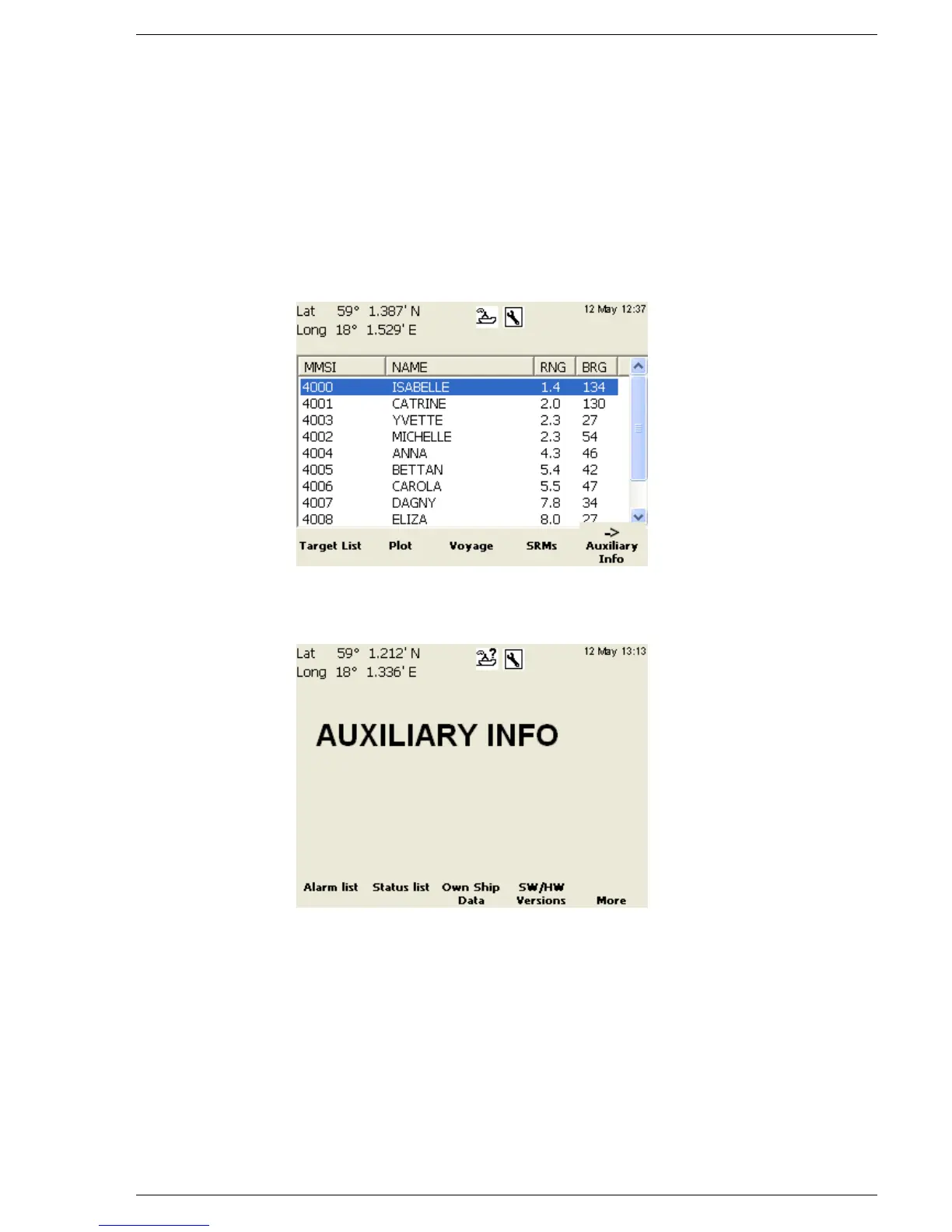
1. Press Mode key and then press function key “AIS”. If the system
asks if you want to stay in “Engineering Mode”, answer “YES”
by pressing “Enter”. When done, press the Page key. The
following view should be displayed:
2. Press function key ”Auxiliary Info”. The following view should
be displayed:
3. Press function key “Own Ship Data” The following view should
be displayed:



 To Next Page