English
9
44
Although all buttons are previously
programmed on standard values, check if
the dispensed beverage has the desired
features.
If not, brew buttons must be
reprogrammed (see chapter “Brew
Buttons Programming”).
If an anomalous condition occurs during
the brewing phase, e.g. a fault or a product
shortage, a message indicating the causes
of the block will be displayed.
Special messages and signals are indicated
in chapter “Troubleshooting”.
9.6 Steam
(Except for COFFEE set-up)
• Immerse the steam wand into the beverage to be heated.
• Turn the steam dispensing knob counter-clockwise. Once the
required temperature is reached, close the knob (clockwise).
After each use, clean the steam wand with
a damp, clean cloth/sponge from any
residues of the previously heated beverage.
(*)
Before any brewing cycles, insert the suction tube
inside the milk container.
(**)
Adjust the crema quantity (see section “Crema Adjustment”).
9.7 Brew Buttons Programming
The beverage quantities associated to the corresponding buttons, can
be directly programmed through the keypad.
To program and re-program the buttons, follow the instructions
below:
Coffee quantity:
• Switch on the machine and set it up for use.
• Place the container under the specific dispensing spout.
• Press and hold the button corresponding to the coffee beverage to
be programmed
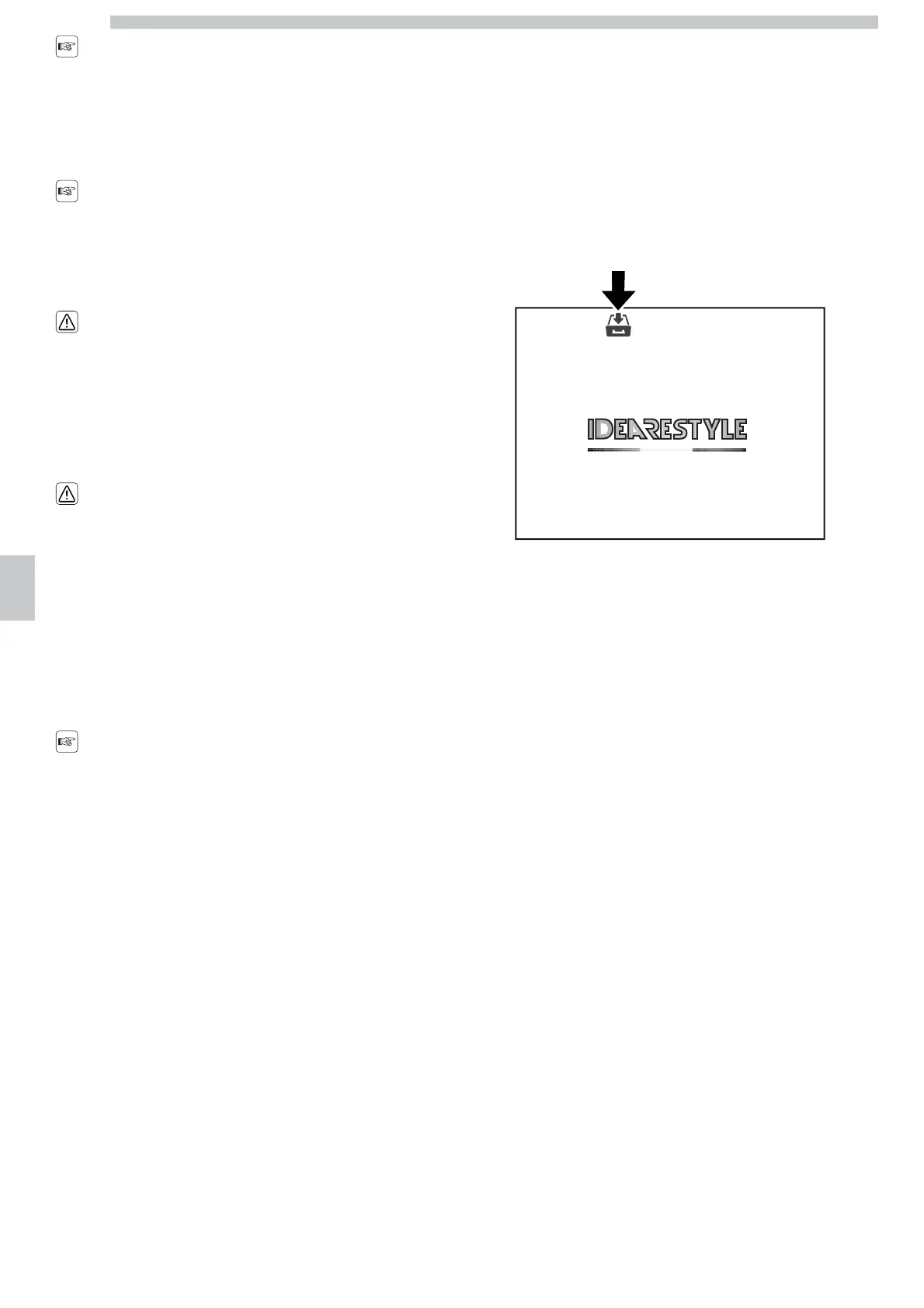
• The display shows the programming icon, as shown in the figure;
• Release the button to store the dispensed dose.
Milk quantity:
The option “MILK PROGRAMMING” is a control inside the
programming menu.
Refer to chapter 8, section 8.2.6.





 To Next Page