22 Fan Coil FC600 Instruction Manual
3. Operation Manual (Online Mode)
This section will show how to use your Fan Coil with the Universal Gateway and the Salus Smart Home App.
In order to do that, you will be needing a Salus Universal Gateway UG600/UGE600, the Salus Smart Home App
and Internet connection. Controlling your thermostat via the App gives you a lot of freedom and the possibility
to manage the temperature in your house/office remotely.
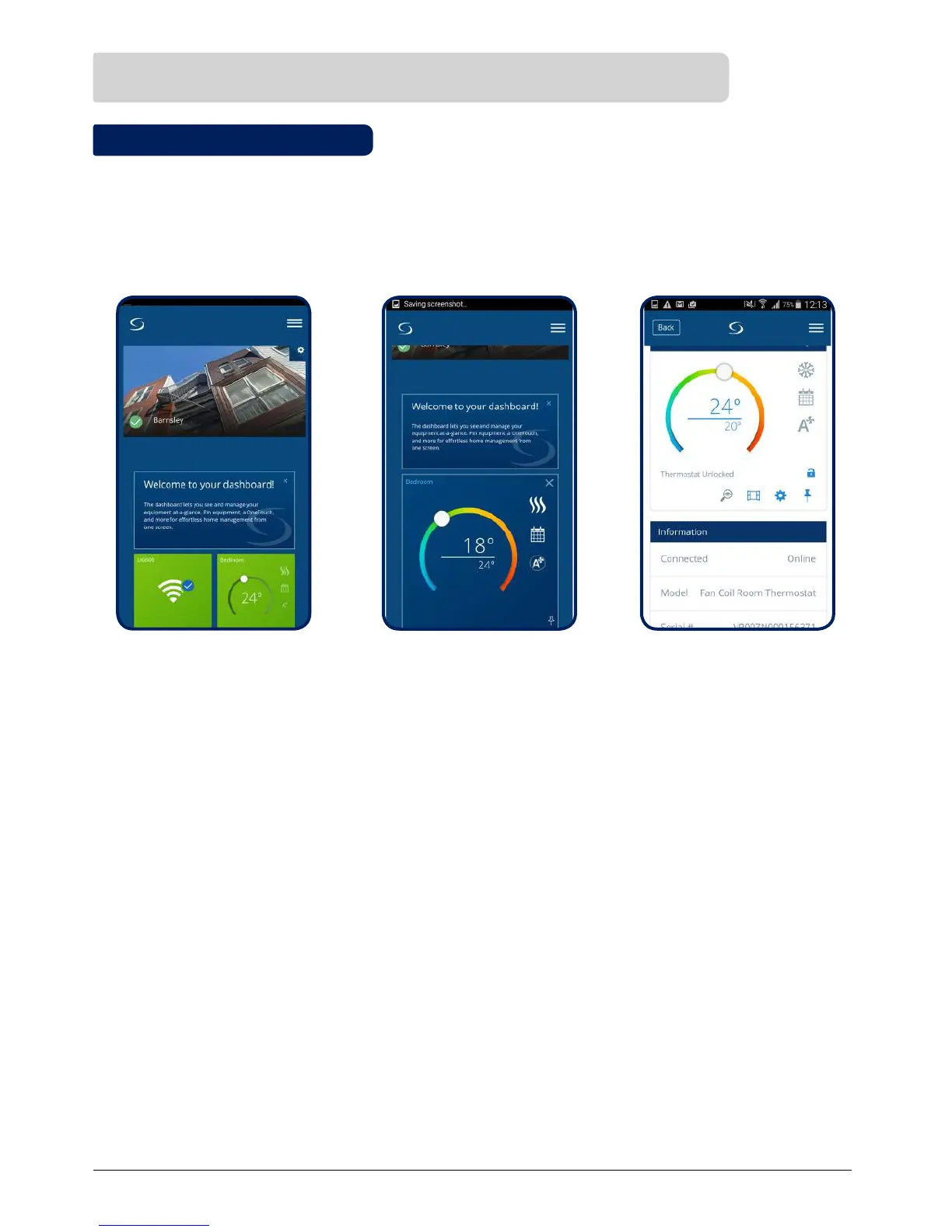
Thermostat tile on the App Thermostat tile when tapped
Thermostat interface
3.1 Quick Overview
The functions available on the App are:
• Device name changing
• Setting room temperature setpoint
• Heat/Cool Selection
• 4 different work statuses: Follow schedule, Permanent Hold, Eco Mode, Off (StandBy Mode)
• Schedule programming
• Fan speed control
• Key Lock Function
• Pin/Unpin thermostat to dashboard
• Window association function
• Identification function
• Service Settings
• Creating/Setting One Touch rules



 To Next Page