CHAPTER 5
44
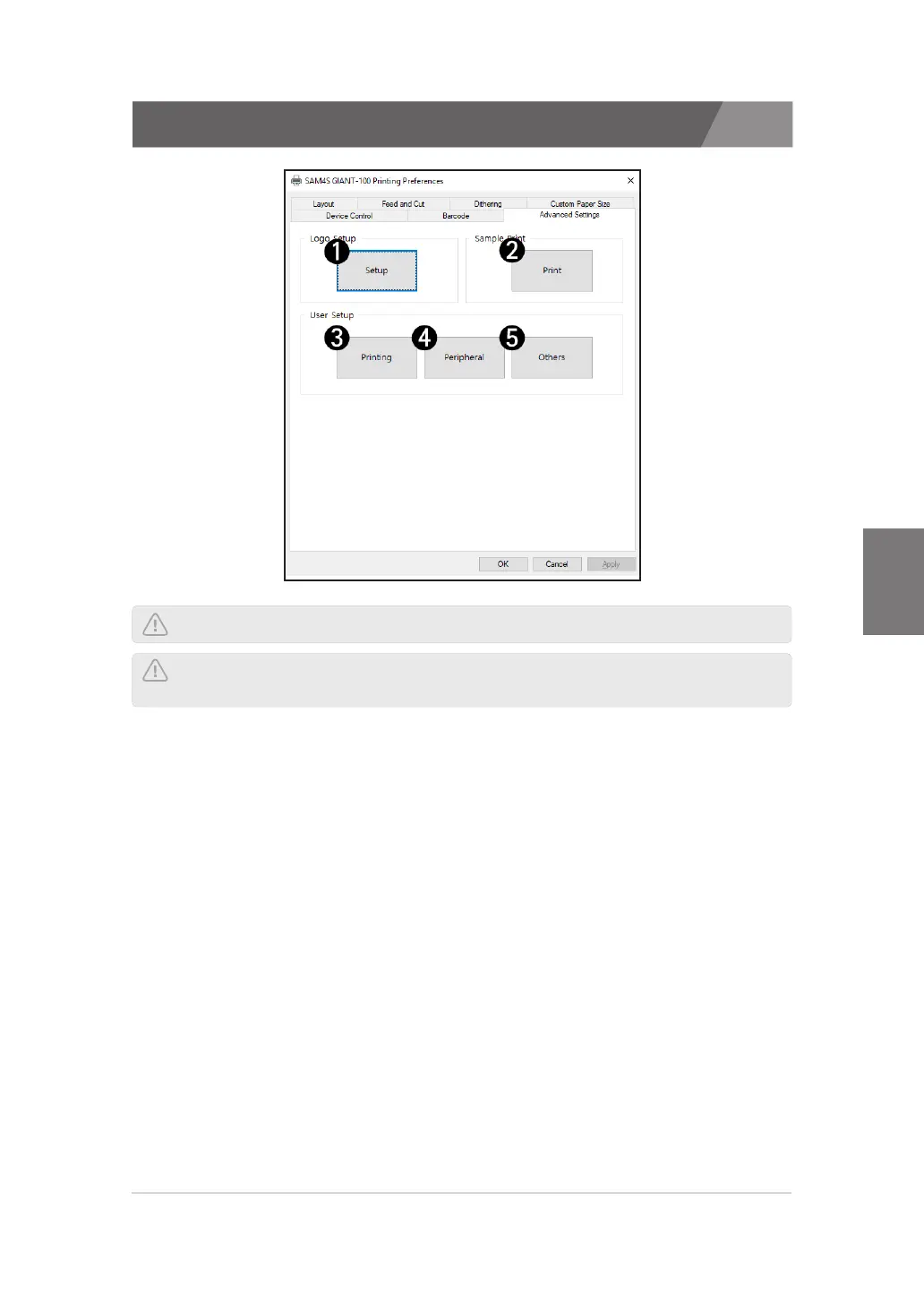
5.7. Advanced Settings
The SAM4S printer offers a variety of setting options such as logo and print settings.
1) Logo Setup
>>
You can set the top or bottom logo, or test the image.
2) Sample Print
>>
You can print receipts, images and samples of barcode.
3) User Setup - Printing
>>
You can set print-related functions such as print speed and density.
4) User Setup - Peripheral
>>
You can set peripheral functions such as kitchen bell and cash drawer control.
5) User Setup - Others
>>
You can set other features such as code page and emulation.
NOTE: Depending on the printer type, menu display and support may differ.
NOTE: You can set the advanced functions only in printers connected to
a Serial or USB interface.



 To Next Page