CHAPTER 6
58
6.3. Printing troubleshooting
1. The document is printed, but the paper is not cut properly.
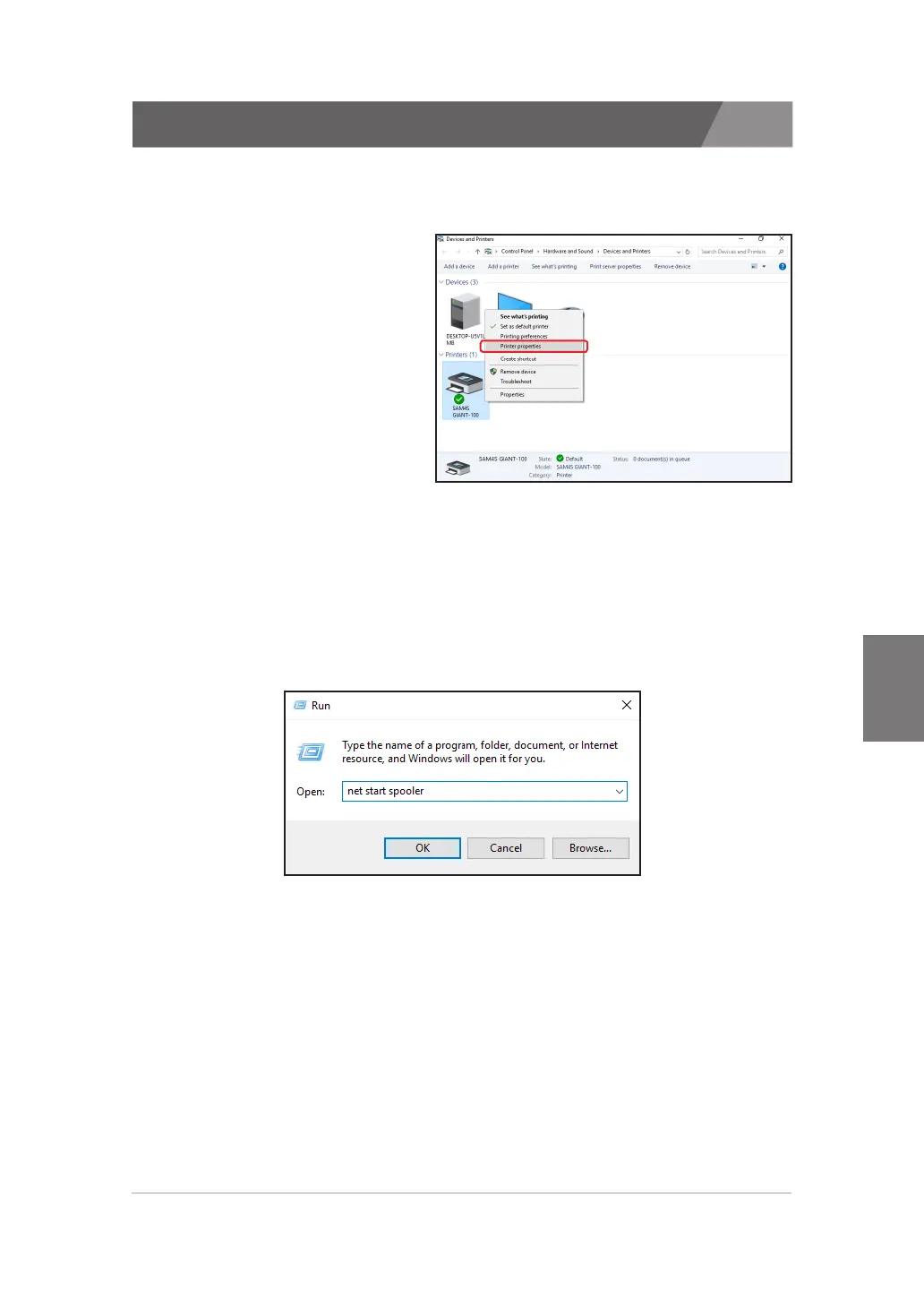
Click the 'Printer properties' and check the 'Print Processor'.
· In case of Windows 7 / 8 / 8.1 / 10
- Click the 'Printer properties'
※
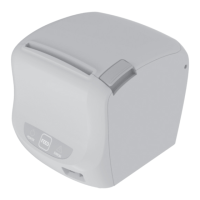
If the list of ‘Devices and Printers’ is not shown, execute ‘net start
spooler’ from the ‘Run’.
To open ‘Run’ dialog, press the ‘Windows Key’ with ‘R Key’.


 To Next Page