Remote Guest Check Printing
The bill can be produced using the ECR receipt printer with either an inbuilt graphics logo or user definable
graphics logo and text. Alternatively the bill can be printed on an external printer with a 6-line receipt
header and footer.
The system allows for one of 20 in-built graphic logos to be printed, as set within print options 38,39,40,41.
The images for selection can be printed using the Help key in register, or using a program scan.
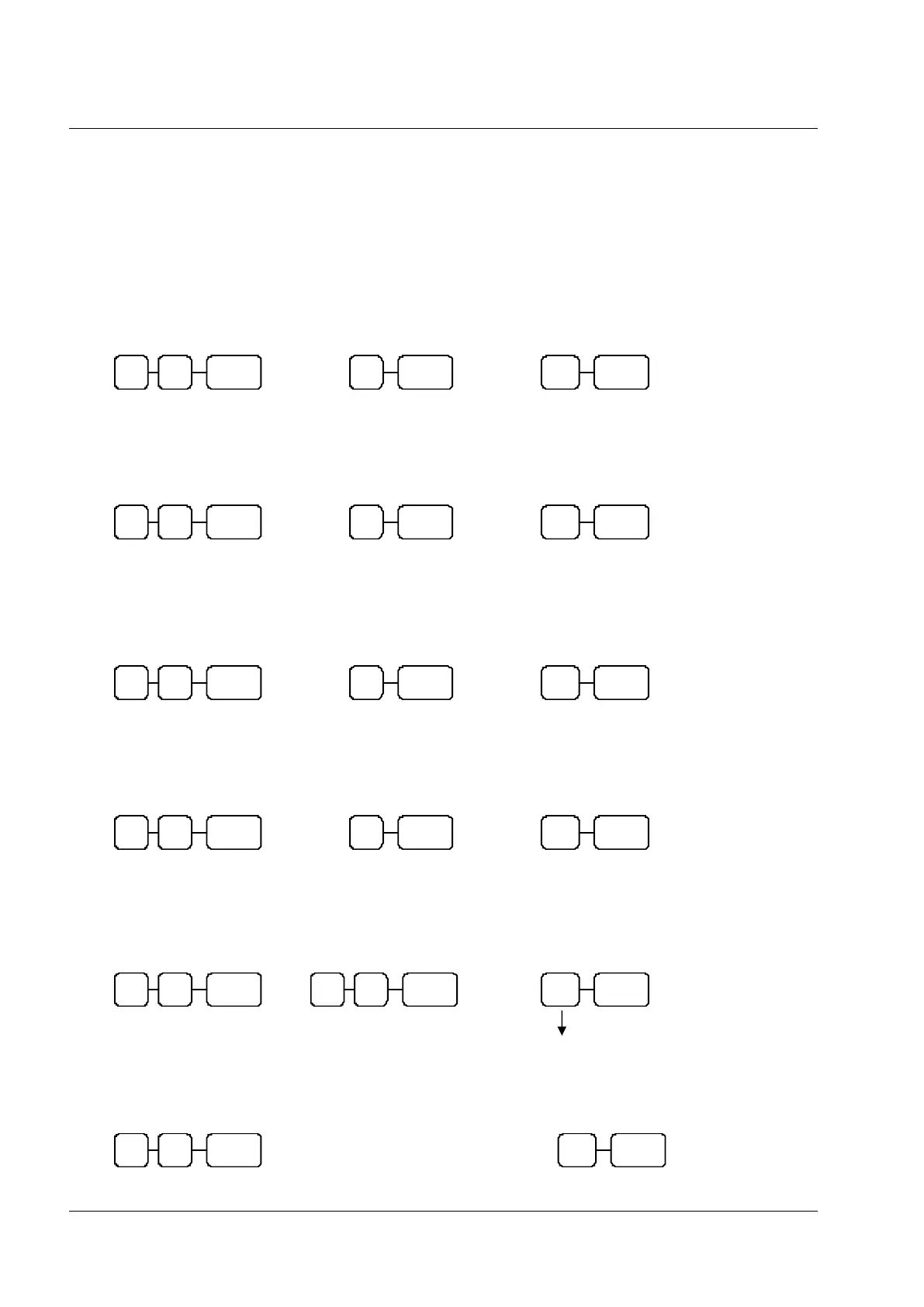
Parity Port Setting
S-MODE
Data Bits Port Setting
S-MODE
Stop Bits Port Setting
S-MODE
Device Function Port Settings
S-MODE
Printer Type Port Setting
S-MODE
Allocating Guest Check Receipt Printing
P-MODE
80 = Serial Port 1 82 = RJ Port 3
81 = Serial Port 2 83 = RJ Port 4 / USB Port
Sets the port for a remote printer
0 = None 3 = SRP270
2 = Ellix 20 4 = SRP350
For other printers see port setup
Enter the value of the model
number of the printer connected
10 = Serial Port 1
20 = Serial Port 2
30 = RJ Port 3
40 = RJ Port 4 / USB
80 = Serial Port 1 82 = RJ Port 3
81 = Serial Port 2 83 = RJ Port 4 / USB Port
80 = Serial Port 1 82 = RJ Port 3
81 = Serial Port 2 83 = RJ Port 4 / USB Port
80 = Serial Port 1 82 = RJ Port 3
81 = Serial Port 2 83 = RJ Port 4 / USB Port
80 = Serial Port 1 82 = RJ Port 3
81 = Serial Port 2 83 = RJ Port 4 / USB Port



 To Next Page