Pole Display Setup
The ER-900 range all have a built in customer display, but if you require an additional display, a pole
display can be connected via one of the serial ports. This will require external power.
The ER-900 also supports multi-line display, which means it will show you detailed information about
the PLU and sale totals
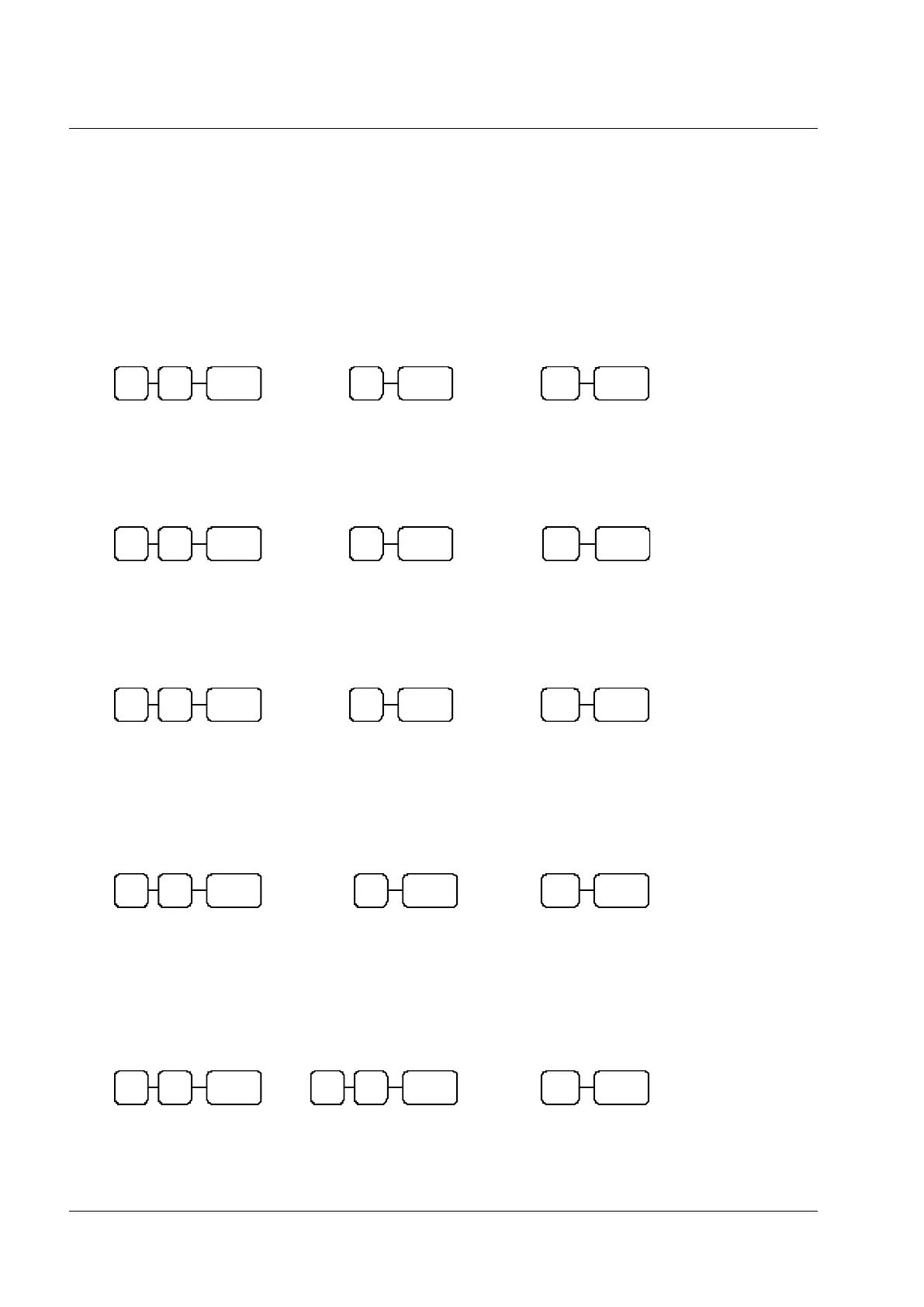
Baud Rate Setting
S-MODE
Parity Port Setting
S-MODE
Stop Bit Port Setting
S-MODE
Device Function Port Setting
S-MODE
0 = Epson Display
1 = ICD Display
80 = Serial Port 1 82 = RJ Port 3
81 = Serial Port 2 83 = RJ Port 4 / USB Port
80 = Serial Port 1 82 = RJ Port 3
81 = Serial Port 2 83 = RJ Port 4 / USB Port
80 = Serial Port 1 82 = RJ Port 3
81 = Serial Port 2 83 = RJ Port 4 / USB Port
80 = Serial Port 1 82 = RJ Port 3
81 = Serial Port 2 83 = RJ Port 4 / USB Port
0 = 9600 (Required for Bixolon Pole Display)
2 = 2400 (Required for WD202 Pole Display)
80 = Serial Port 1 82 = RJ Port 3
81 = Serial Port 2 83 = RJ Port 4 / USB Port
Sets Port as Pole display



 To Next Page