Remote Kitchen Order Printing
It is possible to utilise both serial ports for kitchen printing direct from one machine, alternatively the
kitchen ticket can be issued from the register’s receipt printer.
The groups are allocated with the printer port number, making it possible to designate different printers for
different groups. The register also allows for priority sorting by group ensuring that starters can be printed
before main course etc.
The register allows for a large degree of print control. It is possible to print the retail price of the items,
along with the total for the group; table, guest number etc.
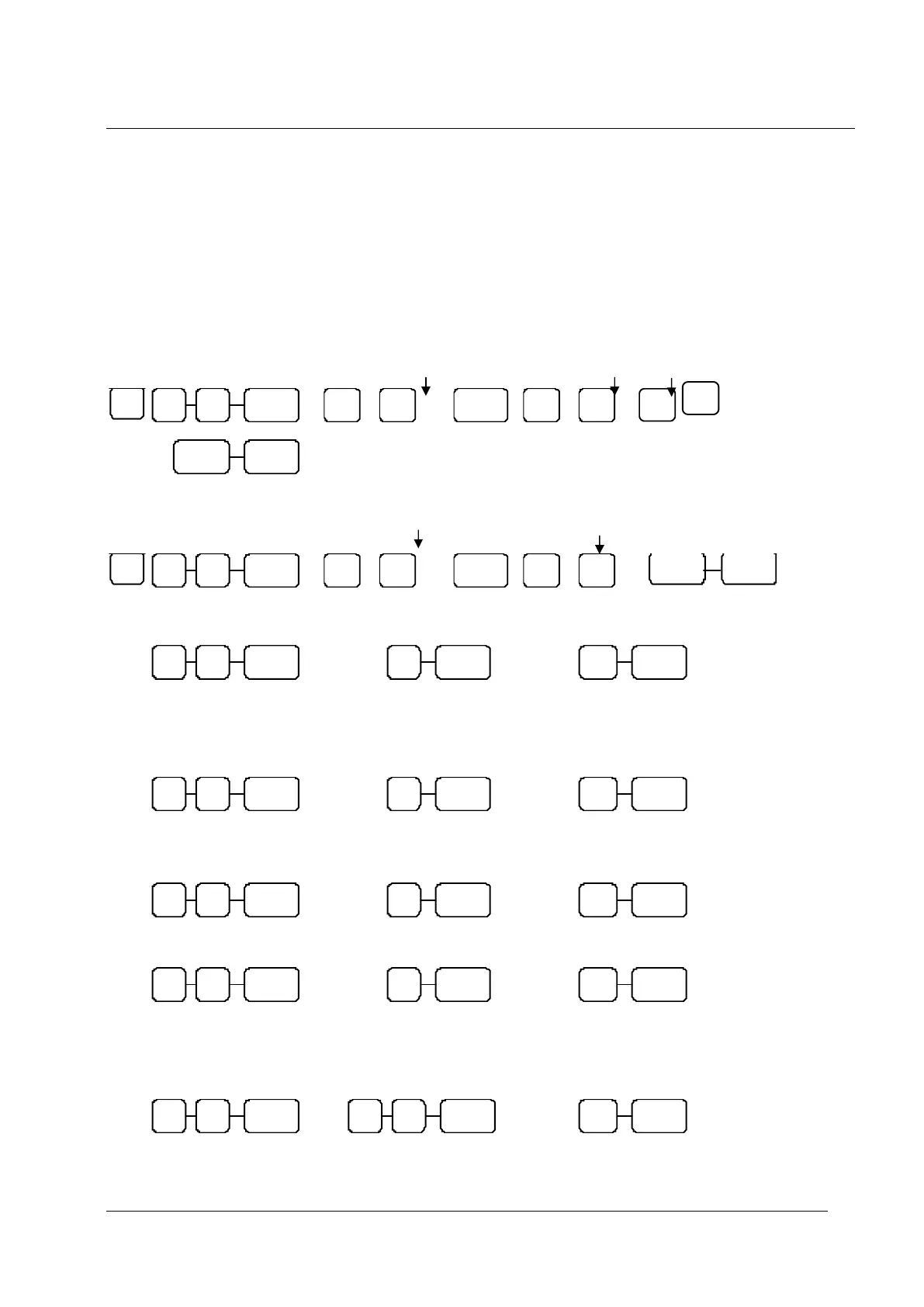
Setting a Group to Print
P-MODE
Linking a PLU to a Group
P-MODE
Parity Port Setting
S-MODE
Data Bits Port Setting
S-MODE
Stop Bits Port Setting
S-MODE
Device Function Port Settings
S-MODE
Printer Type Port Setting
S-MODE
Enter the of the group
number to program
Enter Output
1 = Receipt
2 = Port 1
4 = Port 2
Enter the
number of the
PLU Number
Enter the number of the group
you want to link the PLU to
Sets the port for a remote printer
80 = Serial Port 1 82 = RJ Port 3
81 = Serial Port 2 83 = RJ Port 4 / USB Port
0 = None 3 = SRP270
2 = Ellix 20 4 = SRP350
For other printers see port setup
80 = Serial Port 1 82 = RJ Port 3
81 = Serial Port 2 83 = RJ Port 4 / USB Port
80 = Serial Port 1 82 = RJ Port 3
81 = Serial Port 2 83 = RJ Port 4 / USB Port
Enter Output
1 = RJ Port 3
2 = RJ Port 4 / USB



 To Next Page