Flash ROM Information
1.Turn the control lock to the S position.
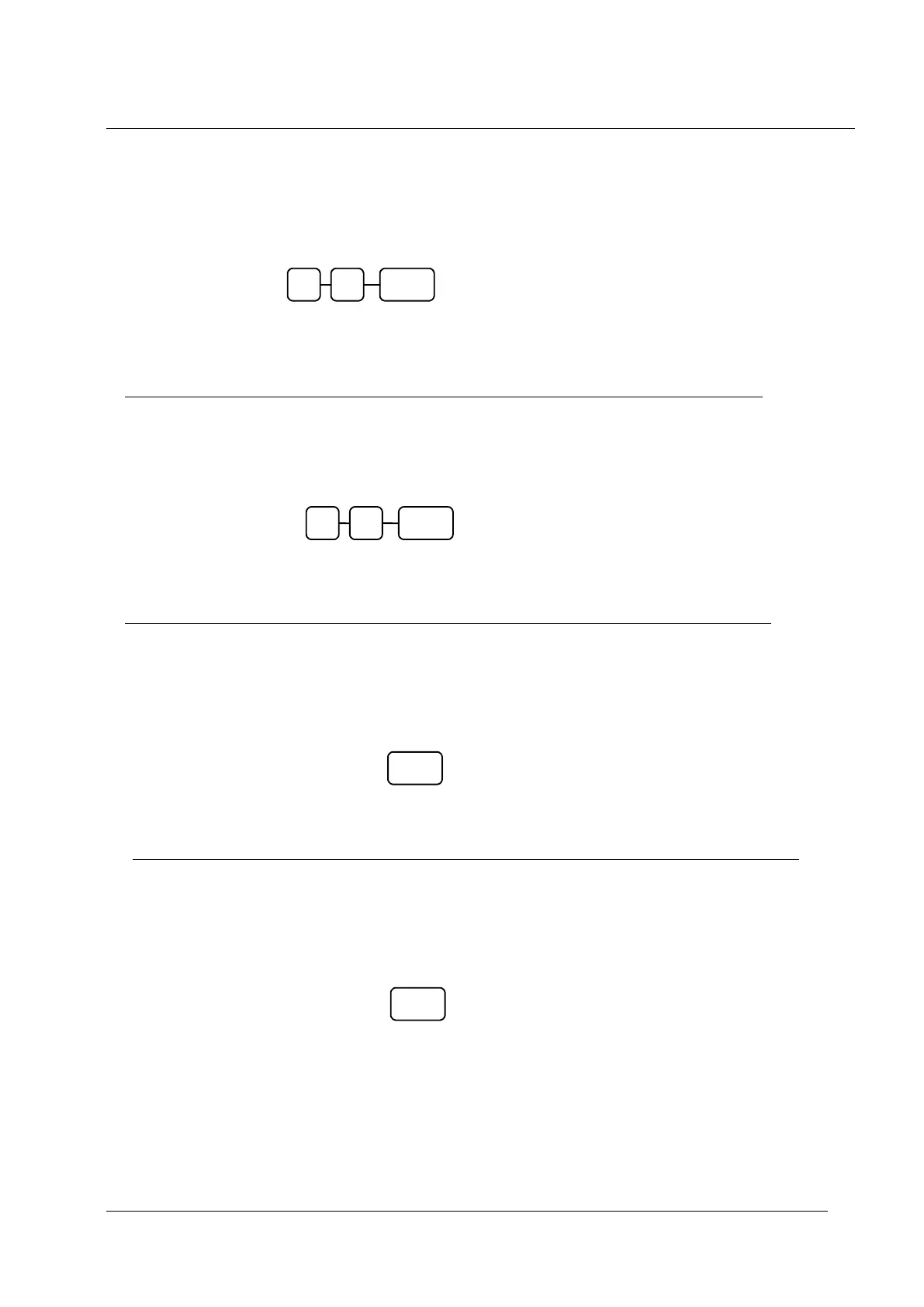
2.To print Eprom Information, enter 50, press the SBTL key.
Memory Allocation Information
1.Turn the control lock to the S position.
2.To print the memory allocation, enter 60, press the SBTL key.
Load Default Keyboard
1.Turn the control lock to the S position.
2.Turn the power switch to the OFF position .
3.Press and hold the 00 key
4. While continuing to hold the 00 key, turn the power switch ON
Initial Clear
1.Turn the control lock to the P position.
2.Turn the power switch to the OFF position .
3.Press and hold the SBTL key
4. While continuing to hold the SBTL key, turn the power switch ON



 To Next Page