Scanner Setup
The ER-900 allows for full stand alone scanning functionality
Features such as price change, price inquire and not found are available within the function list.
The register also provides mix and match discount for up to 99 discount tables.
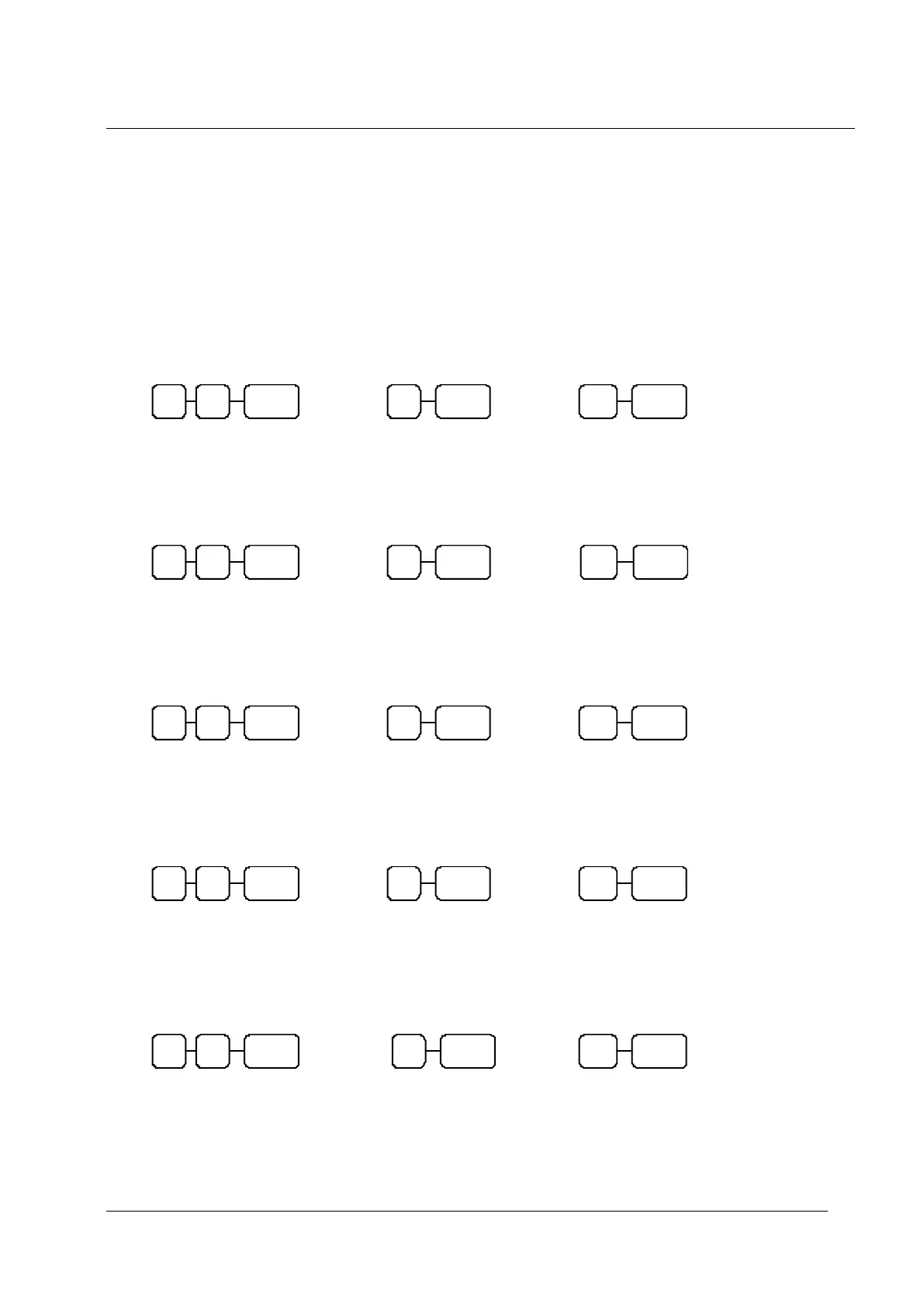
Baud Rate Setting
S-MODE
Parity Port Setting
S-MODE
Data bits Port Setting
S-MODE
Stop Bits Port Setting
S-MODE
Device Function Port Settings
S-MODE
Ensure the Scanner has successfully scanned the supplied Sam4s Setup sheet
80 = Serial Port 1 82 = RJ Port 3
81 = Serial Port 2 83 = RJ Port 4 / USB Port
Sets the port for a Scanner
80 = Serial Port 1 82 = RJ Port 3
81 = Serial Port 2 83 = RJ Port 4 / USB Port
80 = Serial Port 1 82 = RJ Port 3
81 = Serial Port 2 83 = RJ Port 4 / USB Port
80 = Serial Port 1 82 = RJ Port 3
81 = Serial Port 2 83 = RJ Port 4 / USB Port
80 = Serial Port 1 82 = RJ Port 3
81 = Serial Port 2 83 = RJ Port 4 / USB Port
1 = Odd Parity (All Metrologic Models)
0 = No Parity (Required for Labau Scanner)
0 = 9600 – (Metrologic Orbit & Labau Scanner)
2 = 2400 – (Metrologic Voyager & Eclipse)



 To Next Page