- 101 - SPS-500
SEAT # ASSIGNMENT
The seat # system may be employed in a soft check system. Its' purposes are:
To separate orders by individuals so that orders are identified by individual on kitchen requisitions
To facilitate separate payments.
Seat # entry can be enforced, or if optional seat #'s can be applied to items previously entered.
Enforced Seat # Entry
When seat # is enforced, it is enforced for each main item.
Seat # is not required for condiments.
Items are displayed as they are entered.
The seat number is displayed to the right of each main item.
Open a check.
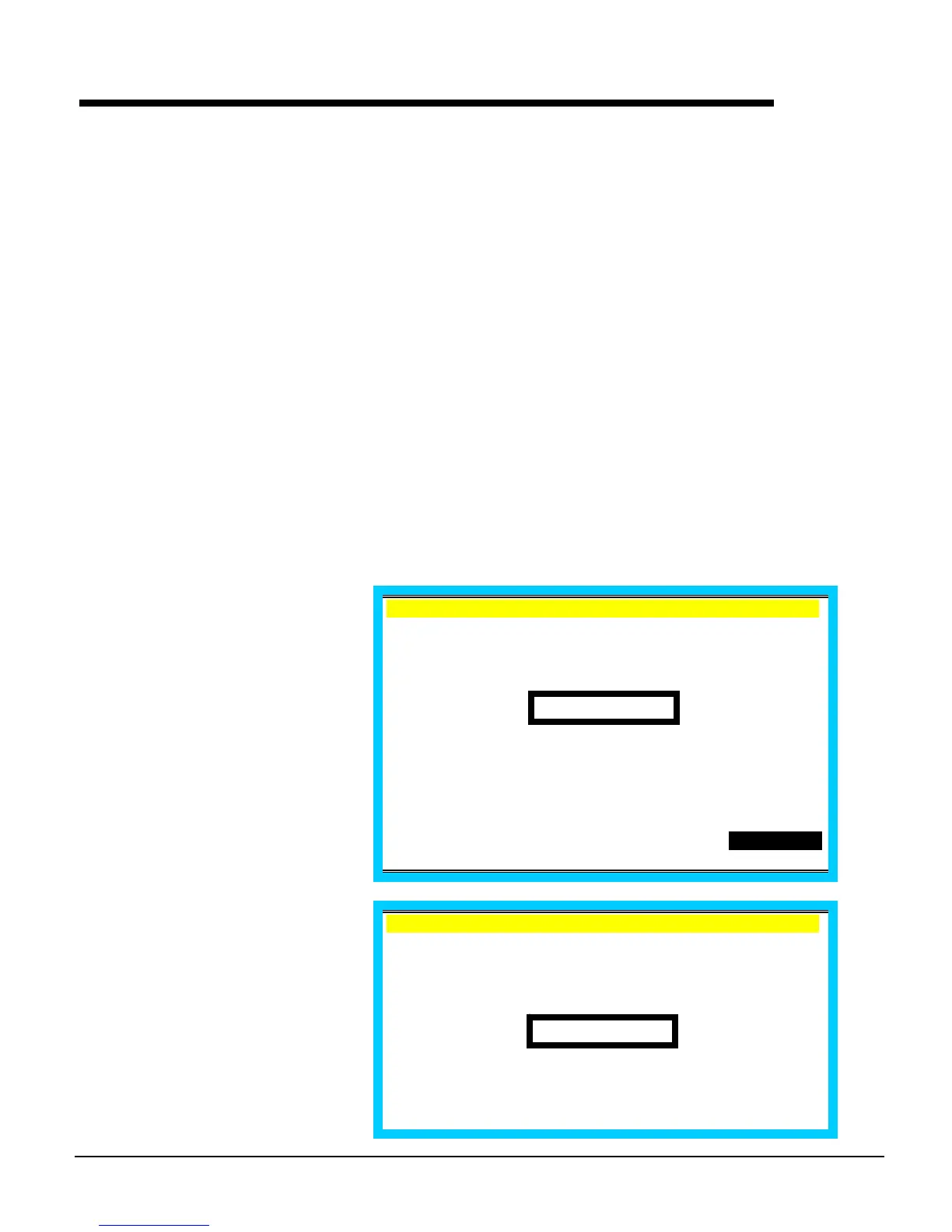
If you attempt to enter an item
without a seat number entry, the
"ENTER SEAT#" prompt displays.
EMPLOYEE 1 .
C1 /T 6/G 2
TTL 0.00
PO1 ROn REG01
Enter seat # (up to 2 digits). Note
that the seat number for the
subsequent item displays.
EMPLOYEE 1 .
C1 /T 6/G 2
ENTER SEAT #
SEAT #1



 To Next Page