- 113 - SPS-500
Register And Hold Multiple Items cont.
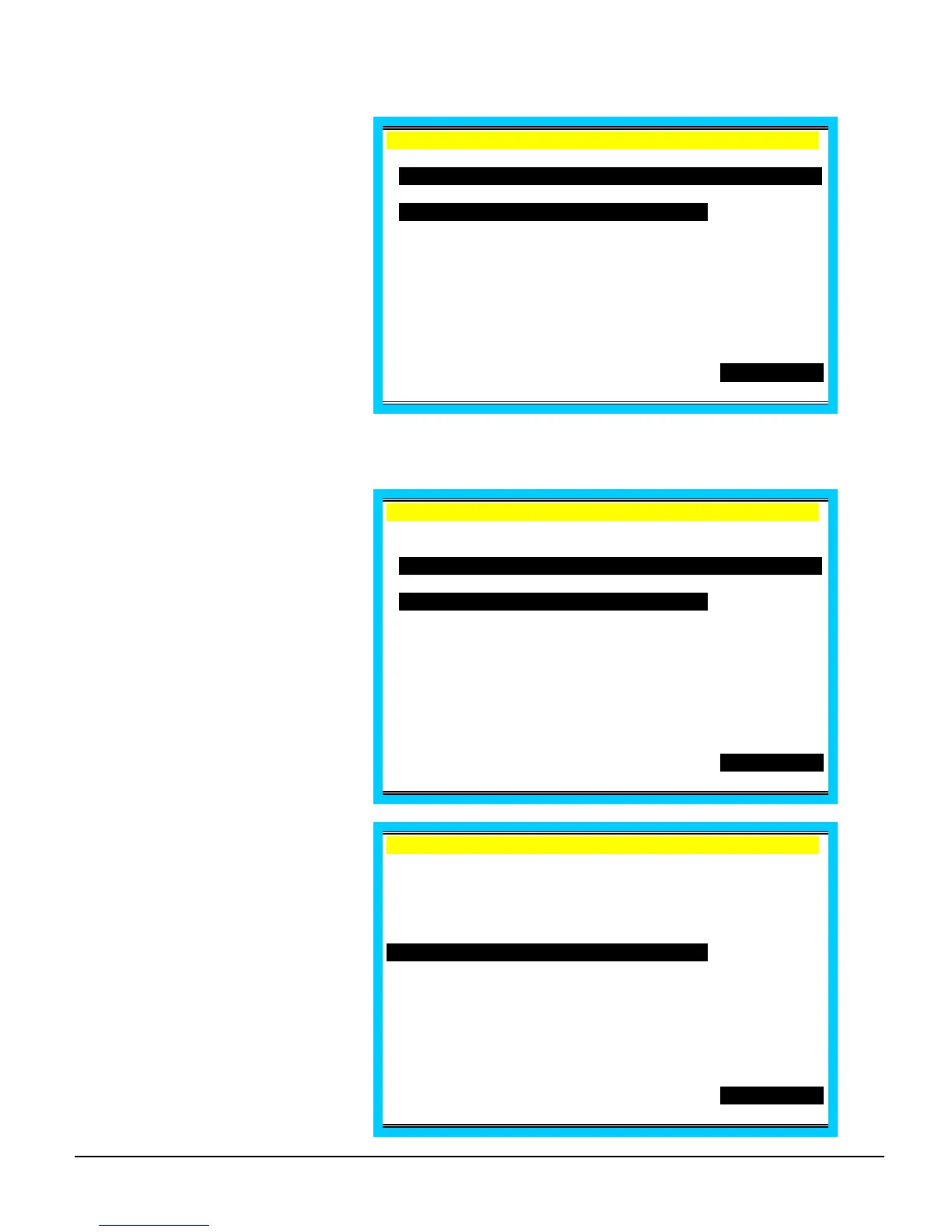
Press HOLD to apply hold status
to the selected items.
EMPLOYEE 1 .
C1 /T 6/G 2
H 1 STEAK DINNER 8.00
1 SHRIMP APP 3.95
H 1 PRIME RIB 9.95
1 ONION RING 2.95
TTL 24.85
PO1 ROn REG01
Print All Held Items
Recall an order with held items.
(Flag is selected Yes to
automatically select held items.
Press any key except PRINT
HOLD (or Repeat) to de-select
items if you are proceeding with
any another operation.)
EMPLOYEE 1 .
C1 /T 6/G 2
P/BAL 0.00
H 1 STEAK DINNER 8.00
1 SHRIMP APP 3.95
H 1 PRIME RIB 9.95
1 ONION RING 2.95
TTL 24.85
PO1 ROn REG01
Press PRINT HOLD. (Hold status
is removed for selected items;
items will be sent to appropriate
output when the check is
serviced.)
EMPLOYEE 1 .
C1 /T 6/G 2
P/BAL 0.00
1 STEAK DINNER 8.00
1 SHRIMP APP 3.95
1 PRIME RIB 9.95
1 ONION RING 2.95
TTL 24.85
PO1 ROn REG01



 To Next Page