- 121 - SPS-500
EMPLOYEE CHECK MOVEMENTS
Checks can be transferred in two ways: This applies only to the details of each employee relating to a check.
For check number movement and addition see combine checks using the ADD CHECK key.
individually,
.
Sign on a employee.
Press TRANSFER CHECK.
Enter the FROM employee file #
or select the FROM employee
from the list.
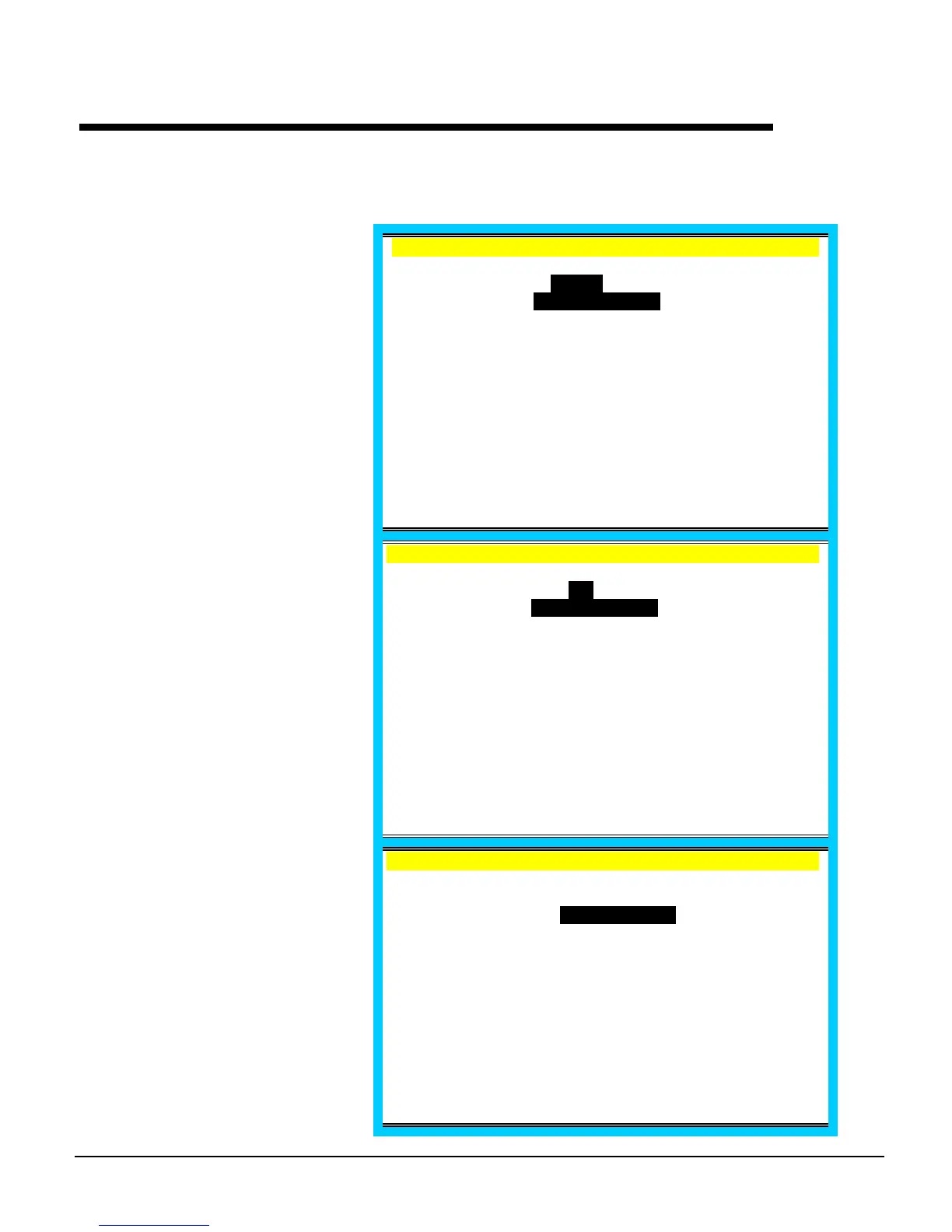
EMPLOYEE 1 .
TRANSFER CHK
FROM
EMPLOYEE1
EMPLOYEE2
ESC ENTER PAGE UP/DN ↑↓
Enter the TO employee file # or
select the TO employee from the
list.
EMPLOYEE 1 .
TRANSFER CHK
TO
FROM : 1 EMPLOYEE1
EMPLOYEE2
ESC ENTER PAGE UP/DN ↑↓
When the TO employee is
entered, a window displays offer a
choice of transferring a single
check or all check.
To transfer all, select ALL
CHECKS and press enter. The
message "CHECKS
TRANSFERRED" will display.
EMPLOYEE 1 .
TRANSFER CHK
FROM : 1 ALL CHECKS
TO : 2 ONE CHECK
ESC ENTER PAGE UP/DN ↑↓



 To Next Page