- 158 - SPS-500
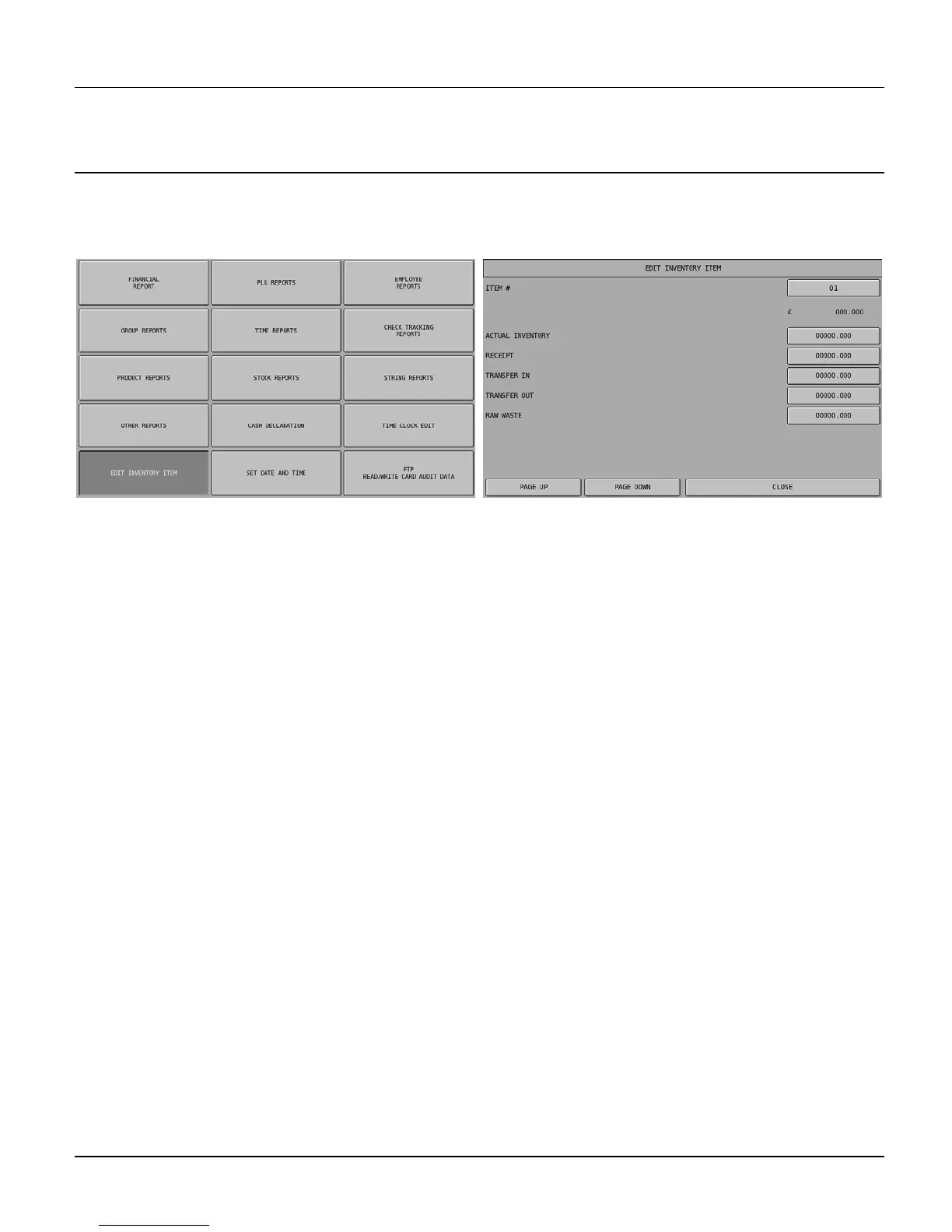
The system allows products to be linked to recipes, when sold the recipe will be checked and the ingredient stock will
be updated. The ingredient stock can be entered using the following screen to enter deliveries, wastage etc.
NOTE: Be careful not to confuse the separate and distinct inventory features
• Recipes and Ingredients – Stock control of components making up a saleable product
• Product Mix - Usage reporting of outers and units sold
• PLU Stock – Stock control of saleable products
Actual Inventory
This is the field for entering the current stock holding
Receipt
This is the field for entering the quantity delivered
Transfer In
This is the field for entering the quantity of goods transferred in
Transfer Out
This is the field for entering the quantity of goods transferred out
Raw Waste
This is the field for entering wastage of items



 To Next Page