- 108 - SPS-500
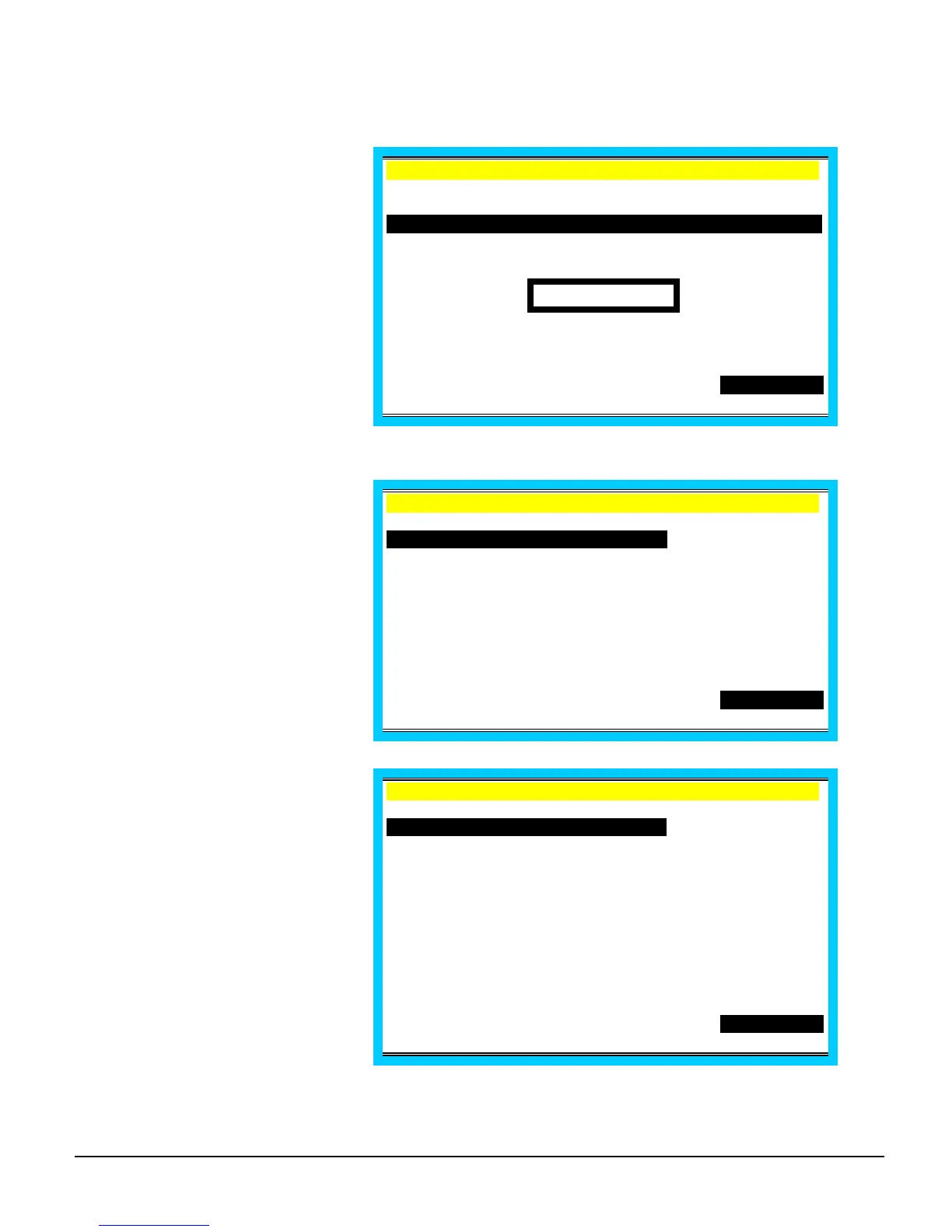
Payment by Seat Number
Press SBTL.
EMPLOYEE 1 .
C1 /T 6/G 2
1 STEAK S1 10.00
1 SEAFOOD S2 10.00
TTL 20.00
PO1 ROn REG01
Press SEAT # to display the seat
number totals.
EMPLOYEE 1 .
C1 /T 6/G 2
SEAT1 10.00
SEAT2 10.00
TTL 20.00
PO1 ROn REG01
Press the ↑ or ↓ keys as
necessary to select a different
seat Note that the taxes and the
total for the seat are displayed
when it is selected.
If you wish to pay more than one
seat, select the first seat, press
ENTER, select another seat,
press ENTER. Both seats will be
highlighted and the total of both
displayed.
EMPLOYEE 1 .
C1 /T 6/G 2
SEAT1 10.00
SEAT2 10.00
TTL 20.00
PO1 ROn REG01
SUBTOTAL



 To Next Page